Unity 3D · Vagon Streams
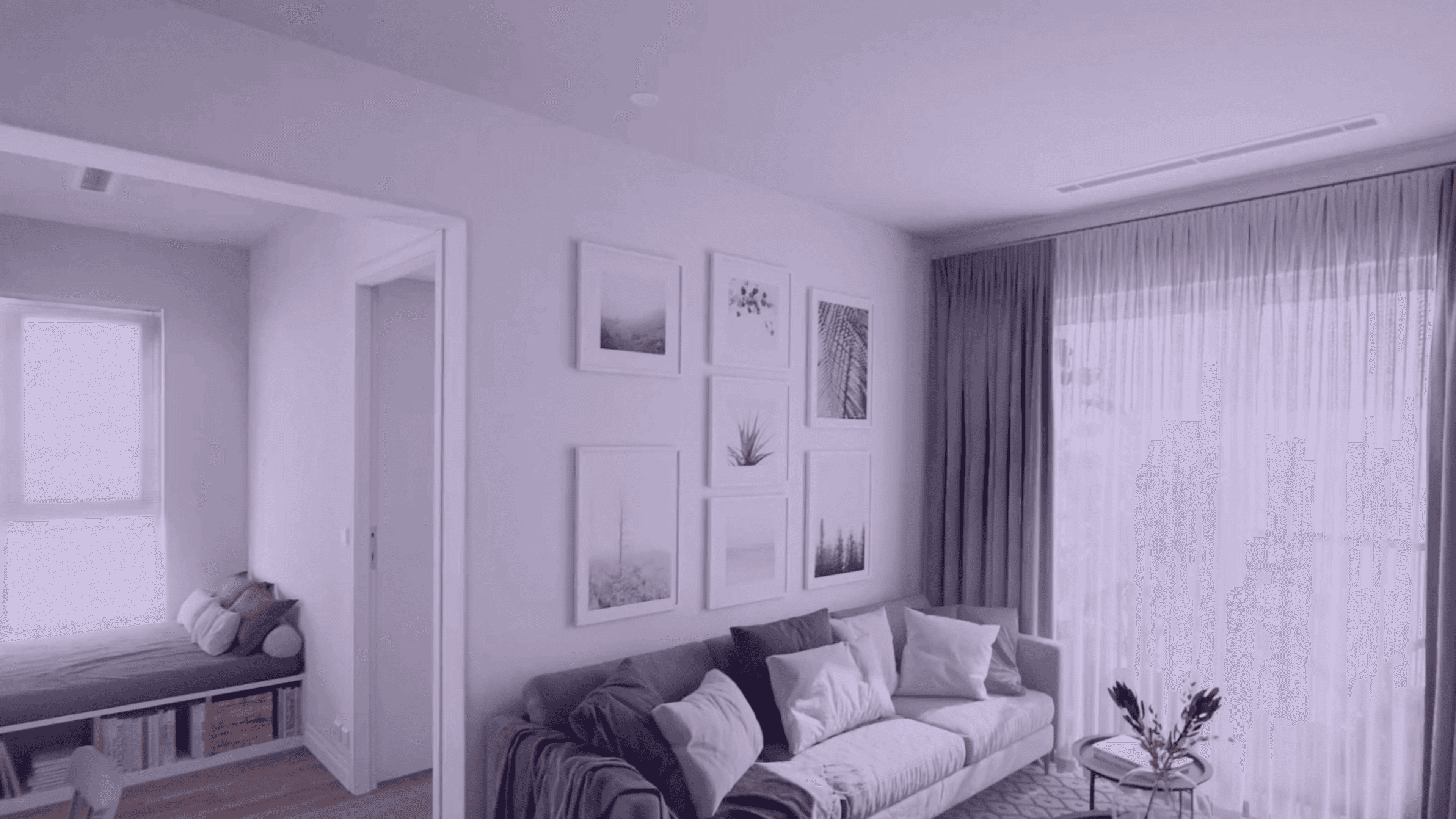
A modern apartment in Unity, streamed from a cloud GPU to any browser. Full lighting and material detail, with no install or high-spec hardware.
4K at 60 FPS
Ultra-low latency in any browser
Try it live
10K+ concurrent users
Scales with your audience
See pricing
20+ regions
Stream close to every user
Stream your own app
About this demo
Explore a modern apartment in 3D
ArchViz Studio is a meticulously crafted modern apartment, streamed through Vagon Streams. Users explore the space with full lighting, material detail and interactive control, all in the browser, with no installation or high-spec hardware.
The scene includes a living room with open kitchen, relaxation areas, two bedrooms, two bathrooms and balconies. It features over 130 furniture pieces and props, custom shaders, 4K textures and a multiplatform setup that keeps visual fidelity in the browser.
Why interior scenes are hard to share
Architectural interiors show fine detail: subtle lighting shifts, material reflections, shadows and high-quality geometry. Running them locally demands strong GPUs and optimized resources, and many clients lack the hardware.
Packaging and distributing heavy binaries means long downloads or compatibility issues, so clients often see only static renders or video flythroughs. Even interactive previews vary by machine: what looks sharp on one may look degraded on another.
What cloud streaming changes
Streaming ArchViz Studio through Vagon Streams changes how architects, designers and clients work with interiors. The environment runs on cloud GPUs, and every user sees the same real-time scene in their browser.
Share the complete scene
Clients navigate on their own, inspect finishes and toggle views, instead of watching a guided video.
Review identical visuals
Every participant sees the same visuals on any device. Lighting, layout or material changes can be tested live.
Present interactively
Viewers control their viewpoint and explore the space, which gives a stronger sense of design intent.
Teach on any device
Learners open photoreal interiors from any device, with no specialized rigs.
Vagon Streams
Build your own with Vagon Streams

Unity streaming
Stream Unity apps with RTX-enabled NVIDIA GPUs, as an official Unity Verified Solution.
Learn more

Unreal Engine Pixel Streaming
Set up scalable Unreal Engine Pixel Streaming in minutes and reach any device.
Learn more
Application streaming
Turn any Windows or Linux app into a real-time stream with 4K quality and 60 FPS.
Learn more
Global coverage, 20+ regions
Stream from 20+ regions and scale to thousands of visitors when you need to.
Learn more
Enhanced analytics
See real-time stream usage and user interactions to manage your Streams cost-effectively.
Learn more
Whitelabel streams
Add your own branding and embed your stream anywhere with a single line of code.
Learn more


Focus on the work, not the hardware.
Create, render, collaborate and stream on the best hardware.