AI AGENTS ON VAGON
$0.99 trial · 1 hour + 7-day storage · billed by the minute

claude
> Inspect the open Blender scene. Report objects and cameras. Do not modify anything.
● MCP: connected to Blender
● Computer Use: checking the viewport
✓ Read-only report ready: 214 objects, 3 cameras

PERFORMANCE
Spark $1.67/h
Names and logos belong to their owners and are used only to say what works on Vagon. Not an endorsement.
WORKS WITH THE AGENTS AND APPS YOU ALREADY USE
Claude Code

Codex

OpenCode
Blender
Premiere Pro
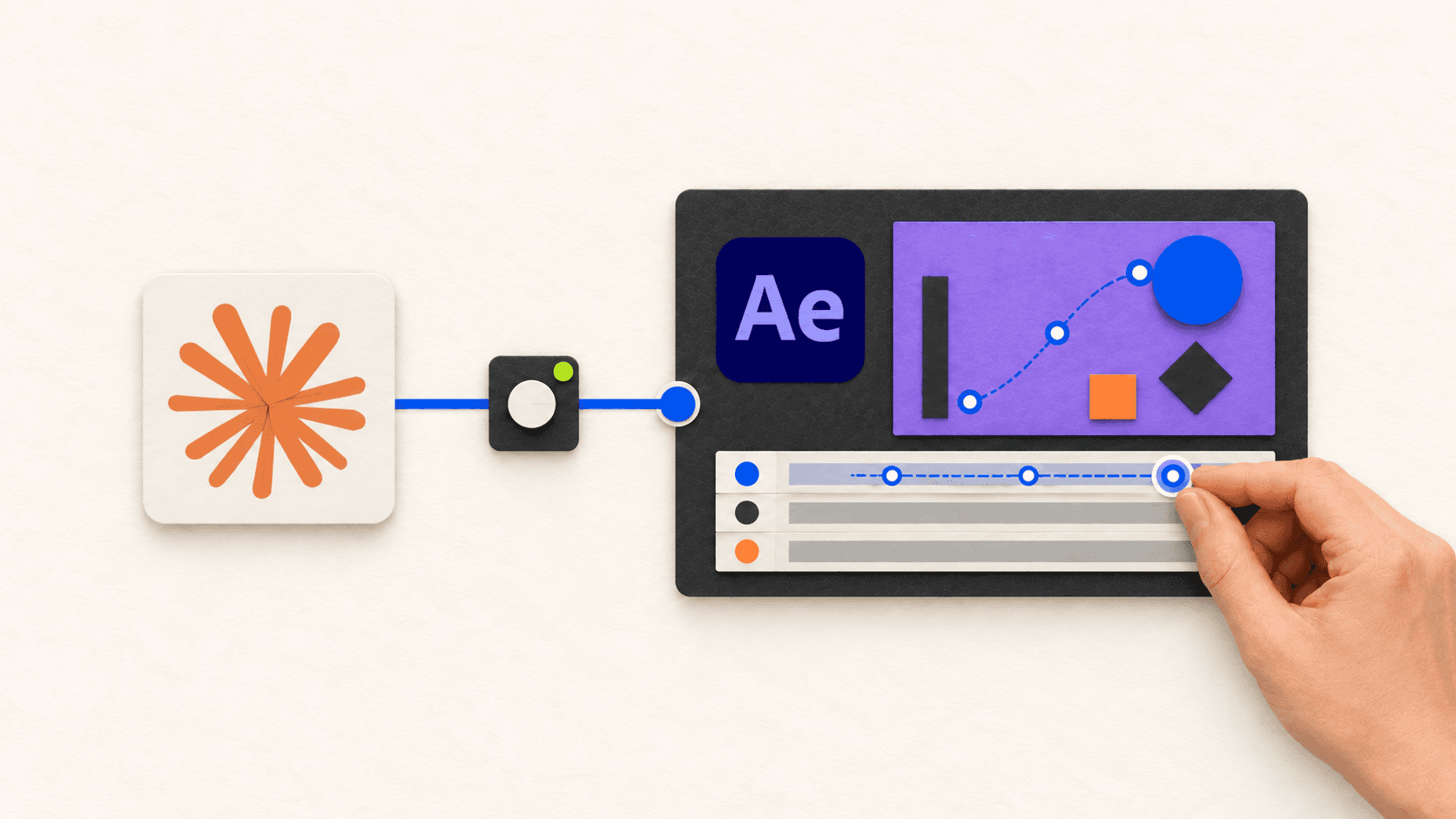
After Effects
Unreal Engine
Unity

DaVinci Resolve

SolidWorks
Rhino
NVIDIA GPUs
WHY A CLOUD COMPUTER
● 01
A dedicated GPU, scaled up when you need it
RTX-enabled NVIDIA GPUs, from Tesla T4 to a 4×24 GB A10G.
Proof · 11 performances on Cloud Computer pricing
Apps installed before you connect
149 preinstalled apps, or install any application manually.
Proof · the preinstalled app catalog
An isolated VM, not your laptop
Each computer is a separate virtual machine, reached over an encrypted connection.
Proof · the watch-your-agent guide
Watch it. Take over when it gets stuck.
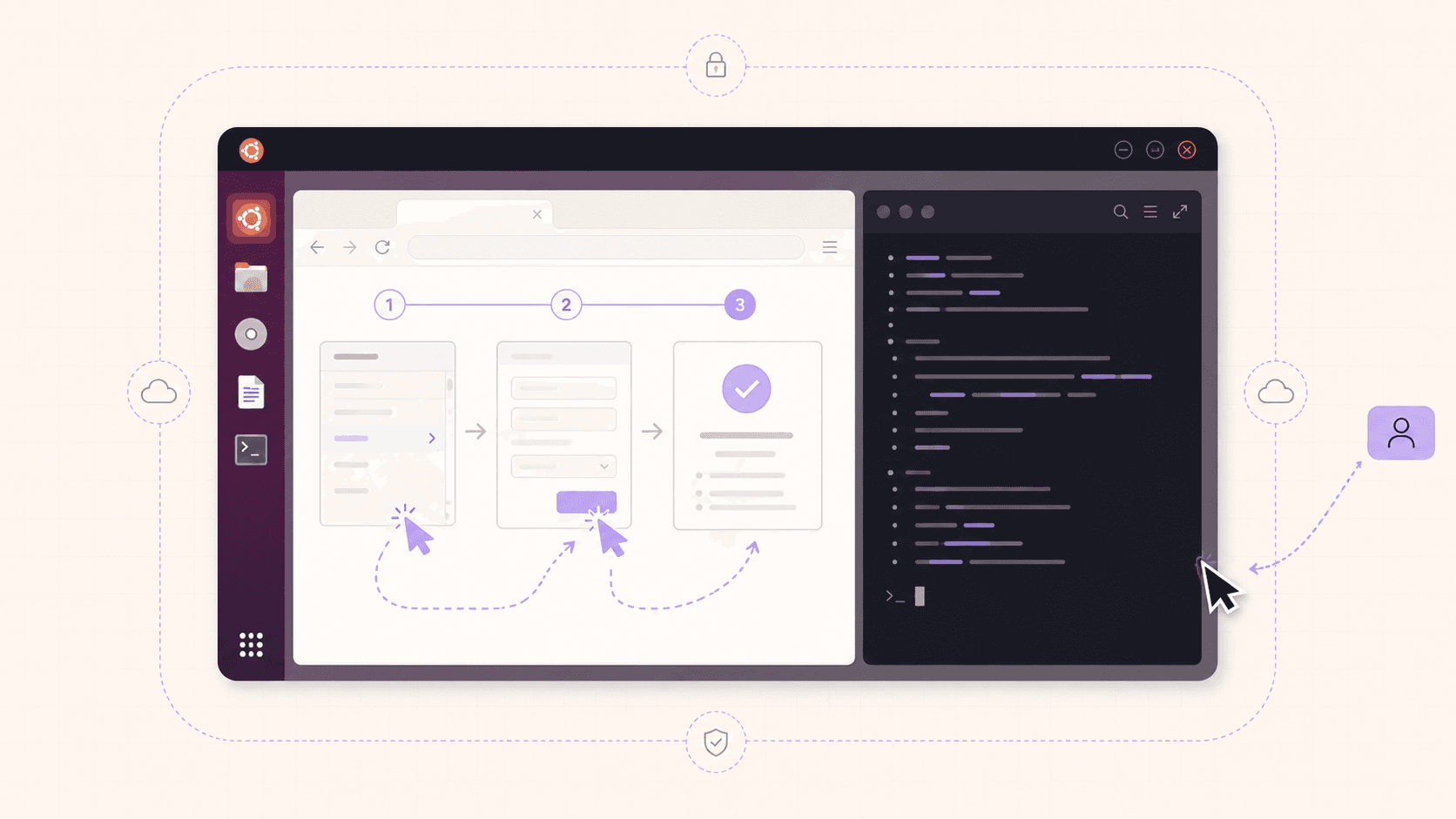
It is a live desktop in your browser, so you can grab the mouse and hand control back.
Proof · the Ubuntu watch guide
Switch performance, keep your files
Change the performance without losing your files and apps.
Proof · Cloud Computer features
Pay by the minute
Billed in 1-minute increments. Shut the computer down and the meter stops.
Proof · Cloud Computer pricing
HOW IT WORKS
● 02
01
Pick Windows or Linux (Ubuntu) and add the apps you need. Vagon installs them before you connect.
02
Start on Spark or Planet. Switch to a bigger one when a scene or timeline gets heavy.
03
Install Claude Code, Codex, OpenCode or your IDE on the same computer. Register the app’s MCP server, and use Computer Use for visual checks.
04
Start read-only, then approve edits. Every guide follows the same loop: inspect, propose, approve, edit, verify.
FIRST PROMPT
A first prompt from the Claude Code + Premiere Pro guide.

Premiere Pro and Claude Code on one Vagon computer, streamed to the browser
GUIDE LIBRARY
● 03










COST
● 04
2 h × $1.67/h. Estimate: hourly rate × session length. Storage plan not included.
TRIAL
1 hour of Planet (or equivalent Spark) and 7-day storage.
By the minute
1-minute billing increments.
$7.99 / month
Personal storage plan with a 75 GB disk, so your apps and files stay.
11 performances
Switch between them and keep files and apps.
Rates can change based on usage, data transfers and regions. Storage plan not included in hourly rates.
WHAT TO EXPECT
● 05
What to expect
No native connector. Vagon does not ship a Claude or Codex integration for these apps. You bring a compatible MCP server and the plugin or bridge it needs.
You bring the licenses. Apps like Premiere Pro, After Effects and SolidWorks need your own license on the cloud computer.
You bring the agent. Install and sign in to Claude Code, Codex or OpenCode yourself. Vagon does not supply AI access or keys.
Windows or Linux. The app guides use Windows computers, and SolidWorks needs Windows. Ubuntu suits coding and browser agents.
Many MCP servers are community-built. Supported versions and tools vary, so start read-only on a copy.
Computer Use is for checking, not precision. Pixel-perfect work such as sculpting is less reliable than scripts or MCP tools.
Security and isolation
Isolated virtual machine. The agent works on a separate VM, not next to your laptop’s files and keys.
Encrypted connection. Your session streams to the browser over an encrypted connection.
Isolation is not immunity. It contains damage. It does not stop prompt injection or vet the plugins your agent installs.
Use scoped, throwaway credentials. Keep your main keys and password manager off the machine.
Reset when unsure. Reset to a clean image after a risky run.
Not a 24/7 host. A per-minute workstation costs more than a small always-on server for parked chat agents.
FAQ
Do I need to install anything locally?
Which agents work?
Does Vagon provide the AI or API keys?
Is there a native Claude or Codex integration?
Can I watch and take over?
Is it safe to let an agent run there?
What does it cost?
Can I run an agent all day, every day?
GET STARTED
Create a computer, install your agent and watch it work. $0.99 for the first hour and 7 days of storage.