Unreal Engine · Vagon Streams
Real-time DMX stage lighting in Unreal Engine, streamed from a cloud GPU to any browser. No download, no high-end GPU.
4K at 60 FPS
Ultra-low latency in any browser
Try it live
10K+ concurrent users
Scales with your audience
See pricing
20+ regions
Stream close to every user
Stream your own app
About this demo
Control stage lighting in your browser
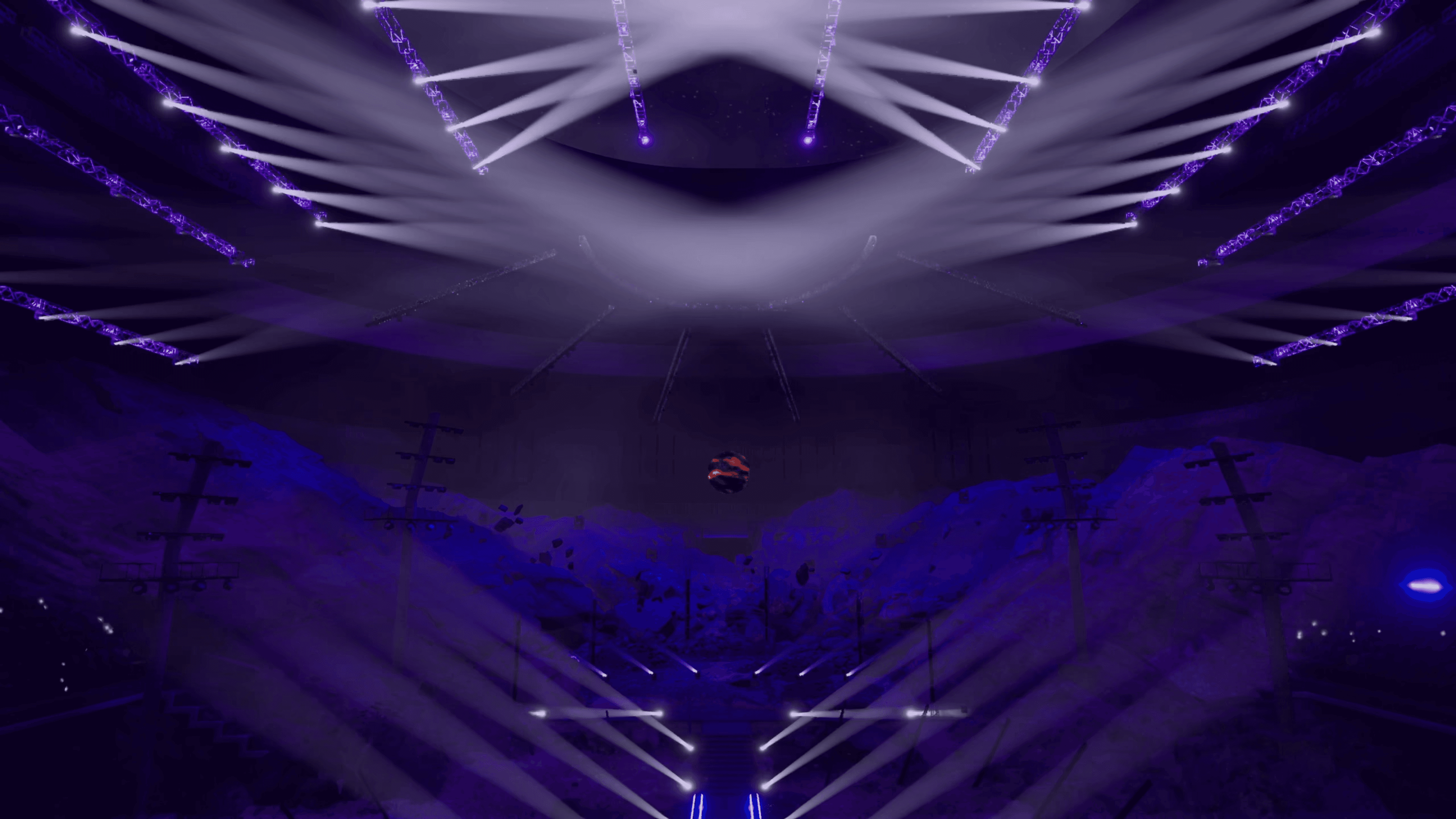
DMX Visual Concert is inspired by Epic Games and Moment Factory’s sample project and shows how Unreal Engine’s DMX lighting system can be visualized and controlled in real time. Streamed through Vagon Streams it runs fully in the browser.
The scene simulates a large-scale stage with 7,000+ DMX channels, hundreds of fixtures, synchronized lighting cues and audio-driven sequences. From front-of-house views to cinematic fly-throughs, every cue renders in real time, with no installs and no high-end GPU.
Why DMX previs is hard to share
Precision in lighting and cue timing is essential, and testing complex DMX setups usually takes powerful local hardware, dedicated lighting consoles and physical fixtures.
Directors and clients often review recordings instead of real-time views, so adjustments land late, during costly on-site rehearsals. Performance also depends on the user’s machine.
What cloud streaming changes
Running DMX Visual Concert in the cloud and streaming it to the browser lets everyone view, test and interact with the same lighting previs in real time. No installs, no workstation setup, no GPU limits.
Review stage design
Review layouts, lighting angles and spatial relationships without building physical mockups.
Test content in the venue
Motion graphics, LED wall content or projection mapping visuals can be tested inside the virtual venue and streamed to stakeholders in full quality.
Iterate on lighting
Teams explore lighting conditions and present changes instantly through a browser link.
Train on light devices
Students and technicians open GPU-heavy scenes from lightweight devices, with the same fidelity as a local setup.
Vagon Streams
Build your own with Vagon Streams

Unreal Engine Pixel Streaming
Set up scalable Unreal Engine Pixel Streaming in minutes and reach any device.
Learn more

Unity streaming
Stream Unity apps with RTX-enabled NVIDIA GPUs, as an official Unity Verified Solution.
Learn more
Application streaming
Turn any Windows or Linux app into a real-time stream with 4K quality and 60 FPS.
Learn more
Global coverage, 20+ regions
Stream from 20+ regions and scale to thousands of visitors when you need to.
Learn more
Enhanced analytics
See real-time stream usage and user interactions to manage your Streams cost-effectively.
Learn more
Whitelabel streams
Add your own branding and embed your stream anywhere with a single line of code.
Learn more
More demos
All experiences


Focus on the work, not the hardware.
Create, render, collaborate and stream on the best hardware.