Instant Connection for Pixel Streaming
— New Feature Automated Setup

How 3D Load Times Quietly Kill Your Conversion Rate
How 3D Load Times Quietly Kill Your Conversion Rate
Streams
How 3D Load Times Quietly Kill Your Conversion Rate
Table of Contents
A 3D product viewer can push your conversion rate up by as much as 94%.
That's a Shopify number, not a vendor's daydream. So why do so many 3D web experiences quietly bleed money instead?
Because the thing built to win the sale is often the same thing scaring people off before they ever see it. A 3D scene is heavy. Models, textures, shaders, all of it has to reach the browser and render before anyone gets that little "oh, nice" moment. And while it loads, the clock is running. More than half of mobile visitors will bail if a page takes longer than three seconds to show up.
So you've built a conversion machine that doubles as an abandonment machine. Same asset. Two opposite outcomes, decided almost entirely by how fast it appears on screen.
This is a guide to closing that gap. What load time really does to your numbers, why 3D plays by different rules than the rest of your site, and the two very different ways out of the trap.
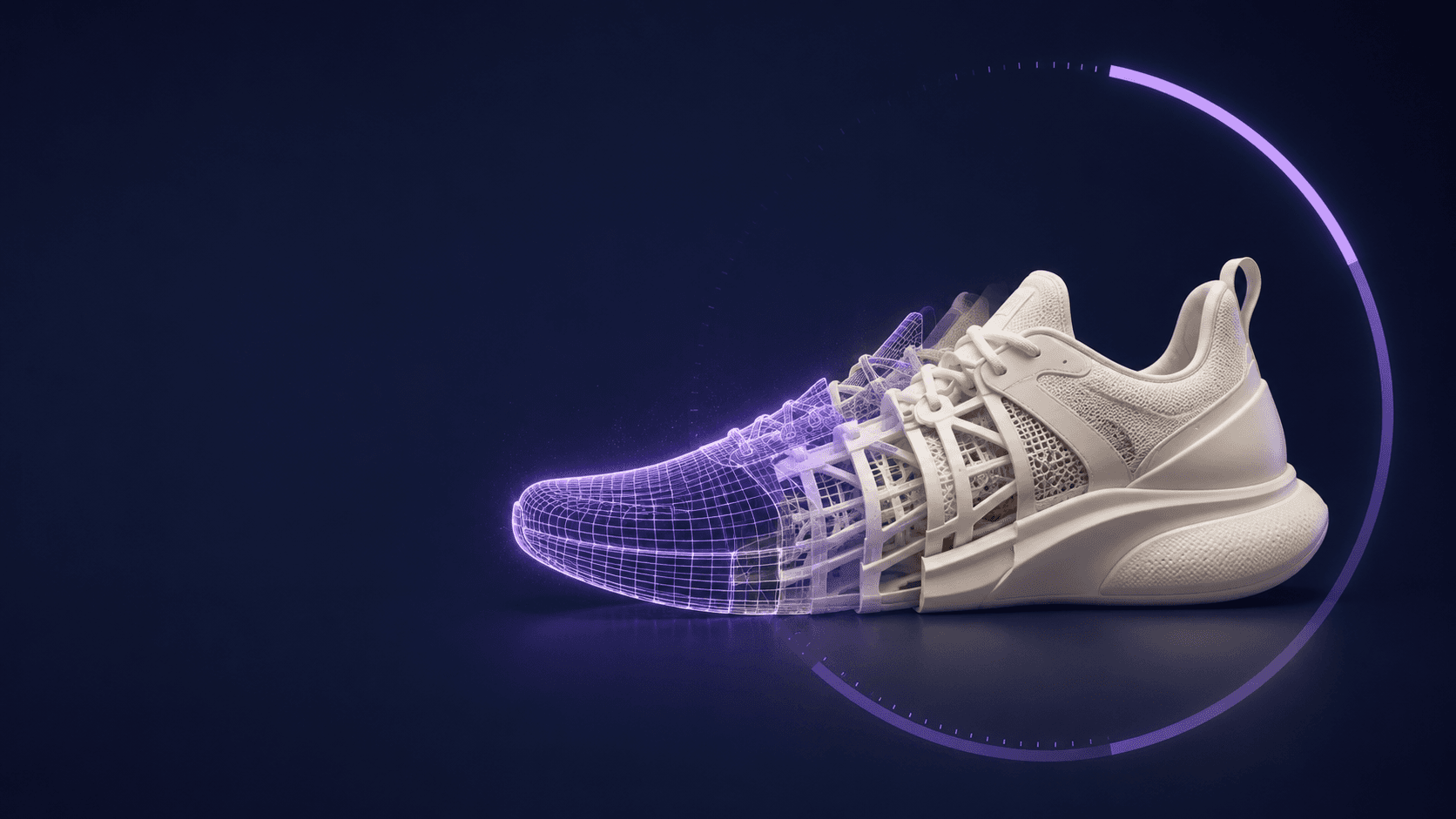
The load-time stat everyone quotes, and why it misleads you on 3D
If you've read anything about page speed, you've met the 7% rule. Akamai's research found that a one-second delay correlates with roughly a 7% drop in conversions. Portent put harder numbers on it: ecommerce sites that loaded in one second converted at 3.05%, while sites that took five seconds managed only 1.08%. On mobile it gets worse. About 53% of people abandon a site that takes more than three seconds to load.
Those numbers are real, and I'm not going to argue with them. But here's the part nobody mentions when they drop that 7% figure into a pitch deck: it was measured on ordinary web pages. Text. Product grids. A checkout form. Stuff that's basically "done" the moment it paints on screen.
A 3D experience doesn't work like that, and treating it like it does will quietly mislead you.
When a normal page loads, the browser fetches some HTML, some images, maybe a bit of script, and paints. Fast. A 3D scene has a much longer to-do list before it means anything to a human. It has to download the geometry and textures, hand them to the GPU, compile shaders, and render that first frame. Only then does the visitor see a product instead of a blank rectangle.
And this is the sneaky part. Your analytics can happily report the page as "loaded" while the user is still staring at an empty canvas, waiting for the 3D to wake up. The benchmark that works fine for a blog post will lie to your face about a 3D experience. Which means the first thing worth fixing isn't your load time. It's what you even mean by "loaded."
What "load time" actually means for a 3D experience
Here's the mental shift that fixes most of this. A 3D experience doesn't load at a point in time. It loads in stages, and a visitor's patience is being spent across all of them.
There are four moments worth separating in your head.
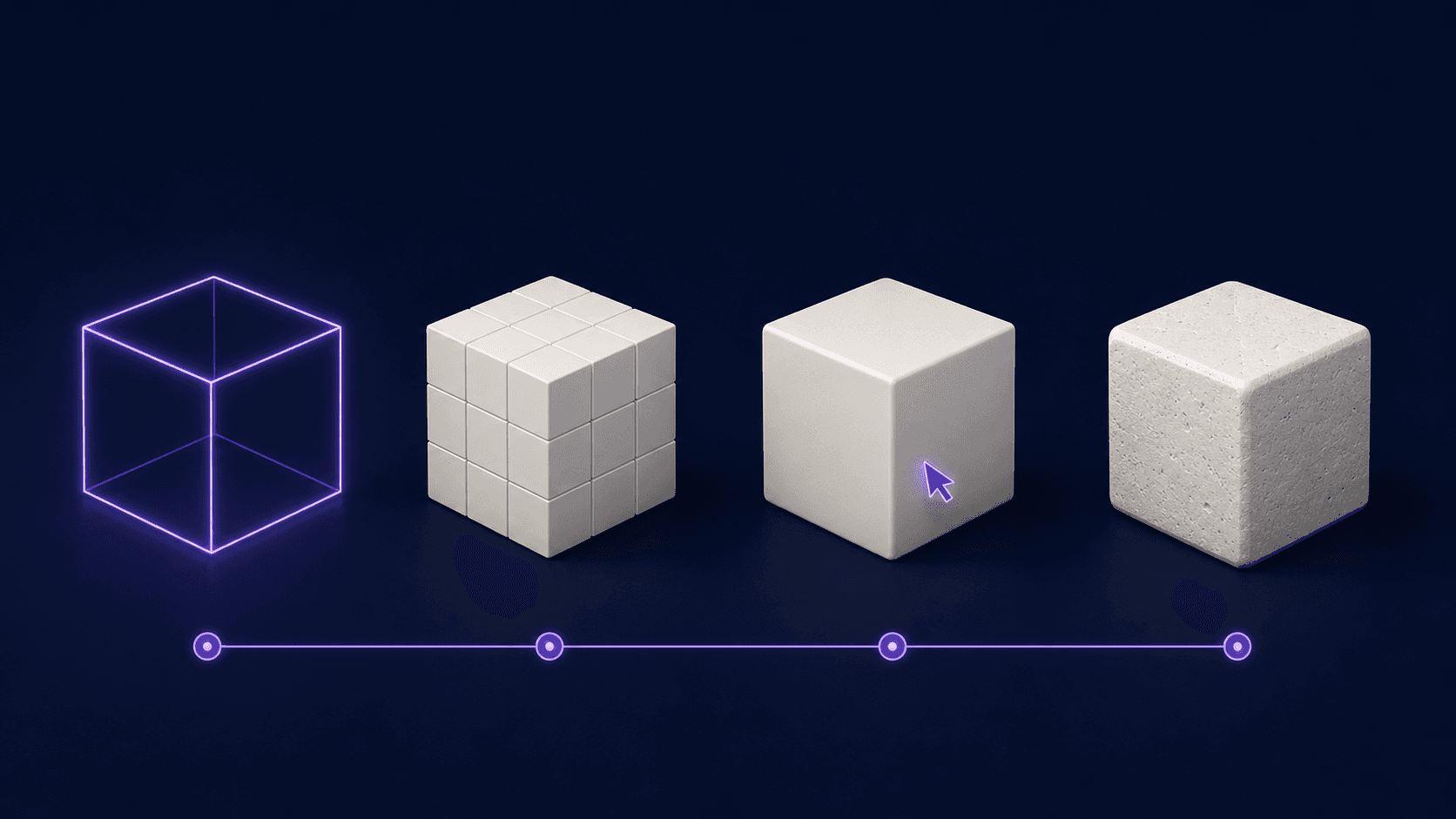
First byte is when the server starts responding. This is the part every speed tool obsesses over, and for 3D it's almost the least interesting. Shaving 100 milliseconds here means nothing if the next stage takes eight seconds.
First frame is when something actually appears on the canvas. Not the final scene, just proof that pixels are coming. This is the moment that buys you patience. A user who sees a low-res preview or a spinning placeholder will wait. A user staring at a blank gray box assumes it's broken and leaves.
Interactive is when they can grab the model, spin it, change the color. This is the one that converts. Everything before it is setup. The whole point of 3D over a photo is that people get to poke at the thing, and until they can, you haven't delivered the experience you paid for.
Full fidelity is when every texture has streamed in at full resolution and the scene looks the way your designer intended. Good news: this can happen last, and often nobody notices the difference once they're already dragging the product around.
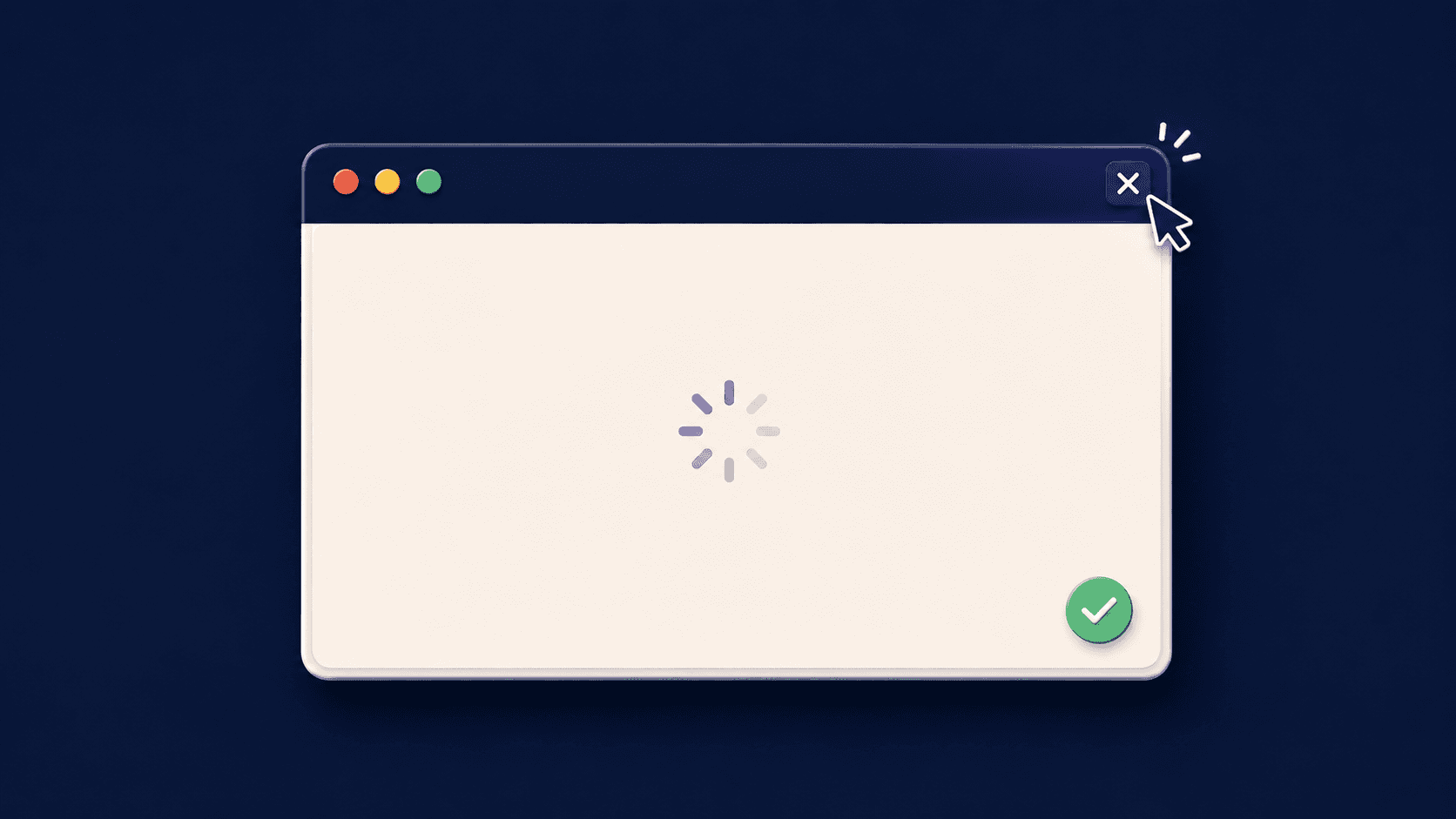
Now the trap. Your standard performance score, Largest Contentful Paint, measures roughly when the biggest visible element shows up. On a 3D page, that "element" is usually the canvas. So the browser marks the canvas as painted the instant it exists as an empty rectangle, and your dashboard gives you a cheerful green score while your visitor watches nothing happen.
That gap, between when the metric says you're done and when the human can actually do something, is where the money leaks out. So stop optimizing for "loaded." Optimize for interactive, and measure the distance between the click and the first real interaction. That number is the one tied to your conversion rate.
Why 3D boosts conversion rates when it loads fast
It's worth being honest about why anyone tolerates the headache at all. Most conversion tactics give you a little nudge. A better button color, a tighter headline, a trust badge near the checkout. 3D is one of the few that moves more than one number at once.
Start with conversion. The Shopify figure from the top of this post isn't an outlier. A Shopify study found a 5% reduction in returns and a 40% lift in order conversion when shoppers could view products in 3D. Furniture and other high-consideration categories see the biggest swings, which makes sense. The harder a product is to picture in your head, the more a spinnable model is worth.

Then there's engagement, which is really conversion's quieter cousin. Research from Cappasity found that 82% of shoppers who land on a product page will switch on a 3D view, and 95% prefer it to watching a video. People don't just glance at 3D. They stay, they fiddle, they try the blue one and then the green one. Time on page climbs, and so does the odds they talk themselves into buying.
A lot of this comes down to psychology that has nothing to do with technology. When someone configures a product, picks the finish, rotates it, sets it up the way they want it, they start to feel a flicker of ownership before they've paid a cent. Behavioral folks call it the IKEA effect: we value things more when we've had a hand in making them. Abandoning the cart starts to feel less like skipping a purchase and more like throwing away something you already built.

And there's the part finance actually cares about: returns. In the luxury space, around 25% of online purchases get sent back, against 5 to 10% for in-store buys. A lot of that is mismatched expectations, the "it didn't look like that" problem. An accurate 3D view shrinks the gap between what someone imagined and what shows up at the door, so fewer items boomerang back to your warehouse.
So this is the prize. Higher conversion, longer sessions, fatter order values, fewer returns, all from one asset. Which is exactly why it's so frustrating that the same asset will torch your numbers the second it loads too slowly. That's the trap, and it's next.
If cost is the deciding factor for you, here's how Vagon Streams pricing works so you can run the numbers against your own traffic.
The trap: more impressive 3D, slower load times, lost sales
Here's the uncomfortable truth most 3D vendors won't put on a slide: past a certain point, "more impressive" and "more converting" stop pointing in the same direction. They actively fight each other.
The instinct, once you've seen those conversion numbers, is to go bigger. Higher-poly models. 4K textures. Real-time reflections, soft shadows, the works. And in a demo on your own workstation, with a good GPU and a wired connection, it looks incredible. The problem is your customers aren't sitting at your workstation. They're on a three-year-old phone, on hotel wifi, with twelve other tabs open.
Every bit of fidelity you add has to travel to that phone and render on it. So the better your scene looks, the heavier it gets, the longer the canvas stays blank, and the more of those impatient mobile visitors are gone before the thing they'd have loved finishes loading. You can literally optimize your way out of conversions by making the experience too good.
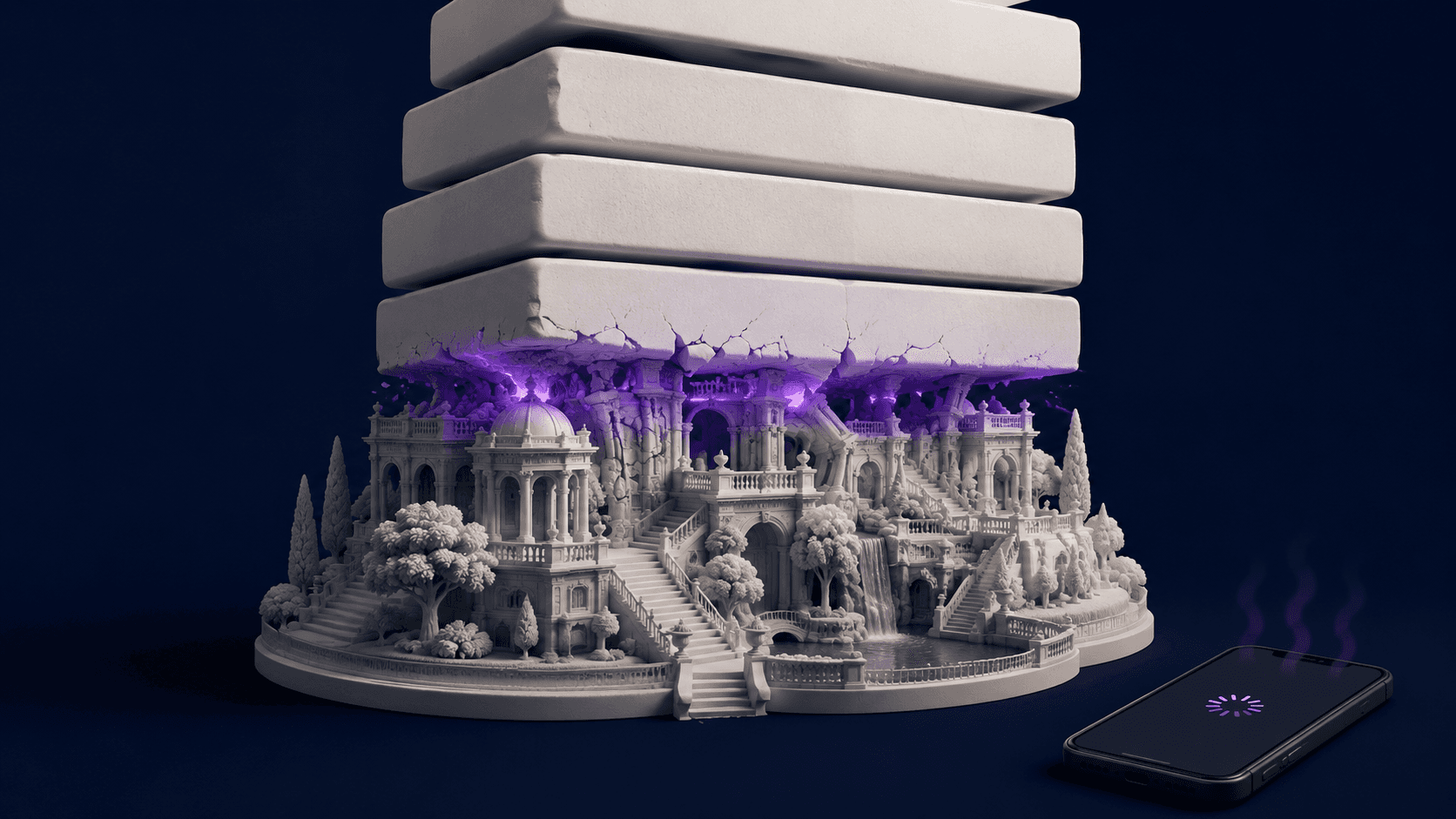
Then there's the device lottery, which is worse than most people realize. Heavy graphics and poorly optimized rendering slow page loads and frustrate users, and mobile is where it hurts most. A scene that runs at a buttery 60 frames per second on your machine might crawl on a mid-range Android. And even when it loads fine, mobile hardware has a nasty habit of giving up partway through. Mobile GPUs throttle under sustained load, so a scene humming along at 60 FPS can sag to 20 FPS after about 30 seconds as the phone heats up.
Picture what that does to a sale. Someone opens your configurator. It loads, looks great, they start customizing, they're into it. Ninety seconds later the phone is warm in their hand and the model they're trying to rotate is stuttering like a slideshow. The exact moment they were closest to buying is the moment the experience falls apart. That's not a loading problem you can fix with a faster CDN. That's the device itself tapping out.
So the real challenge isn't "make the 3D load fast." It's "make it load fast and run smoothly on hardware you don't control, without dumbing it down so much that you've thrown away the reason you used 3D in the first place." That's a genuinely hard squeeze. The good news is there's a real playbook for it, and that's where we go next.
The on-device playbook: how to actually cut 3D load times
Most slow 3D experiences aren't slow because 3D is hard. They're slow because nobody told the asset to behave. The fixes below are the ones that move the needle, roughly in order of how much they pay back. You won't need all of them. You probably need three.

Shrink what you ship
The single biggest lever is file size, because bytes that don't exist don't have to download or decode.
Compress your meshes with Draco. This is the closest thing to free money in the whole list. Draco cuts 3D model file sizes by 80 to 95 percent, turning a 10MB model into something between 500KB and 2MB, at a cost of maybe 50 to 200 milliseconds of decode time. For anything over 1MB, skipping this is just leaving speed on the table.
Use compressed textures, not PNGs and JPEGs. KTX2 with Basis compression stays compressed in GPU memory and transcodes to whatever format the device wants. Regular images get unpacked into memory and eat far more than their file size suggests.
Right-size your textures. A 4K texture on a thumbnail-sized object is pure waste. Nobody will ever see the difference, but everybody pays the download cost.
Cut the draw calls
Load time isn't only about download. It's also how much work you hand the GPU per frame, and draw calls are the usual culprit.
Budget aggressively. Aim for under 100 draw calls on desktop and under 50 on mobile. Merge geometry where you can.
Instance anything you repeat. Five thousand trees as separate meshes is five thousand draw calls. The same five thousand as instances is one. If your scene has copies of anything, this is for you.
Keep shaders simple and bake your lighting. Real-time everything looks great and costs a fortune. Pre-baked lighting gives you most of the look for a fraction of the per-frame cost.
Load in the right order
This is the trick that makes a heavy scene feel fast, and it's the most underused of the bunch.
Stream progressively. Let users interact with part of the scene while the rest loads in the background. Show a low-res version first, then quietly swap in the detail. Remember those four moments. You're racing to interactive, not to full fidelity.
Move heavy work off the main thread. Decoding and parsing in a web worker keeps the page responsive instead of frozen. One developer saw roughly a 25% improvement in 3D scene load time just by moving work to a web worker.
Fall back gracefully. On a low-end device that's going to struggle no matter what, serve a static image or a lighter version. A clean photo beats a stuttering mess every time.
A couple of mistakes worth naming, because they're common and expensive. Don't use 3D as decoration. If a 3D element doesn't help someone understand or buy the product, and it's adding load time, cut it. Spinning logos are not worth three seconds of blank screen. And don't ship your desktop assets to phones. Cap the pixel ratio, halve the texture sizes, and stop trying to push a workstation experience through a battery-powered device.
Do a handful of these well and you'll claw a lot of seconds back. But there's a ceiling on how far this gets you, and some experiences slam straight into it. That's the next section.
Where on-device 3D optimization hits a wall
Everything above works. I'd reach for it first on most projects. But it's worth being straight about its limits, because there's a class of experience where optimization quietly stops being enough no matter how good your team is.
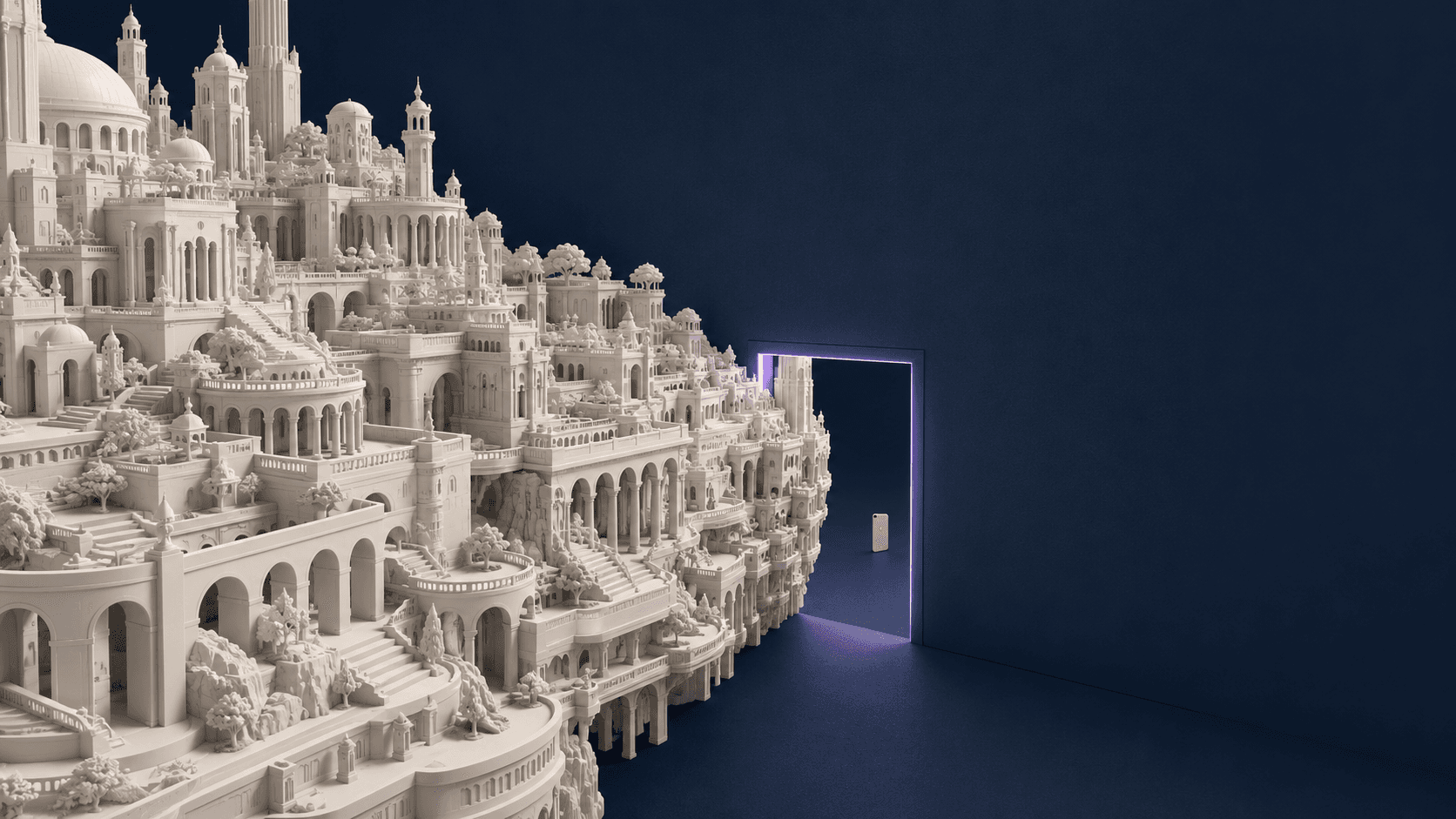
Some scenes simply can't be shrunk down to load fast on weak hardware without becoming a different, lesser scene. A full architectural walkthrough running Unreal's Nanite and Lumen. A configurator with hundreds of millions of polygons. An actual application, not a viewer, with logic and state and a real interface. Pixel-level detail like this can run past 100 million polygons, which is nowhere near possible on a normal phone. You can compress and instance and bake all day, and the thing still won't fit through the front door of a mid-range device.
If you want to see what that looks like in practice, here's a full desktop app, Blender running streamed in the browser, with none of it installed locally.
When you hit that wall, you're left with two bad options, and most teams don't notice they're choosing between them.
Option one: flatten the experience for everyone. Strip the detail down until it loads on the worst device in your audience. Now it's fast, and it's also a shadow of what you built, and the high-end visitors you most wanted to impress are looking at something deliberately worse than their machine could handle.
Option two: keep the quality and accept that a chunk of your audience gets a slow load, a stuttering frame rate, or a crash. You've kept the magic for the people with good hardware and lost everyone else, which on mobile is often the majority.
Neither is a win. You're trading away conversions either way, just from different segments. And the reason this trade feels unavoidable is a single shared assumption underneath both options: that the 3D has to run on the visitor's device at all.
What if it didn't?
The other way out: pixel streaming with Vagon Streams
Everything we've talked about assumes the visitor's device does the rendering. Their phone downloads your scene, their GPU draws every frame. That assumption is what creates the whole squeeze between fidelity and speed. So flip it.
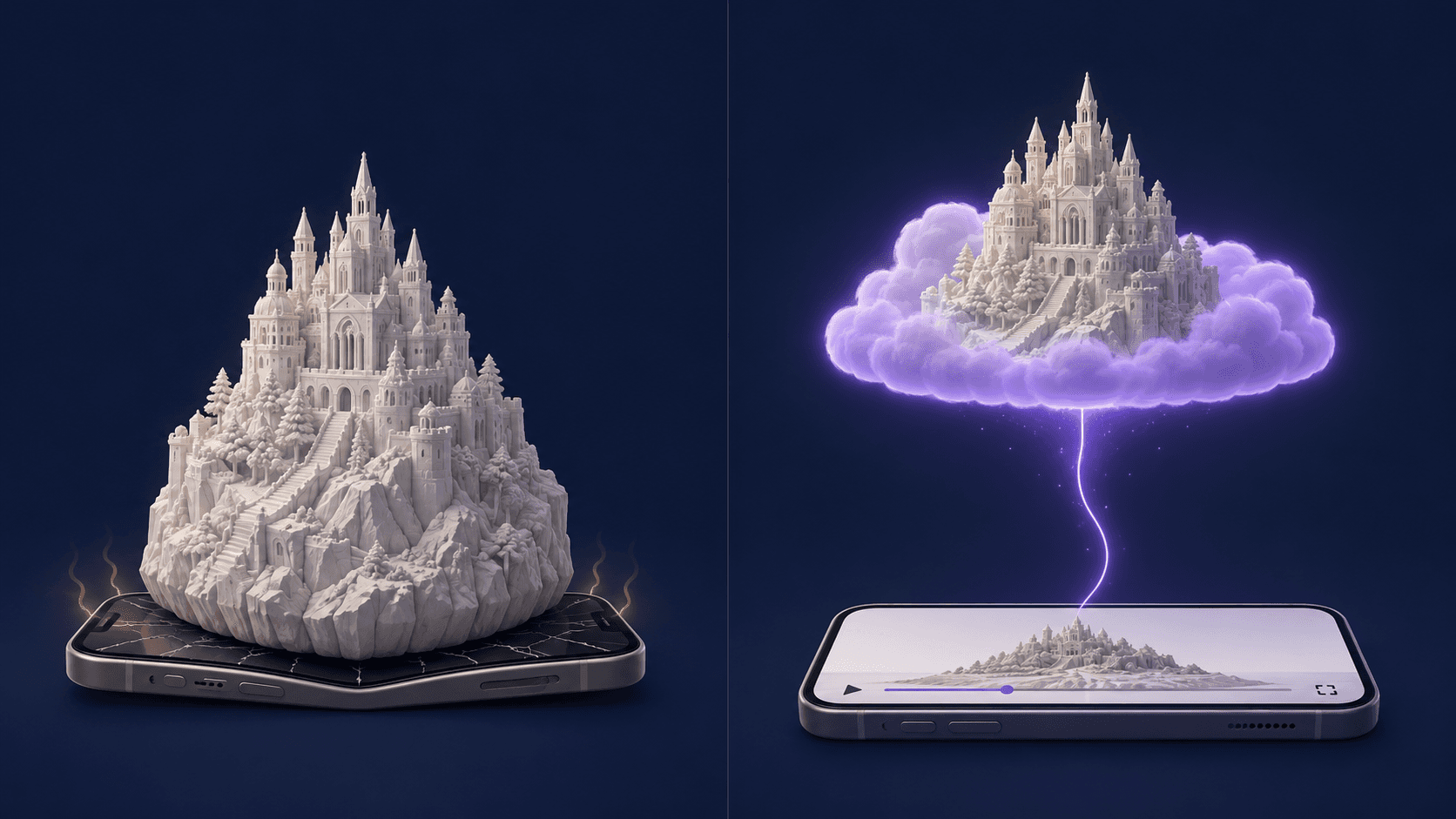
Instead of sending the 3D to the device, send the device a video of the 3D, running somewhere far more powerful. This is what Vagon Streams does, and the idea is simpler than it sounds. A beefy GPU in the cloud runs your actual application, full quality, no compromises. It renders each frame, compresses it, and streams it to the browser like a video. When the user clicks or drags or types, those inputs travel back to the server, which renders the next frame to match. The remote machine does the heavy lifting, and the viewer's browser just displays the result and sends inputs back.
The browser isn't rendering anything. It's playing a video and forwarding clicks. Which means the visitor's hardware basically stops mattering.
Look at what that does to the problems from the last few sections. Load time collapses, because there's nothing to download. The time from opening a page to interacting with a streamed 3D app can be under one second, since the user installs nothing, not even a plugin. The device lottery disappears, because every visitor sees the exact same thing. Content rendered in the cloud looks identical on every device, no matter how old the local GPU is. If they can stream video, they get the full-quality experience. And the warm-phone throttling problem is just gone, because the phone was never doing the work.
The setup is deliberately boring, which is the point. You upload your Unreal or Unity build, it runs on Vagon's cloud GPUs, and you get a link you can share. The person on the other end clicks it and they're inside your full-quality experience in seconds, on whatever device they happen to be holding, with no download and no "does my laptop support this" anxiety. No coding on your side to make it happen, and no infrastructure to stand up yourself.
If you're curious what's under the hood, here's the rundown of what Vagon Streams supports, from Unreal Pixel Streaming to Unity and full application streaming.
I'm not going to pretend streaming is free of tradeoffs, because the brief of this post is to actually help you. It leans on the network. It's network dependent, so a stable connection matters, and there's a running cost to the GPU time in the cloud. If your experience is a lightweight product viewer meant to be indexed by Google and opened on spotty connections, on-device optimization is still the right call. Vagon Streams earns its keep when the experience is heavy, high-fidelity, or genuinely an app, and you can't afford to flatten it for the lowest common denominator.
For a lot of teams that's the unlock: you stop choosing between impressive and accessible, and just hand people a link to the real thing.
If you want the longer version of how the frames actually get from a cloud GPU to someone's browser, here's a full breakdown of how pixel streaming works.

On-device optimization vs pixel streaming: which to pick
Don't be religious about this. Both approaches are right, just for different jobs, and the smart move is matching the tool to the experience instead of picking a side. Reach for on-device optimization when the 3D is relatively light, when search visibility matters and you need Google to crawl a real page, or when your audience is opening things on unpredictable connections where a video stream would stutter. A spinnable product on a category page lives here. Compress it, instance it, stream the assets progressively, and you'll be fine.
Lean on streaming when the experience is the kind that breaks the playbook. High-fidelity archviz, a dense configurator, a full interactive app, anything where flattening the quality to fit the weakest device would gut the reason you built it. The test I'd use is simple: if your honest answer to "can we optimize this down to load fast on a mid-range phone" is no, or only by making it noticeably worse, that's your signal to stop fighting the device and stream past it instead. The whole point is to stop trading conversions away from one segment of your audience just to keep another.
If you'd rather just see it than read about it, here are live examples of streamed 3D experiences you can open in your browser right now.
FAQs
1. What counts as a good load time for a 3D web experience?
Forget the single number everyone quotes. For 3D, the figure that matters is time to interactive, meaning how long until someone can actually grab and move the model. Under two to three seconds keeps most people engaged. Anything past that and you're leaning on a good first frame or a placeholder to hold their attention while the rest catches up. Measure it on a mid-range phone, not your workstation.
2. Will adding 3D hurt my page speed score or SEO?
It can, if you ship it carelessly. Heavy, poorly optimized rendering slows page loads and frustrates users, and search engines notice. The fix is the on-device playbook: compress meshes, use compressed textures, keep draw calls in budget, and load progressively. If search visibility is a priority, that's a point in favor of optimizing the 3D to run on-device rather than streaming it, since a streamed app is a video feed rather than a crawlable page.
3. How much can 3D realistically improve my conversion rate?
The range is wide because it depends on the product. Shopify has reported conversion increases of up to 94% for merchants using 3D models. A separate Shopify study found a 40% lift in order conversion alongside a 5% drop in returns. The more complex or customizable the product, the bigger the swing. A simple item people already understand from a photo will see less.
4. Why does my 3D experience run fine on desktop but lag on phones?
Two reasons. Mobile GPUs are simply weaker, so a scene that's comfortable on your machine can choke on a phone. And there's a sneakier one: mobile GPUs throttle under sustained load, so a scene running at 60 FPS can drop to 20 FPS after about 30 seconds as the device heats up. That second one tends to hit right when a user is most engaged. If you can't optimize your way around it, streaming sidesteps the problem entirely, because the phone never does the rendering.
5. Do I need to be a developer to stream a 3D app to the browser?
No. Building pixel-streaming infrastructure from scratch is a real engineering project, but using a platform isn't. With Vagon Streams you upload your existing Unreal or Unity build, it runs on cloud GPUs, and you get a shareable link. There's no code to write to make the streaming happen.
6. When should I optimize on-device instead of streaming?
When the experience is light enough to load fast on weak hardware, when you need the page to be crawlable for SEO, or when your audience is often on shaky connections where a video stream would stutter. Save streaming for the heavy stuff, the high-fidelity scenes and full apps where flattening the quality to fit the weakest device would defeat the purpose.
A 3D product viewer can push your conversion rate up by as much as 94%.
That's a Shopify number, not a vendor's daydream. So why do so many 3D web experiences quietly bleed money instead?
Because the thing built to win the sale is often the same thing scaring people off before they ever see it. A 3D scene is heavy. Models, textures, shaders, all of it has to reach the browser and render before anyone gets that little "oh, nice" moment. And while it loads, the clock is running. More than half of mobile visitors will bail if a page takes longer than three seconds to show up.
So you've built a conversion machine that doubles as an abandonment machine. Same asset. Two opposite outcomes, decided almost entirely by how fast it appears on screen.
This is a guide to closing that gap. What load time really does to your numbers, why 3D plays by different rules than the rest of your site, and the two very different ways out of the trap.
The load-time stat everyone quotes, and why it misleads you on 3D
If you've read anything about page speed, you've met the 7% rule. Akamai's research found that a one-second delay correlates with roughly a 7% drop in conversions. Portent put harder numbers on it: ecommerce sites that loaded in one second converted at 3.05%, while sites that took five seconds managed only 1.08%. On mobile it gets worse. About 53% of people abandon a site that takes more than three seconds to load.
Those numbers are real, and I'm not going to argue with them. But here's the part nobody mentions when they drop that 7% figure into a pitch deck: it was measured on ordinary web pages. Text. Product grids. A checkout form. Stuff that's basically "done" the moment it paints on screen.
A 3D experience doesn't work like that, and treating it like it does will quietly mislead you.
When a normal page loads, the browser fetches some HTML, some images, maybe a bit of script, and paints. Fast. A 3D scene has a much longer to-do list before it means anything to a human. It has to download the geometry and textures, hand them to the GPU, compile shaders, and render that first frame. Only then does the visitor see a product instead of a blank rectangle.
And this is the sneaky part. Your analytics can happily report the page as "loaded" while the user is still staring at an empty canvas, waiting for the 3D to wake up. The benchmark that works fine for a blog post will lie to your face about a 3D experience. Which means the first thing worth fixing isn't your load time. It's what you even mean by "loaded."
What "load time" actually means for a 3D experience
Here's the mental shift that fixes most of this. A 3D experience doesn't load at a point in time. It loads in stages, and a visitor's patience is being spent across all of them.
There are four moments worth separating in your head.
First byte is when the server starts responding. This is the part every speed tool obsesses over, and for 3D it's almost the least interesting. Shaving 100 milliseconds here means nothing if the next stage takes eight seconds.
First frame is when something actually appears on the canvas. Not the final scene, just proof that pixels are coming. This is the moment that buys you patience. A user who sees a low-res preview or a spinning placeholder will wait. A user staring at a blank gray box assumes it's broken and leaves.
Interactive is when they can grab the model, spin it, change the color. This is the one that converts. Everything before it is setup. The whole point of 3D over a photo is that people get to poke at the thing, and until they can, you haven't delivered the experience you paid for.
Full fidelity is when every texture has streamed in at full resolution and the scene looks the way your designer intended. Good news: this can happen last, and often nobody notices the difference once they're already dragging the product around.
Now the trap. Your standard performance score, Largest Contentful Paint, measures roughly when the biggest visible element shows up. On a 3D page, that "element" is usually the canvas. So the browser marks the canvas as painted the instant it exists as an empty rectangle, and your dashboard gives you a cheerful green score while your visitor watches nothing happen.
That gap, between when the metric says you're done and when the human can actually do something, is where the money leaks out. So stop optimizing for "loaded." Optimize for interactive, and measure the distance between the click and the first real interaction. That number is the one tied to your conversion rate.
Why 3D boosts conversion rates when it loads fast
It's worth being honest about why anyone tolerates the headache at all. Most conversion tactics give you a little nudge. A better button color, a tighter headline, a trust badge near the checkout. 3D is one of the few that moves more than one number at once.
Start with conversion. The Shopify figure from the top of this post isn't an outlier. A Shopify study found a 5% reduction in returns and a 40% lift in order conversion when shoppers could view products in 3D. Furniture and other high-consideration categories see the biggest swings, which makes sense. The harder a product is to picture in your head, the more a spinnable model is worth.
Then there's engagement, which is really conversion's quieter cousin. Research from Cappasity found that 82% of shoppers who land on a product page will switch on a 3D view, and 95% prefer it to watching a video. People don't just glance at 3D. They stay, they fiddle, they try the blue one and then the green one. Time on page climbs, and so does the odds they talk themselves into buying.
A lot of this comes down to psychology that has nothing to do with technology. When someone configures a product, picks the finish, rotates it, sets it up the way they want it, they start to feel a flicker of ownership before they've paid a cent. Behavioral folks call it the IKEA effect: we value things more when we've had a hand in making them. Abandoning the cart starts to feel less like skipping a purchase and more like throwing away something you already built.
And there's the part finance actually cares about: returns. In the luxury space, around 25% of online purchases get sent back, against 5 to 10% for in-store buys. A lot of that is mismatched expectations, the "it didn't look like that" problem. An accurate 3D view shrinks the gap between what someone imagined and what shows up at the door, so fewer items boomerang back to your warehouse.
So this is the prize. Higher conversion, longer sessions, fatter order values, fewer returns, all from one asset. Which is exactly why it's so frustrating that the same asset will torch your numbers the second it loads too slowly. That's the trap, and it's next.
If cost is the deciding factor for you, here's how Vagon Streams pricing works so you can run the numbers against your own traffic.
The trap: more impressive 3D, slower load times, lost sales
Here's the uncomfortable truth most 3D vendors won't put on a slide: past a certain point, "more impressive" and "more converting" stop pointing in the same direction. They actively fight each other.
The instinct, once you've seen those conversion numbers, is to go bigger. Higher-poly models. 4K textures. Real-time reflections, soft shadows, the works. And in a demo on your own workstation, with a good GPU and a wired connection, it looks incredible. The problem is your customers aren't sitting at your workstation. They're on a three-year-old phone, on hotel wifi, with twelve other tabs open.
Every bit of fidelity you add has to travel to that phone and render on it. So the better your scene looks, the heavier it gets, the longer the canvas stays blank, and the more of those impatient mobile visitors are gone before the thing they'd have loved finishes loading. You can literally optimize your way out of conversions by making the experience too good.
Then there's the device lottery, which is worse than most people realize. Heavy graphics and poorly optimized rendering slow page loads and frustrate users, and mobile is where it hurts most. A scene that runs at a buttery 60 frames per second on your machine might crawl on a mid-range Android. And even when it loads fine, mobile hardware has a nasty habit of giving up partway through. Mobile GPUs throttle under sustained load, so a scene humming along at 60 FPS can sag to 20 FPS after about 30 seconds as the phone heats up.
Picture what that does to a sale. Someone opens your configurator. It loads, looks great, they start customizing, they're into it. Ninety seconds later the phone is warm in their hand and the model they're trying to rotate is stuttering like a slideshow. The exact moment they were closest to buying is the moment the experience falls apart. That's not a loading problem you can fix with a faster CDN. That's the device itself tapping out.
So the real challenge isn't "make the 3D load fast." It's "make it load fast and run smoothly on hardware you don't control, without dumbing it down so much that you've thrown away the reason you used 3D in the first place." That's a genuinely hard squeeze. The good news is there's a real playbook for it, and that's where we go next.
The on-device playbook: how to actually cut 3D load times
Most slow 3D experiences aren't slow because 3D is hard. They're slow because nobody told the asset to behave. The fixes below are the ones that move the needle, roughly in order of how much they pay back. You won't need all of them. You probably need three.
Shrink what you ship
The single biggest lever is file size, because bytes that don't exist don't have to download or decode.
Compress your meshes with Draco. This is the closest thing to free money in the whole list. Draco cuts 3D model file sizes by 80 to 95 percent, turning a 10MB model into something between 500KB and 2MB, at a cost of maybe 50 to 200 milliseconds of decode time. For anything over 1MB, skipping this is just leaving speed on the table.
Use compressed textures, not PNGs and JPEGs. KTX2 with Basis compression stays compressed in GPU memory and transcodes to whatever format the device wants. Regular images get unpacked into memory and eat far more than their file size suggests.
Right-size your textures. A 4K texture on a thumbnail-sized object is pure waste. Nobody will ever see the difference, but everybody pays the download cost.
Cut the draw calls
Load time isn't only about download. It's also how much work you hand the GPU per frame, and draw calls are the usual culprit.
Budget aggressively. Aim for under 100 draw calls on desktop and under 50 on mobile. Merge geometry where you can.
Instance anything you repeat. Five thousand trees as separate meshes is five thousand draw calls. The same five thousand as instances is one. If your scene has copies of anything, this is for you.
Keep shaders simple and bake your lighting. Real-time everything looks great and costs a fortune. Pre-baked lighting gives you most of the look for a fraction of the per-frame cost.
Load in the right order
This is the trick that makes a heavy scene feel fast, and it's the most underused of the bunch.
Stream progressively. Let users interact with part of the scene while the rest loads in the background. Show a low-res version first, then quietly swap in the detail. Remember those four moments. You're racing to interactive, not to full fidelity.
Move heavy work off the main thread. Decoding and parsing in a web worker keeps the page responsive instead of frozen. One developer saw roughly a 25% improvement in 3D scene load time just by moving work to a web worker.
Fall back gracefully. On a low-end device that's going to struggle no matter what, serve a static image or a lighter version. A clean photo beats a stuttering mess every time.
A couple of mistakes worth naming, because they're common and expensive. Don't use 3D as decoration. If a 3D element doesn't help someone understand or buy the product, and it's adding load time, cut it. Spinning logos are not worth three seconds of blank screen. And don't ship your desktop assets to phones. Cap the pixel ratio, halve the texture sizes, and stop trying to push a workstation experience through a battery-powered device.
Do a handful of these well and you'll claw a lot of seconds back. But there's a ceiling on how far this gets you, and some experiences slam straight into it. That's the next section.
Where on-device 3D optimization hits a wall
Everything above works. I'd reach for it first on most projects. But it's worth being straight about its limits, because there's a class of experience where optimization quietly stops being enough no matter how good your team is.
Some scenes simply can't be shrunk down to load fast on weak hardware without becoming a different, lesser scene. A full architectural walkthrough running Unreal's Nanite and Lumen. A configurator with hundreds of millions of polygons. An actual application, not a viewer, with logic and state and a real interface. Pixel-level detail like this can run past 100 million polygons, which is nowhere near possible on a normal phone. You can compress and instance and bake all day, and the thing still won't fit through the front door of a mid-range device.
If you want to see what that looks like in practice, here's a full desktop app, Blender running streamed in the browser, with none of it installed locally.
When you hit that wall, you're left with two bad options, and most teams don't notice they're choosing between them.
Option one: flatten the experience for everyone. Strip the detail down until it loads on the worst device in your audience. Now it's fast, and it's also a shadow of what you built, and the high-end visitors you most wanted to impress are looking at something deliberately worse than their machine could handle.
Option two: keep the quality and accept that a chunk of your audience gets a slow load, a stuttering frame rate, or a crash. You've kept the magic for the people with good hardware and lost everyone else, which on mobile is often the majority.
Neither is a win. You're trading away conversions either way, just from different segments. And the reason this trade feels unavoidable is a single shared assumption underneath both options: that the 3D has to run on the visitor's device at all.
What if it didn't?
The other way out: pixel streaming with Vagon Streams
Everything we've talked about assumes the visitor's device does the rendering. Their phone downloads your scene, their GPU draws every frame. That assumption is what creates the whole squeeze between fidelity and speed. So flip it.
Instead of sending the 3D to the device, send the device a video of the 3D, running somewhere far more powerful. This is what Vagon Streams does, and the idea is simpler than it sounds. A beefy GPU in the cloud runs your actual application, full quality, no compromises. It renders each frame, compresses it, and streams it to the browser like a video. When the user clicks or drags or types, those inputs travel back to the server, which renders the next frame to match. The remote machine does the heavy lifting, and the viewer's browser just displays the result and sends inputs back.
The browser isn't rendering anything. It's playing a video and forwarding clicks. Which means the visitor's hardware basically stops mattering.
Look at what that does to the problems from the last few sections. Load time collapses, because there's nothing to download. The time from opening a page to interacting with a streamed 3D app can be under one second, since the user installs nothing, not even a plugin. The device lottery disappears, because every visitor sees the exact same thing. Content rendered in the cloud looks identical on every device, no matter how old the local GPU is. If they can stream video, they get the full-quality experience. And the warm-phone throttling problem is just gone, because the phone was never doing the work.
The setup is deliberately boring, which is the point. You upload your Unreal or Unity build, it runs on Vagon's cloud GPUs, and you get a link you can share. The person on the other end clicks it and they're inside your full-quality experience in seconds, on whatever device they happen to be holding, with no download and no "does my laptop support this" anxiety. No coding on your side to make it happen, and no infrastructure to stand up yourself.
If you're curious what's under the hood, here's the rundown of what Vagon Streams supports, from Unreal Pixel Streaming to Unity and full application streaming.
I'm not going to pretend streaming is free of tradeoffs, because the brief of this post is to actually help you. It leans on the network. It's network dependent, so a stable connection matters, and there's a running cost to the GPU time in the cloud. If your experience is a lightweight product viewer meant to be indexed by Google and opened on spotty connections, on-device optimization is still the right call. Vagon Streams earns its keep when the experience is heavy, high-fidelity, or genuinely an app, and you can't afford to flatten it for the lowest common denominator.
For a lot of teams that's the unlock: you stop choosing between impressive and accessible, and just hand people a link to the real thing.
If you want the longer version of how the frames actually get from a cloud GPU to someone's browser, here's a full breakdown of how pixel streaming works.
On-device optimization vs pixel streaming: which to pick
Don't be religious about this. Both approaches are right, just for different jobs, and the smart move is matching the tool to the experience instead of picking a side. Reach for on-device optimization when the 3D is relatively light, when search visibility matters and you need Google to crawl a real page, or when your audience is opening things on unpredictable connections where a video stream would stutter. A spinnable product on a category page lives here. Compress it, instance it, stream the assets progressively, and you'll be fine.
Lean on streaming when the experience is the kind that breaks the playbook. High-fidelity archviz, a dense configurator, a full interactive app, anything where flattening the quality to fit the weakest device would gut the reason you built it. The test I'd use is simple: if your honest answer to "can we optimize this down to load fast on a mid-range phone" is no, or only by making it noticeably worse, that's your signal to stop fighting the device and stream past it instead. The whole point is to stop trading conversions away from one segment of your audience just to keep another.
If you'd rather just see it than read about it, here are live examples of streamed 3D experiences you can open in your browser right now.
FAQs
1. What counts as a good load time for a 3D web experience?
Forget the single number everyone quotes. For 3D, the figure that matters is time to interactive, meaning how long until someone can actually grab and move the model. Under two to three seconds keeps most people engaged. Anything past that and you're leaning on a good first frame or a placeholder to hold their attention while the rest catches up. Measure it on a mid-range phone, not your workstation.
2. Will adding 3D hurt my page speed score or SEO?
It can, if you ship it carelessly. Heavy, poorly optimized rendering slows page loads and frustrates users, and search engines notice. The fix is the on-device playbook: compress meshes, use compressed textures, keep draw calls in budget, and load progressively. If search visibility is a priority, that's a point in favor of optimizing the 3D to run on-device rather than streaming it, since a streamed app is a video feed rather than a crawlable page.
3. How much can 3D realistically improve my conversion rate?
The range is wide because it depends on the product. Shopify has reported conversion increases of up to 94% for merchants using 3D models. A separate Shopify study found a 40% lift in order conversion alongside a 5% drop in returns. The more complex or customizable the product, the bigger the swing. A simple item people already understand from a photo will see less.
4. Why does my 3D experience run fine on desktop but lag on phones?
Two reasons. Mobile GPUs are simply weaker, so a scene that's comfortable on your machine can choke on a phone. And there's a sneakier one: mobile GPUs throttle under sustained load, so a scene running at 60 FPS can drop to 20 FPS after about 30 seconds as the device heats up. That second one tends to hit right when a user is most engaged. If you can't optimize your way around it, streaming sidesteps the problem entirely, because the phone never does the rendering.
5. Do I need to be a developer to stream a 3D app to the browser?
No. Building pixel-streaming infrastructure from scratch is a real engineering project, but using a platform isn't. With Vagon Streams you upload your existing Unreal or Unity build, it runs on cloud GPUs, and you get a shareable link. There's no code to write to make the streaming happen.
6. When should I optimize on-device instead of streaming?
When the experience is light enough to load fast on weak hardware, when you need the page to be crawlable for SEO, or when your audience is often on shaky connections where a video stream would stutter. Save streaming for the heavy stuff, the high-fidelity scenes and full apps where flattening the quality to fit the weakest device would defeat the purpose.
Scalable Pixel and Application Streaming
Run your Unity or Unreal Engine application on any device, share with your clients in minutes, with no coding.

Summarize with AI

Ready to focus on your creativity?
Vagon gives you the ability to create & render projects, collaborate, and stream applications with the power of the best hardware.

Vagon Blog


Run heavy applications on any device with
your personal computer on the cloud.
San Francisco, California
Solutions
Vagon Teams
Vagon Streams
Use Cases
Resources
Vagon Blog
Best 3D Product Configurator Software in 2026
VDI Solutions Compared: How to Choose the Right VDI Solution
Citrix Pricing: License Cost and Hidden Hardware Expenses
Persistent VDI: Setup, Costs, and Trade-offs
VDI vs VM vs DaaS: Which One Does Your Team Need?
Best Unity Asset Store Assets & 3D Models in 2026
Best Revit Tutorials in 2026 for Beginners and BIM Pros
Best Photoshop Tutorials in 2026: Beginner Learning Guide
Best SketchUp Tutorials in 2026: Free & Paid Courses
Vagon Blog
Run heavy applications on any device with
your personal computer on the cloud.
San Francisco, California
Solutions
Vagon Teams
Vagon Streams
Use Cases
Resources
Vagon Blog
Best 3D Product Configurator Software in 2026
VDI Solutions Compared: How to Choose the Right VDI Solution
Citrix Pricing: License Cost and Hidden Hardware Expenses
Persistent VDI: Setup, Costs, and Trade-offs
VDI vs VM vs DaaS: Which One Does Your Team Need?
Best Unity Asset Store Assets & 3D Models in 2026
Best Revit Tutorials in 2026 for Beginners and BIM Pros
Best Photoshop Tutorials in 2026: Beginner Learning Guide
Best SketchUp Tutorials in 2026: Free & Paid Courses
Vagon Blog
Run heavy applications on any device with
your personal computer on the cloud.
San Francisco, California
Solutions
Vagon Teams
Vagon Streams
Use Cases
Resources
Vagon Blog