Instant Connection for Pixel Streaming
— New Feature Automated Setup
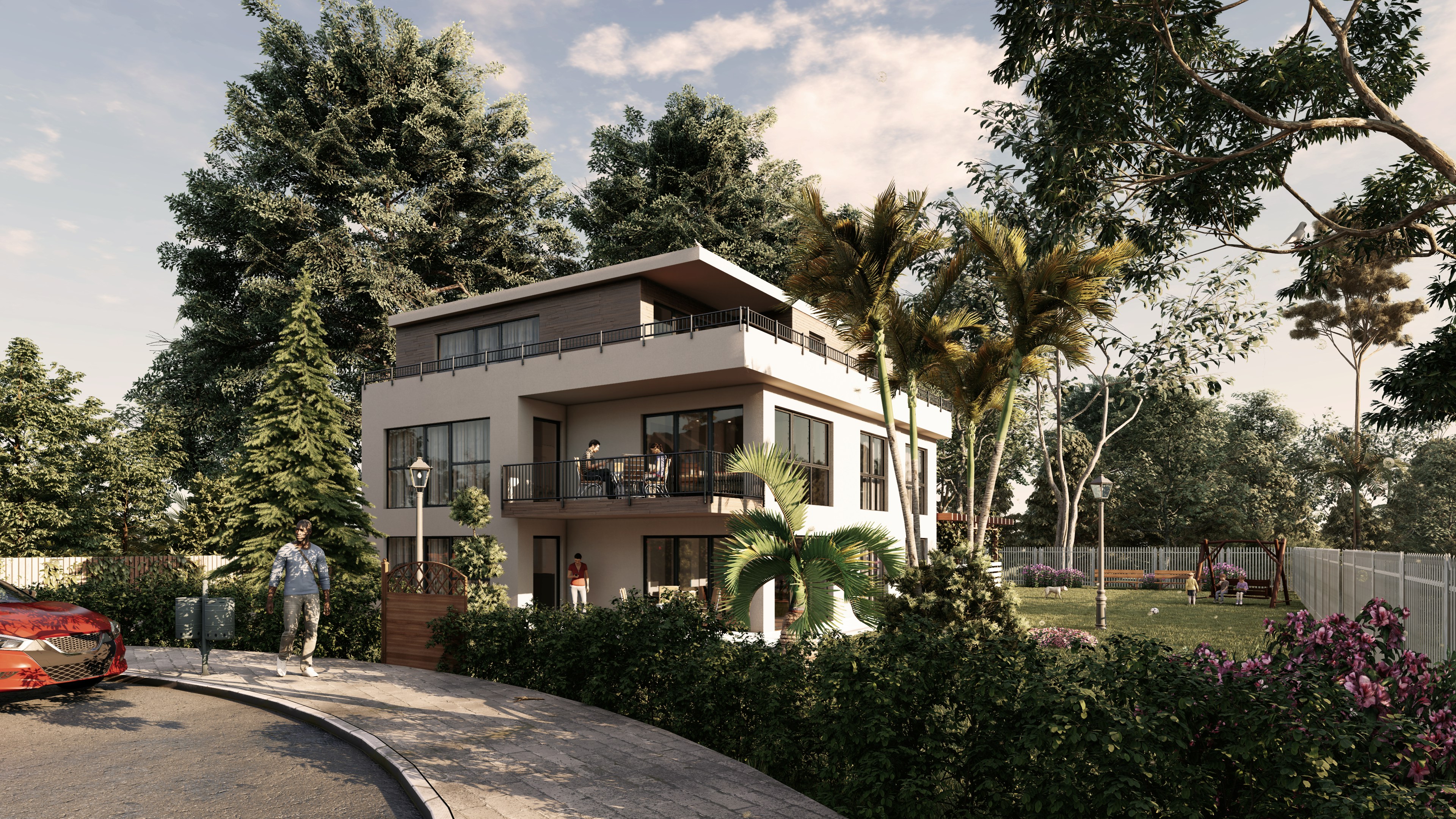
Best Lumion Alternatives Worth Switching to in 2026
Best Lumion Alternatives Worth Switching to in 2026
Architecture
Best Lumion Alternatives Worth Switching to in 2026
Best Lumion Alternatives Worth Switching to in 2026
Table of Contents
I remember opening Lumion years ago and getting a clean render in minutes. No tweaking for hours. No waiting around. Just import, adjust, done.
That was the magic.
Now? Same tool, very different experience.
Scenes are heavier. Assets are more detailed. Clients expect near-photoreal results. And suddenly you’re not flying through projects anymore… you’re watching your viewport struggle to keep up. Shadows lag. Navigation stutters. Your GPU starts working harder than you’d like.
Lumion didn’t really slow down.
Everything around it just got more demanding.
And at some point, you notice it. Your workflow isn’t fast anymore. It’s just… slower than it should be.
Why people are quietly moving away from Lumion
No one really makes a big announcement about it. They just… stop relying on it as much.
In my experience, it usually starts with hardware. You upgrade once, maybe twice, trying to keep things smooth. Then a new project comes in, heavier than the last, and you’re back to the same lag. At some point you realize you’re not investing in better visuals, you’re just paying to stay afloat.
Pricing plays into it too. Lumion isn’t cheap, especially if you’re freelancing or running a small studio. And when newer tools start offering similar or better results with more flexibility, it raises a fair question. What exactly am I paying for?
Then there’s the workflow issue.
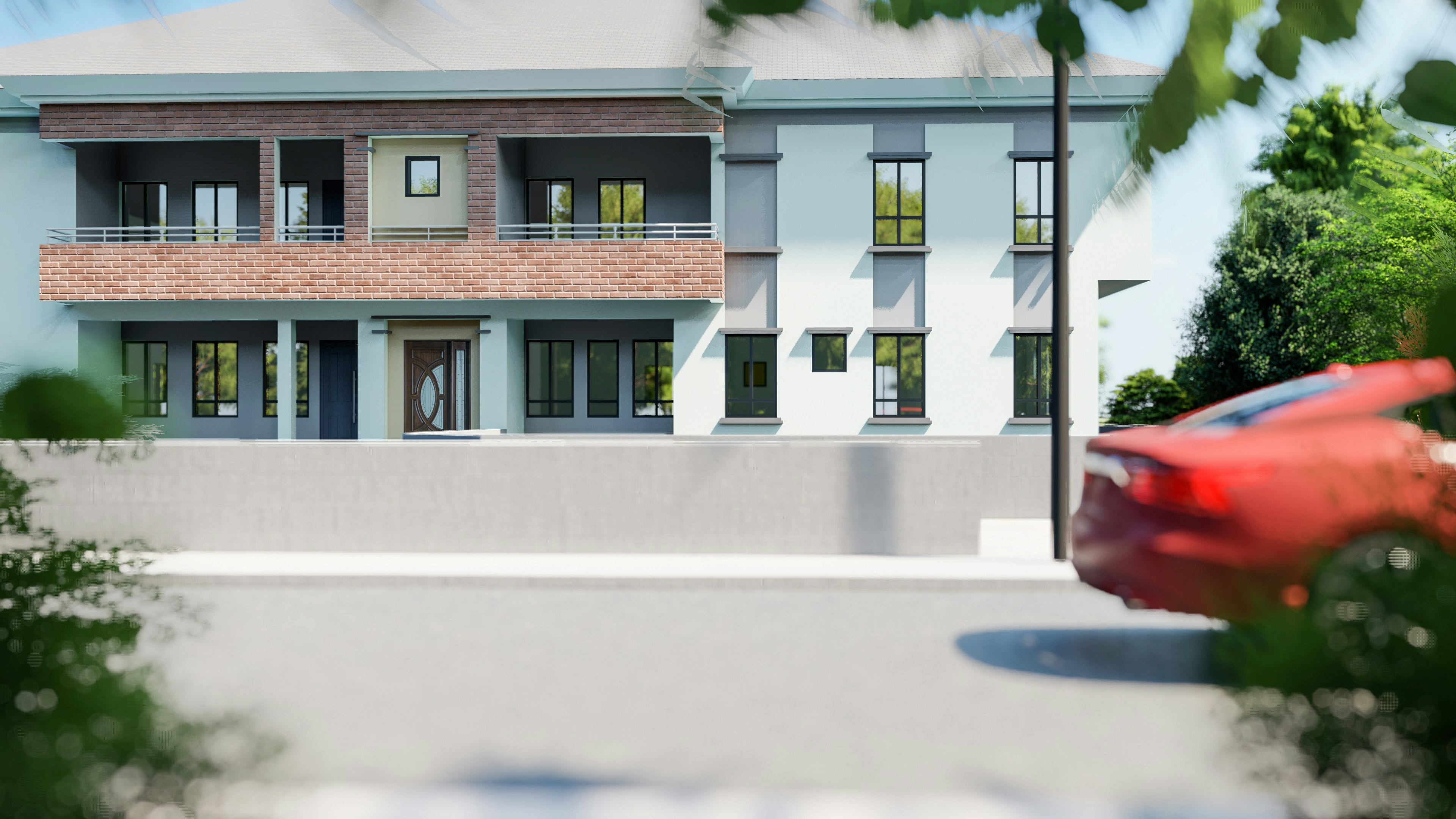
Lumion is great when you follow its rules. But step outside that a bit, maybe you want tighter integration with your modeling software, or more control over materials, or a different rendering style, and it starts to feel a bit rigid. Not broken. Just… limiting.
Meanwhile, other tools have been catching up. Fast.
Real-time engines are getting sharper. Ray tracing is becoming more accessible. Some tools prioritize speed, others go all-in on realism, but either way, the gap is smaller than it used to be.
That said, Lumion still works. If you’re doing smaller projects, or you’ve already built your whole workflow around it, switching might not make sense yet. It’s still one of the easiest ways to get decent results quickly.
But if you’ve started noticing the friction, the lag, the workarounds, the feeling that your setup is holding you back more than helping…
You’re not the only one.
What actually matters when choosing an alternative
This is where people usually get it wrong.
They jump from Lumion to whatever looks best on YouTube that week. Super glossy renders, dramatic lighting, all that. Then two weeks later, they’re stuck. Slower than before. Frustrated.
Because the “best” renderer isn’t universal. It depends on how you work.
First thing I always look at is speed vs realism. You can push both, sure, but there’s always a tradeoff. Tools like Enscape lean heavily toward speed. Something like V-Ray goes all-in on realism. Neither is better. They just solve different problems.
Then there’s your actual hardware. Not the setup you wish you had. The one on your desk right now.
A lot of modern tools assume you’re running a high-end GPU. If you’re not, things can get rough quickly. I’ve seen people switch tools and blame the software, when in reality their machine just couldn’t keep up.
Workflow fit matters more than most people expect.

If you’re constantly jumping between Revit, SketchUp, and your renderer, something like Enscape feels natural because it lives inside your design tool. On the other hand, if you prefer more control and don’t mind exporting, tools like Blender or V-Ray give you way more flexibility.
And then there’s the learning curve. This one gets underestimated all the time.
Some tools you can pick up in a weekend. Others take weeks, even months, before you feel comfortable. That’s not necessarily a bad thing, but it’s something you need to factor in before switching.
One thing I’ve noticed after trying most of these over the years:
Most people don’t actually need a “better” renderer.
They need a setup that doesn’t fight them every time they open a project.
If you’re currently comparing rendering tools and trying to decide what actually fits your workflow, checking out an Enscape vs Lumion or Lumion vs Twinmotion comparison can give you a much clearer direction.
#1. Twinmotion — the closest thing to a drop-in replacement
If you want something that feels familiar but a bit more flexible, Twinmotion is usually the first stop.
It’s built on Unreal Engine, which sounds intimidating at first, but honestly… you don’t really feel that complexity unless you go looking for it. Day to day, it behaves pretty similarly to Lumion. Drag, drop, adjust, render.
Where it starts to pull ahead is the ecosystem. You get access to Quixel Megascans, better material handling, and a more modern lighting system. The results can look noticeably sharper without needing a ton of tweaking.
It’s not perfect though. The interface can feel slightly less intuitive at the beginning, and performance still depends heavily on your GPU.
👉 Who should switch to this
If you like Lumion’s workflow but feel boxed in, Twinmotion is probably the smoothest transition you’ll find.
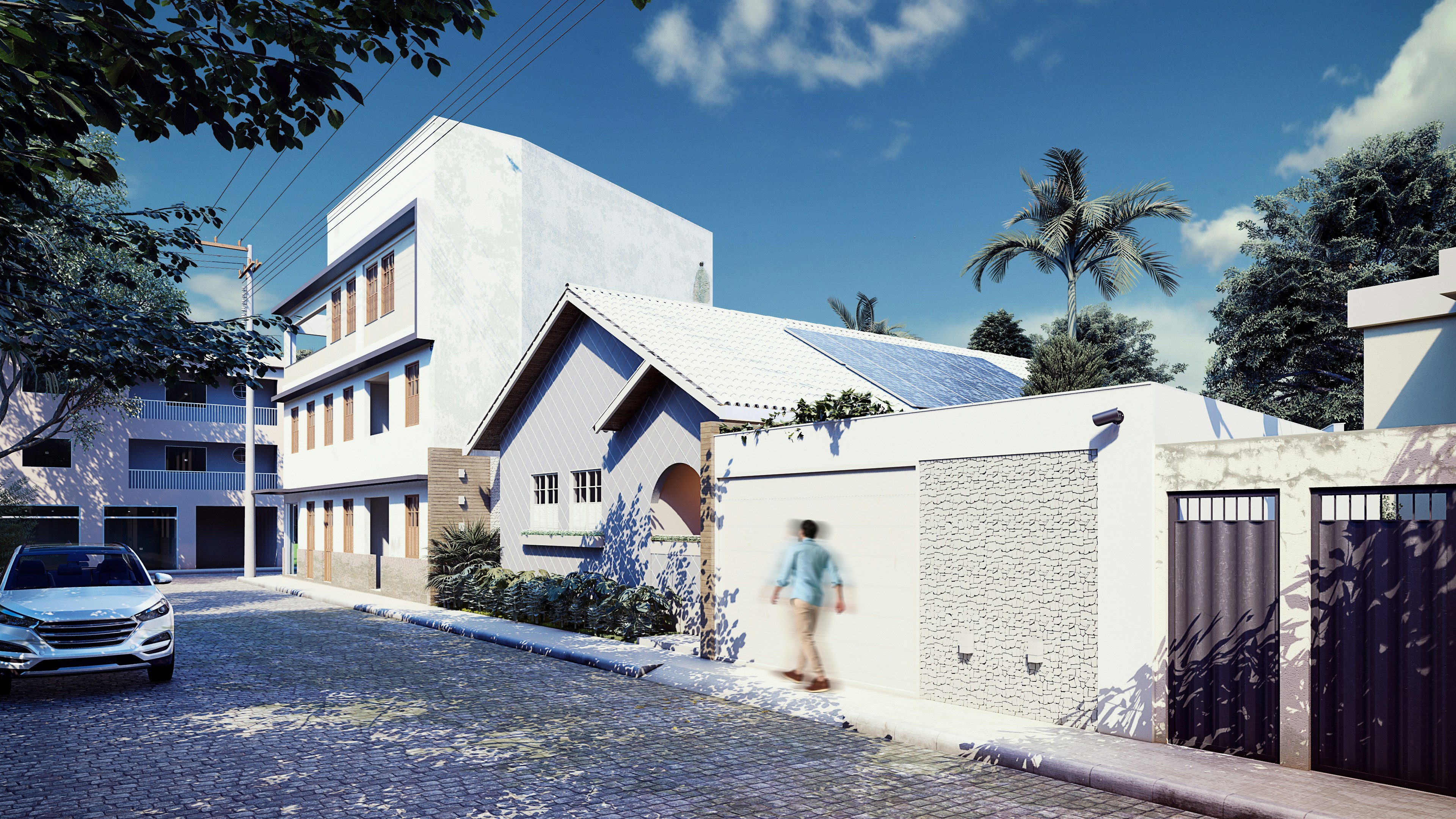
#2. Enscape — when speed matters more than perfection
Enscape takes a completely different approach.
Instead of being a separate tool, it lives inside your design software. Revit, SketchUp, Rhino… you model and render at the same time. No exporting, no back and forth.
That changes how you work more than you’d expect.
You’re not “finishing” a project and then rendering it. You’re constantly seeing it in near real-time, which makes design decisions faster. Clients love it too, especially for live walkthroughs.
The downside? It’s not the most cinematic renderer out there. You can get clean, professional visuals, but if you’re chasing ultra-realistic marketing shots, you might hit a ceiling.
👉 Who should switch to this
If your workflow is design-first and you hate waiting, Enscape just makes sense.
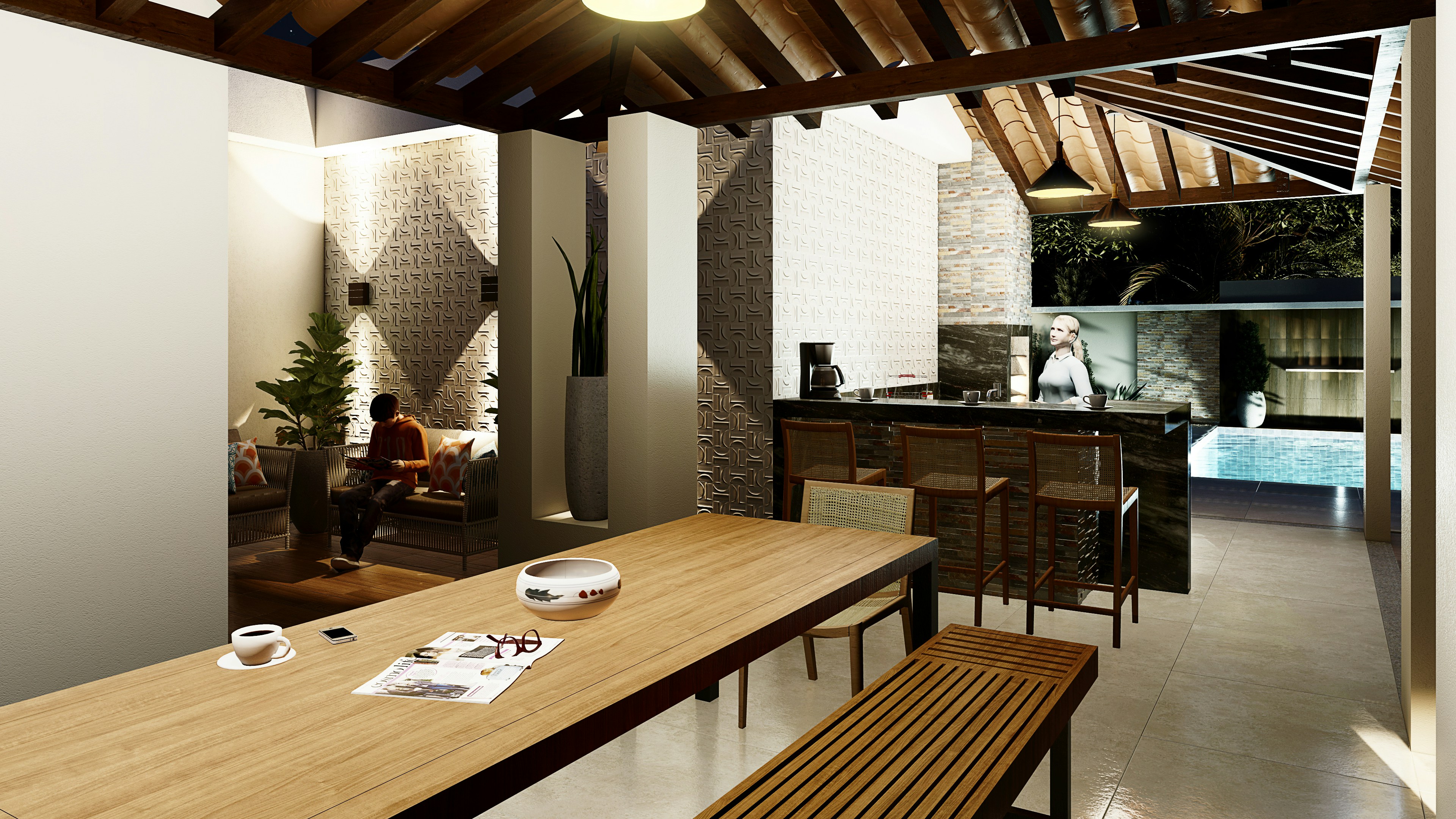
#3. V-Ray — still the gold standard for realism
There’s a reason V-Ray is still everywhere.
When you need realism that holds up under close inspection, lighting, reflections, materials, all of it, V-Ray delivers. But it comes at a cost. Time, mostly.
This isn’t a tool you casually pick up over a weekend. You need to understand how light behaves, how materials react, how to optimize render settings. Otherwise, it can feel overwhelming fast.
And renders take longer. That’s the tradeoff.
But when it works, it really works. The difference is obvious, especially for high-end presentations or marketing visuals.
👉 Who should switch to this
Studios or freelancers who care more about final image quality than speed.

#4. Blender — the independent route
Blender is a bit of a wildcard here.
It’s free. Fully open. And honestly… way more powerful than most people expect.
You get two engines in one. Eevee for real-time work, Cycles for photoreal rendering. Add-ons, scripting, full control over your pipeline. You can build exactly the workflow you want.
But yeah, there’s a catch.
The learning curve is real. The interface can feel overwhelming at first, especially if you’re coming from something like Lumion. And architectural workflows aren’t as “plug-and-play” out of the box.
Still, once it clicks, it’s hard to ignore.
👉 Who should switch to this
Freelancers or small teams who want full control and don’t mind investing time upfront.
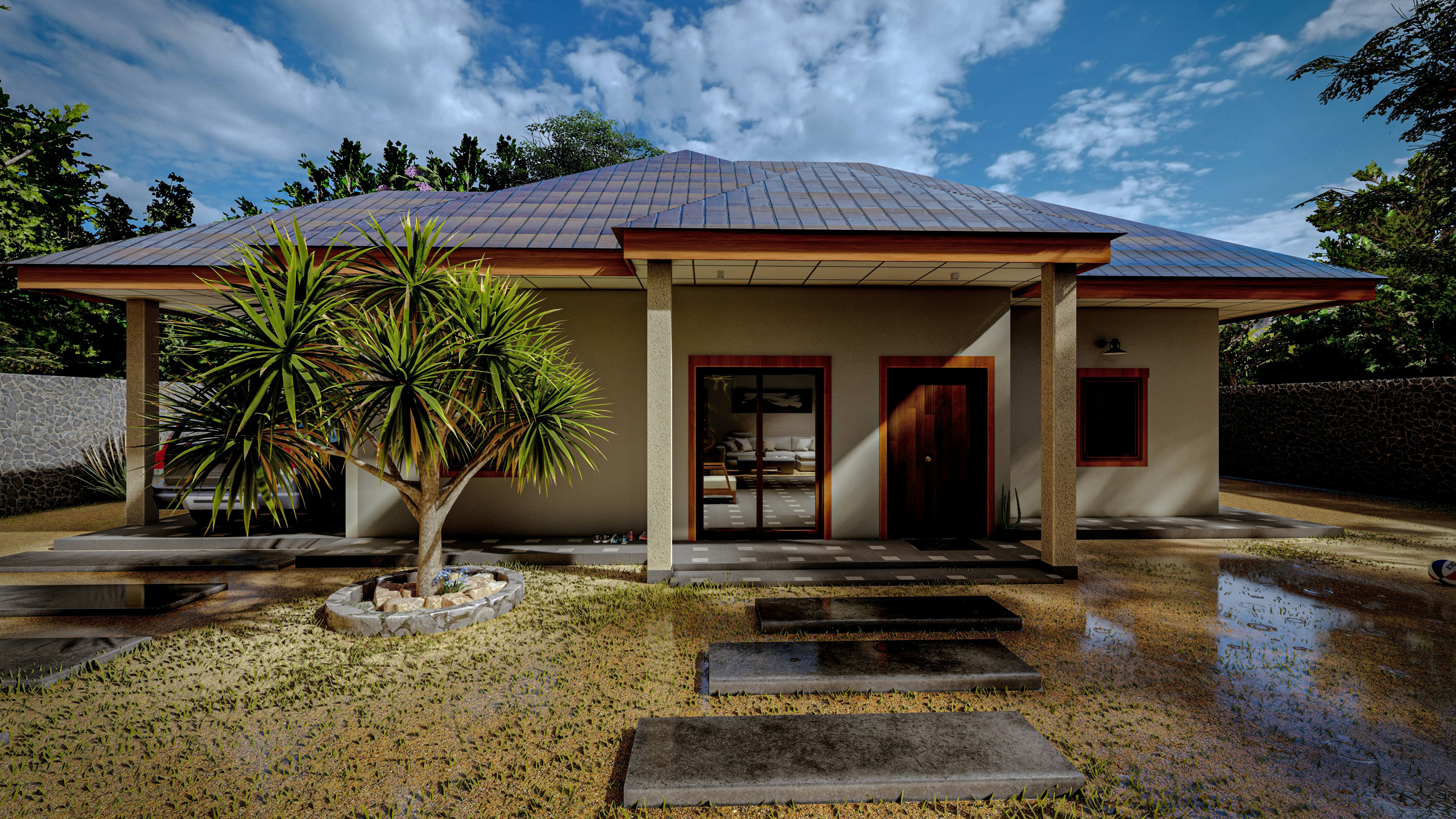
#5. AI rendering tools — fast, weird, and getting better
This is the category that didn’t really exist a couple of years ago.
Tools like Rendair AI and MyArchitectAI are changing how early-stage rendering works.
You feed them a model or even a rough image, and within minutes, you get polished visuals. Lighting, materials, mood, all generated automatically.
Sounds perfect, right?
Not quite.
They’re not replacements for full rendering workflows. You don’t get the same level of control, and consistency can be hit or miss. But for concept work? Early presentations? They’re ridiculously fast.
What used to take hours can now take minutes.
👉 One thing I’ve noticed
These tools aren’t replacing rendering. They’re replacing the painful first draft.
The real problem isn’t Lumion… it’s your hardware
This is the part most people don’t want to admit.
You can switch from Lumion to Twinmotion, or try Blender, or even go all-in on V-Ray… and still run into the exact same issues.
Lag. Crashes. Slow previews. Long load times.
Because at a certain point, the bottleneck isn’t the software anymore. It’s your machine.
I’ve seen this happen a lot. Someone upgrades their renderer expecting a huge jump in performance, but their GPU can’t keep up with real-time ray tracing. Or their RAM gets maxed out the moment they load a detailed scene. So instead of improving things, the switch just makes everything feel heavier.
And upgrading hardware isn’t exactly a small decision.
A decent GPU alone can cost as much as a full workstation did a few years ago. Then you start thinking about CPU, RAM, cooling… it adds up fast. And the worst part? You’ll probably be in the same position again in two or three years.
Laptop users feel this even more.
You’re already working within limits. Less thermal headroom, less GPU power, fewer upgrade options. So when scenes get complex, you don’t really have room to push things further. You just hit a wall.
And this is where it gets frustrating.
Because it doesn’t matter how good the tool is if your system struggles to run it. You spend more time optimizing, reducing assets, tweaking settings… not to improve quality, but just to keep things usable.
At some point, you start asking a different question.
Not “which software is better?”
But “why does everything feel slow no matter what I use?”
If you’re still figuring out your core design software before even choosing a renderer, exploring the differences between Revit and Rhino can help shape your entire visualization workflow.
Where Vagon Cloud Computer fits in
Instead of upgrading your machine again, you can just move the heavy work off it.
That’s where Vagon Cloud Computer comes in. You run tools like Twinmotion, Blender, or V-Ray on a high-performance remote computer, while your own device handles the controls.
And the difference is immediate.
Large scenes run smoothly. Files open faster. You don’t have to think about polygon limits or whether your GPU can keep up. Everything just feels… responsive again.
One of the biggest advantages is flexibility.
You’re free to use whichever tool fits your workflow without worrying about hardware limitations. Switch between real-time rendering and high-end visualization. Test different setups. Push your scenes further without holding back.
It also makes working across devices surprisingly simple.
Whether you’re on a laptop, a desktop, or something in between, you’re accessing the same powerful environment every time. No performance drops. No adjusting your workflow depending on the machine.
At that point, your setup stops being the limitation.
You’re just focused on the work.
If you’re unsure whether your current setup is the real bottleneck, looking into what kind of GPU Lumion actually needs is a good way to sanity-check your system.
A real-world workflow that actually works
Let me give you something practical. Not a perfect setup, just one that I’ve seen work consistently.
Say you’re starting in SketchUp.
You bring in Enscape early. Nothing fancy. Just quick lighting, basic materials, and live feedback while you design. This is where most of your decisions happen anyway, so speed matters more than perfection.
Once the design is locked, you move to something like Twinmotion.
Now you’re focusing on presentation. Better assets, cleaner lighting, more control over the scene. This is where things start to look polished enough for client work without spending days tweaking.
And if the project really needs that extra level of realism?
That’s when you step into Blender or V-Ray. Final shots. Close-ups. Marketing visuals where details actually matter.
Here’s the key part though.
Instead of worrying whether your machine can handle each step, you run the heavy stages through Vagon Cloud Computer.
So your workflow stays the same. But the performance doesn’t fall apart when the scene gets complex.
You’re not simplifying models just to keep things running. You’re not avoiding certain tools because they’re “too heavy.” You’re just using the right tool at the right stage.
That’s the difference.
Not replacing one renderer with another…
But building a workflow that actually holds up from start to finish.
If you’re on a Mac or a lower-powered machine and still want to use Lumion, understanding how Lumion runs on macOS setups can open up more practical options.
What I’d personally do in 2026
If I had to rebuild my workflow today, I wouldn’t start with a renderer.
I’d start with how I actually like to work.
For a solo setup, I’d keep things simple. SketchUp paired with Enscape for day-to-day work. Fast feedback, minimal friction. Then I’d bring in Twinmotion when I need something more polished for presentations.
And for heavier scenes or final visuals, I’d run everything through Vagon Cloud Computer instead of stressing my local machine. That alone removes a lot of limitations.
If I were running a small studio, I’d lean more into flexibility.
Different projects need different outputs. Some clients care about speed, others care about realism. So I’d mix tools depending on the job. Enscape for quick iterations, Twinmotion for walkthroughs, and something like V-Ray when quality really matters.
Again, same idea. Heavy lifting happens on Vagon Cloud Computer so the team isn’t blocked by hardware differences.
Now, if the focus is high-end visualization…
I’d skip the real-time-first mindset and go straight into Blender or V-Ray. Slower workflow, sure. But the level of control and realism is worth it when the output needs to stand out.
And even there, I wouldn’t rely on local machines anymore. It just doesn’t scale well.
The common thread in all of this?
I wouldn’t pick one “perfect” tool and stick to it.
I’d build around flexibility. Use different tools for different stages. And make sure hardware never becomes the reason something can’t get done.

So… is it actually worth switching?
If Lumion still feels fast for you, honestly, you might not need to change anything.
That’s the part people skip.
If your scenes are lightweight, your clients are happy, and your workflow feels smooth, there’s no real reason to jump ship just because newer tools exist. Lumion is still one of the easiest ways to get solid results quickly.
But if you’ve been feeling that friction…
Longer load times. Heavier scenes. More time spent optimizing than actually creating. That’s usually the signal.
And at that point, switching isn’t really about chasing better visuals. It’s about getting your time back.
The interesting shift in 2026 isn’t just about which renderer is “best.” It’s that you don’t have to commit the same way anymore.
You can use Enscape for speed.
Move to Twinmotion for presentation.
Push final visuals with V-Ray or Blender.
And instead of worrying whether your machine can handle all that… you just run it on Vagon Cloud Computer and focus on the work itself.
That’s really the shift.
It’s less about replacing Lumion with one “better” tool…
and more about building a setup that doesn’t slow you down as your projects get bigger.
FAQs
1. Is Lumion still worth using in 2026?
Yeah, in the right context. If your projects are relatively simple and you value speed over deep control, Lumion still does the job well. It’s easy to use, predictable, and gets you decent results quickly. Where it starts to struggle is with heavier scenes and higher expectations. That’s when people begin looking elsewhere.
2. What’s the easiest alternative to switch to from Lumion?
Twinmotion, without much debate. It feels familiar, the workflow isn’t a huge leap, and you get more flexibility with assets and lighting. Most Lumion users can get comfortable with it pretty quickly.
3. Which Lumion alternative gives the most realistic results?
If realism is the priority, V-Ray is still one of the strongest options. But it comes with a tradeoff. You’ll spend more time setting things up, and rendering isn’t instant. It’s a different pace compared to real-time tools.
4. Is Blender actually a good option for architects?
Blender is more than “good,” it’s just not beginner-friendly. Once you get past the learning curve, it gives you a level of control that most other tools don’t. But if you’re looking for something quick and intuitive, it might feel overwhelming at first.
5. Are AI rendering tools replacing traditional rendering?
Not really. Tools like Rendair AI are great for fast concepts and early-stage visuals. But they don’t replace full control over materials, lighting, and composition. Think of them as a shortcut for the first draft, not the final output.
6. Do I need a powerful PC for these alternatives?
In most cases… yes. Tools like Twinmotion, Blender, and V-Ray can get demanding, especially with detailed scenes. That’s why a lot of people are starting to use Vagon Cloud Computer, so they can run these tools on high-performance machines without constantly upgrading their own hardware.
7. Can I use multiple rendering tools in one workflow?
You actually should. There’s no rule that says you have to stick to one tool. A lot of efficient workflows combine tools, using Enscape for quick design feedback, then switching to something more powerful for final visuals. It’s less about the tool itself, more about how you use it together with others.
I remember opening Lumion years ago and getting a clean render in minutes. No tweaking for hours. No waiting around. Just import, adjust, done.
That was the magic.
Now? Same tool, very different experience.
Scenes are heavier. Assets are more detailed. Clients expect near-photoreal results. And suddenly you’re not flying through projects anymore… you’re watching your viewport struggle to keep up. Shadows lag. Navigation stutters. Your GPU starts working harder than you’d like.
Lumion didn’t really slow down.
Everything around it just got more demanding.
And at some point, you notice it. Your workflow isn’t fast anymore. It’s just… slower than it should be.
Why people are quietly moving away from Lumion
No one really makes a big announcement about it. They just… stop relying on it as much.
In my experience, it usually starts with hardware. You upgrade once, maybe twice, trying to keep things smooth. Then a new project comes in, heavier than the last, and you’re back to the same lag. At some point you realize you’re not investing in better visuals, you’re just paying to stay afloat.
Pricing plays into it too. Lumion isn’t cheap, especially if you’re freelancing or running a small studio. And when newer tools start offering similar or better results with more flexibility, it raises a fair question. What exactly am I paying for?
Then there’s the workflow issue.
Lumion is great when you follow its rules. But step outside that a bit, maybe you want tighter integration with your modeling software, or more control over materials, or a different rendering style, and it starts to feel a bit rigid. Not broken. Just… limiting.
Meanwhile, other tools have been catching up. Fast.
Real-time engines are getting sharper. Ray tracing is becoming more accessible. Some tools prioritize speed, others go all-in on realism, but either way, the gap is smaller than it used to be.
That said, Lumion still works. If you’re doing smaller projects, or you’ve already built your whole workflow around it, switching might not make sense yet. It’s still one of the easiest ways to get decent results quickly.
But if you’ve started noticing the friction, the lag, the workarounds, the feeling that your setup is holding you back more than helping…
You’re not the only one.
What actually matters when choosing an alternative
This is where people usually get it wrong.
They jump from Lumion to whatever looks best on YouTube that week. Super glossy renders, dramatic lighting, all that. Then two weeks later, they’re stuck. Slower than before. Frustrated.
Because the “best” renderer isn’t universal. It depends on how you work.
First thing I always look at is speed vs realism. You can push both, sure, but there’s always a tradeoff. Tools like Enscape lean heavily toward speed. Something like V-Ray goes all-in on realism. Neither is better. They just solve different problems.
Then there’s your actual hardware. Not the setup you wish you had. The one on your desk right now.
A lot of modern tools assume you’re running a high-end GPU. If you’re not, things can get rough quickly. I’ve seen people switch tools and blame the software, when in reality their machine just couldn’t keep up.
Workflow fit matters more than most people expect.
If you’re constantly jumping between Revit, SketchUp, and your renderer, something like Enscape feels natural because it lives inside your design tool. On the other hand, if you prefer more control and don’t mind exporting, tools like Blender or V-Ray give you way more flexibility.
And then there’s the learning curve. This one gets underestimated all the time.
Some tools you can pick up in a weekend. Others take weeks, even months, before you feel comfortable. That’s not necessarily a bad thing, but it’s something you need to factor in before switching.
One thing I’ve noticed after trying most of these over the years:
Most people don’t actually need a “better” renderer.
They need a setup that doesn’t fight them every time they open a project.
If you’re currently comparing rendering tools and trying to decide what actually fits your workflow, checking out an Enscape vs Lumion or Lumion vs Twinmotion comparison can give you a much clearer direction.
#1. Twinmotion — the closest thing to a drop-in replacement
If you want something that feels familiar but a bit more flexible, Twinmotion is usually the first stop.
It’s built on Unreal Engine, which sounds intimidating at first, but honestly… you don’t really feel that complexity unless you go looking for it. Day to day, it behaves pretty similarly to Lumion. Drag, drop, adjust, render.
Where it starts to pull ahead is the ecosystem. You get access to Quixel Megascans, better material handling, and a more modern lighting system. The results can look noticeably sharper without needing a ton of tweaking.
It’s not perfect though. The interface can feel slightly less intuitive at the beginning, and performance still depends heavily on your GPU.
👉 Who should switch to this
If you like Lumion’s workflow but feel boxed in, Twinmotion is probably the smoothest transition you’ll find.
#2. Enscape — when speed matters more than perfection
Enscape takes a completely different approach.
Instead of being a separate tool, it lives inside your design software. Revit, SketchUp, Rhino… you model and render at the same time. No exporting, no back and forth.
That changes how you work more than you’d expect.
You’re not “finishing” a project and then rendering it. You’re constantly seeing it in near real-time, which makes design decisions faster. Clients love it too, especially for live walkthroughs.
The downside? It’s not the most cinematic renderer out there. You can get clean, professional visuals, but if you’re chasing ultra-realistic marketing shots, you might hit a ceiling.
👉 Who should switch to this
If your workflow is design-first and you hate waiting, Enscape just makes sense.
#3. V-Ray — still the gold standard for realism
There’s a reason V-Ray is still everywhere.
When you need realism that holds up under close inspection, lighting, reflections, materials, all of it, V-Ray delivers. But it comes at a cost. Time, mostly.
This isn’t a tool you casually pick up over a weekend. You need to understand how light behaves, how materials react, how to optimize render settings. Otherwise, it can feel overwhelming fast.
And renders take longer. That’s the tradeoff.
But when it works, it really works. The difference is obvious, especially for high-end presentations or marketing visuals.
👉 Who should switch to this
Studios or freelancers who care more about final image quality than speed.
#4. Blender — the independent route
Blender is a bit of a wildcard here.
It’s free. Fully open. And honestly… way more powerful than most people expect.
You get two engines in one. Eevee for real-time work, Cycles for photoreal rendering. Add-ons, scripting, full control over your pipeline. You can build exactly the workflow you want.
But yeah, there’s a catch.
The learning curve is real. The interface can feel overwhelming at first, especially if you’re coming from something like Lumion. And architectural workflows aren’t as “plug-and-play” out of the box.
Still, once it clicks, it’s hard to ignore.
👉 Who should switch to this
Freelancers or small teams who want full control and don’t mind investing time upfront.
#5. AI rendering tools — fast, weird, and getting better
This is the category that didn’t really exist a couple of years ago.
Tools like Rendair AI and MyArchitectAI are changing how early-stage rendering works.
You feed them a model or even a rough image, and within minutes, you get polished visuals. Lighting, materials, mood, all generated automatically.
Sounds perfect, right?
Not quite.
They’re not replacements for full rendering workflows. You don’t get the same level of control, and consistency can be hit or miss. But for concept work? Early presentations? They’re ridiculously fast.
What used to take hours can now take minutes.
👉 One thing I’ve noticed
These tools aren’t replacing rendering. They’re replacing the painful first draft.
The real problem isn’t Lumion… it’s your hardware
This is the part most people don’t want to admit.
You can switch from Lumion to Twinmotion, or try Blender, or even go all-in on V-Ray… and still run into the exact same issues.
Lag. Crashes. Slow previews. Long load times.
Because at a certain point, the bottleneck isn’t the software anymore. It’s your machine.
I’ve seen this happen a lot. Someone upgrades their renderer expecting a huge jump in performance, but their GPU can’t keep up with real-time ray tracing. Or their RAM gets maxed out the moment they load a detailed scene. So instead of improving things, the switch just makes everything feel heavier.
And upgrading hardware isn’t exactly a small decision.
A decent GPU alone can cost as much as a full workstation did a few years ago. Then you start thinking about CPU, RAM, cooling… it adds up fast. And the worst part? You’ll probably be in the same position again in two or three years.
Laptop users feel this even more.
You’re already working within limits. Less thermal headroom, less GPU power, fewer upgrade options. So when scenes get complex, you don’t really have room to push things further. You just hit a wall.
And this is where it gets frustrating.
Because it doesn’t matter how good the tool is if your system struggles to run it. You spend more time optimizing, reducing assets, tweaking settings… not to improve quality, but just to keep things usable.
At some point, you start asking a different question.
Not “which software is better?”
But “why does everything feel slow no matter what I use?”
If you’re still figuring out your core design software before even choosing a renderer, exploring the differences between Revit and Rhino can help shape your entire visualization workflow.
Where Vagon Cloud Computer fits in
Instead of upgrading your machine again, you can just move the heavy work off it.
That’s where Vagon Cloud Computer comes in. You run tools like Twinmotion, Blender, or V-Ray on a high-performance remote computer, while your own device handles the controls.
And the difference is immediate.
Large scenes run smoothly. Files open faster. You don’t have to think about polygon limits or whether your GPU can keep up. Everything just feels… responsive again.
One of the biggest advantages is flexibility.
You’re free to use whichever tool fits your workflow without worrying about hardware limitations. Switch between real-time rendering and high-end visualization. Test different setups. Push your scenes further without holding back.
It also makes working across devices surprisingly simple.
Whether you’re on a laptop, a desktop, or something in between, you’re accessing the same powerful environment every time. No performance drops. No adjusting your workflow depending on the machine.
At that point, your setup stops being the limitation.
You’re just focused on the work.
If you’re unsure whether your current setup is the real bottleneck, looking into what kind of GPU Lumion actually needs is a good way to sanity-check your system.
A real-world workflow that actually works
Let me give you something practical. Not a perfect setup, just one that I’ve seen work consistently.
Say you’re starting in SketchUp.
You bring in Enscape early. Nothing fancy. Just quick lighting, basic materials, and live feedback while you design. This is where most of your decisions happen anyway, so speed matters more than perfection.
Once the design is locked, you move to something like Twinmotion.
Now you’re focusing on presentation. Better assets, cleaner lighting, more control over the scene. This is where things start to look polished enough for client work without spending days tweaking.
And if the project really needs that extra level of realism?
That’s when you step into Blender or V-Ray. Final shots. Close-ups. Marketing visuals where details actually matter.
Here’s the key part though.
Instead of worrying whether your machine can handle each step, you run the heavy stages through Vagon Cloud Computer.
So your workflow stays the same. But the performance doesn’t fall apart when the scene gets complex.
You’re not simplifying models just to keep things running. You’re not avoiding certain tools because they’re “too heavy.” You’re just using the right tool at the right stage.
That’s the difference.
Not replacing one renderer with another…
But building a workflow that actually holds up from start to finish.
If you’re on a Mac or a lower-powered machine and still want to use Lumion, understanding how Lumion runs on macOS setups can open up more practical options.
What I’d personally do in 2026
If I had to rebuild my workflow today, I wouldn’t start with a renderer.
I’d start with how I actually like to work.
For a solo setup, I’d keep things simple. SketchUp paired with Enscape for day-to-day work. Fast feedback, minimal friction. Then I’d bring in Twinmotion when I need something more polished for presentations.
And for heavier scenes or final visuals, I’d run everything through Vagon Cloud Computer instead of stressing my local machine. That alone removes a lot of limitations.
If I were running a small studio, I’d lean more into flexibility.
Different projects need different outputs. Some clients care about speed, others care about realism. So I’d mix tools depending on the job. Enscape for quick iterations, Twinmotion for walkthroughs, and something like V-Ray when quality really matters.
Again, same idea. Heavy lifting happens on Vagon Cloud Computer so the team isn’t blocked by hardware differences.
Now, if the focus is high-end visualization…
I’d skip the real-time-first mindset and go straight into Blender or V-Ray. Slower workflow, sure. But the level of control and realism is worth it when the output needs to stand out.
And even there, I wouldn’t rely on local machines anymore. It just doesn’t scale well.
The common thread in all of this?
I wouldn’t pick one “perfect” tool and stick to it.
I’d build around flexibility. Use different tools for different stages. And make sure hardware never becomes the reason something can’t get done.
So… is it actually worth switching?
If Lumion still feels fast for you, honestly, you might not need to change anything.
That’s the part people skip.
If your scenes are lightweight, your clients are happy, and your workflow feels smooth, there’s no real reason to jump ship just because newer tools exist. Lumion is still one of the easiest ways to get solid results quickly.
But if you’ve been feeling that friction…
Longer load times. Heavier scenes. More time spent optimizing than actually creating. That’s usually the signal.
And at that point, switching isn’t really about chasing better visuals. It’s about getting your time back.
The interesting shift in 2026 isn’t just about which renderer is “best.” It’s that you don’t have to commit the same way anymore.
You can use Enscape for speed.
Move to Twinmotion for presentation.
Push final visuals with V-Ray or Blender.
And instead of worrying whether your machine can handle all that… you just run it on Vagon Cloud Computer and focus on the work itself.
That’s really the shift.
It’s less about replacing Lumion with one “better” tool…
and more about building a setup that doesn’t slow you down as your projects get bigger.
FAQs
1. Is Lumion still worth using in 2026?
Yeah, in the right context. If your projects are relatively simple and you value speed over deep control, Lumion still does the job well. It’s easy to use, predictable, and gets you decent results quickly. Where it starts to struggle is with heavier scenes and higher expectations. That’s when people begin looking elsewhere.
2. What’s the easiest alternative to switch to from Lumion?
Twinmotion, without much debate. It feels familiar, the workflow isn’t a huge leap, and you get more flexibility with assets and lighting. Most Lumion users can get comfortable with it pretty quickly.
3. Which Lumion alternative gives the most realistic results?
If realism is the priority, V-Ray is still one of the strongest options. But it comes with a tradeoff. You’ll spend more time setting things up, and rendering isn’t instant. It’s a different pace compared to real-time tools.
4. Is Blender actually a good option for architects?
Blender is more than “good,” it’s just not beginner-friendly. Once you get past the learning curve, it gives you a level of control that most other tools don’t. But if you’re looking for something quick and intuitive, it might feel overwhelming at first.
5. Are AI rendering tools replacing traditional rendering?
Not really. Tools like Rendair AI are great for fast concepts and early-stage visuals. But they don’t replace full control over materials, lighting, and composition. Think of them as a shortcut for the first draft, not the final output.
6. Do I need a powerful PC for these alternatives?
In most cases… yes. Tools like Twinmotion, Blender, and V-Ray can get demanding, especially with detailed scenes. That’s why a lot of people are starting to use Vagon Cloud Computer, so they can run these tools on high-performance machines without constantly upgrading their own hardware.
7. Can I use multiple rendering tools in one workflow?
You actually should. There’s no rule that says you have to stick to one tool. A lot of efficient workflows combine tools, using Enscape for quick design feedback, then switching to something more powerful for final visuals. It’s less about the tool itself, more about how you use it together with others.
Get Beyond Your Computer Performance
Run applications on your cloud computer with the latest generation hardware. No more crashes or lags.
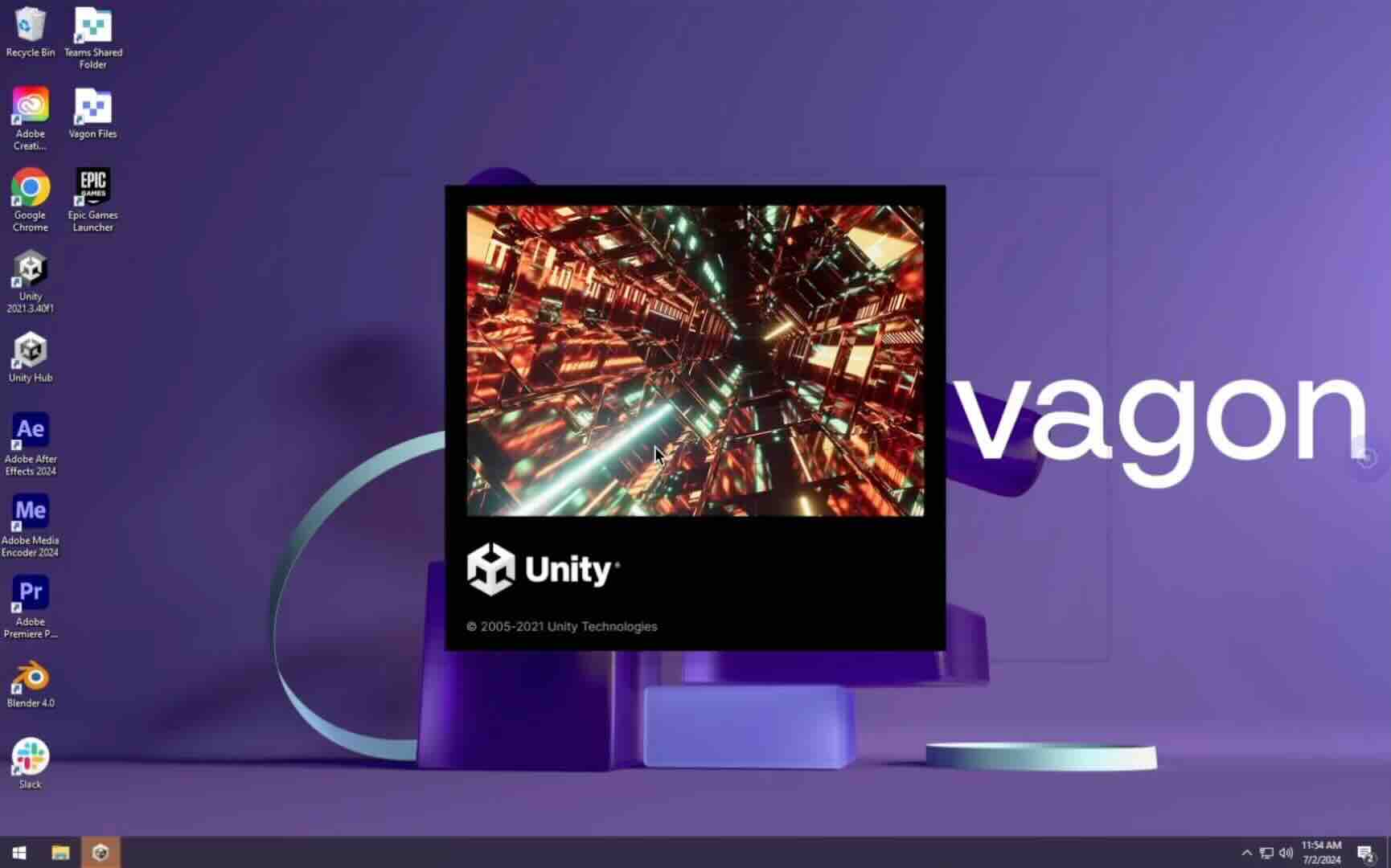
Trial includes 1 hour usage + 7 days of storage.
Summarize with AI

Ready to focus on your creativity?
Vagon gives you the ability to create & render projects, collaborate, and stream applications with the power of the best hardware.

Vagon Blog
Run heavy applications on any device with
your personal computer on the cloud.
San Francisco, California
Solutions
Vagon Teams
Vagon Streams
Use Cases
Resources
Vagon Blog
Best Lumion Alternatives Worth Switching to in 2026
Best Revit AI Tools and Plugins in 2026: Top Picks for Architects and BIM Teams
Best AI Tools for SolidWorks in 2026: What Actually Helps Engineers
Best AI Assistant for Unreal Engine in 2026
Top AI Plugins for Unity in 2026: Best Tools for NPCs, ML, and Runtime AI
Top AI Plugins for AutoCAD: Best Tools, Built-In Features, and Real Use Cases
Top AI Plugins for SketchUp: Best Tools for Rendering, Assets, and Workflow
Why Is Photoshop Generative Fill Freezing Your PC? How to Speed It Up
Photoshop AI: How to Use Generative Fill and Neural Filters Effectively
Vagon Blog
Run heavy applications on any device with
your personal computer on the cloud.
San Francisco, California
Solutions
Vagon Teams
Vagon Streams
Use Cases
Resources
Vagon Blog
Best Lumion Alternatives Worth Switching to in 2026
Best Revit AI Tools and Plugins in 2026: Top Picks for Architects and BIM Teams
Best AI Tools for SolidWorks in 2026: What Actually Helps Engineers
Best AI Assistant for Unreal Engine in 2026
Top AI Plugins for Unity in 2026: Best Tools for NPCs, ML, and Runtime AI
Top AI Plugins for AutoCAD: Best Tools, Built-In Features, and Real Use Cases
Top AI Plugins for SketchUp: Best Tools for Rendering, Assets, and Workflow
Why Is Photoshop Generative Fill Freezing Your PC? How to Speed It Up
Photoshop AI: How to Use Generative Fill and Neural Filters Effectively
Vagon Blog
Run heavy applications on any device with
your personal computer on the cloud.
San Francisco, California
Solutions
Vagon Teams
Vagon Streams
Use Cases
Resources
Vagon Blog