Instant Connection for Pixel Streaming
— New Feature Automated Setup
Best 3D Printers in 2026: Honest Picks, Real Use Cases
Best 3D Printers in 2026: Honest Picks, Real Use Cases
DigitalArt
Best 3D Printers in 2026: Honest Picks, Real Use Cases
Best 3D Printers in 2026: Honest Picks, Real Use Cases
Table of Contents
A $300 printer in 2026 can outperform a $2000 machine from five years ago.
That still feels weird to say out loud. I remember when getting a clean print meant babysitting your machine for hours, tweaking temperatures like you were cracking a safe, and praying your first layer didn’t peel off halfway through. Back then, “reliable” usually meant “it only fails sometimes.”
Now? You unbox a printer, hit auto-calibrate, and it just… works. Most of the time, at least.
I’ve been around long enough to see the shift from hobbyist obsession to something closer to a real tool. And honestly, I have mixed feelings about it. Part of me misses the tinkering. The other part doesn’t miss wasting an entire weekend because a print failed at 92%.
Here’s the thing though. Because printers have gotten so good, choosing one has actually gotten more confusing. Spec sheets look impressive across the board. Marketing is louder than ever. And a lot of reviews don’t tell you what it actually feels like to live with these machines.
That’s what this guide is for.
I’m not going to throw 20 printers at you and call it a day. I’m going to walk through the ones that actually matter in 2026. The ones people are using, not just talking about. I’ll tell you what I like, what annoys me, and where each one makes sense.
Some of the picks might be obvious. A few might not be.
And in a couple cases, I’ll probably disagree with what you’ve heard elsewhere. That’s intentional.
Let’s get into it.

Ignore Half the Spec Sheet. These Are the Things That Actually Matter Now
If you’ve been comparing printers lately, you’ve probably noticed something strange. Everything looks good on paper.
600 mm/s speed. Auto bed leveling. AI detection. Multi-color support. It’s all there. Even on machines that cost less than a decent graphics card.
So how are you supposed to choose?
Here’s the honest answer. Most spec sheets don’t reflect real-world use anymore. The differences show up in the stuff companies don’t highlight.
Let’s break that down.
Real Speed vs “Marketing Speed”
Every brand loves to throw around big speed numbers. 500 mm/s, 600 mm/s, sometimes even higher.
In reality? You’re rarely printing at those speeds.
Push a machine too hard and you’ll see ringing, weak layer adhesion, or just ugly surfaces. So you dial it back. Everyone does.
What actually matters is how fast a printer can run consistently without babysitting.
I’ve noticed this especially with Bambu machines. You can hit high speeds and still get usable parts. On cheaper printers, you’ll spend time tweaking profiles just to get close.
So yeah, speed matters. But reliable speed matters way more.
Software Ecosystem (This One’s Underrated)
This is where things quietly got serious.
A few years ago, slicers were just tools. Now they’re ecosystems.
Bambu Studio integrates everything from slicing to printer control
PrusaSlicer is still the gold standard for flexibility
Creality Print is improving, but still catching up
And here’s the part people ignore. Good software saves you hours. Bad software makes even a great printer feel frustrating.
If you’ve ever fought with profiles, supports, or weird slicing bugs, you know exactly what I mean.
I’d take a slightly worse printer with great software over the opposite. Every time.

Multi-Color Printing Isn’t Free (Not Even Close)
Multi-material systems look amazing in demos.
Clean color swaps. Complex models. No painting needed.
What you don’t see is the waste.
Some systems purge a shocking amount of filament during color changes. I’ve seen prints where the purge tower uses almost as much material as the actual model.
It adds up fast. Especially if you print often.
So if you’re buying a printer just for multi-color, ask yourself:
Do I actually need this?
Or does it just look cool on YouTube?
Because yeah, it’s fun. But it’s not always practical.
Reliability Beats Everything Else
This is the big one.
I don’t care how fast or advanced a printer is. If it fails one out of every three prints, you’ll stop using it.
Simple as that.
The best printers in 2026 aren’t just powerful. They’re predictable.
You hit print. You walk away. You come back later and the part is done.
That used to be rare. Now it’s the baseline for a good machine.
AI Features: Useful or Just Marketing?
You’ll see “AI” everywhere now.
Spaghetti detection
Failure alerts
Auto calibration
Print monitoring with cameras
Some of it is genuinely useful. Failure detection can save hours and wasted material.
But let’s be honest. Not all of it is necessary.
A lot of these features fall into the “nice to have, not essential” category.
If your printer needs AI to compensate for bad hardware or poor tuning, that’s a red flag.
Good printers don’t rely on AI to work. They use it to reduce edge cases.
The Quiet Shift: Less Tinkering, More Printing
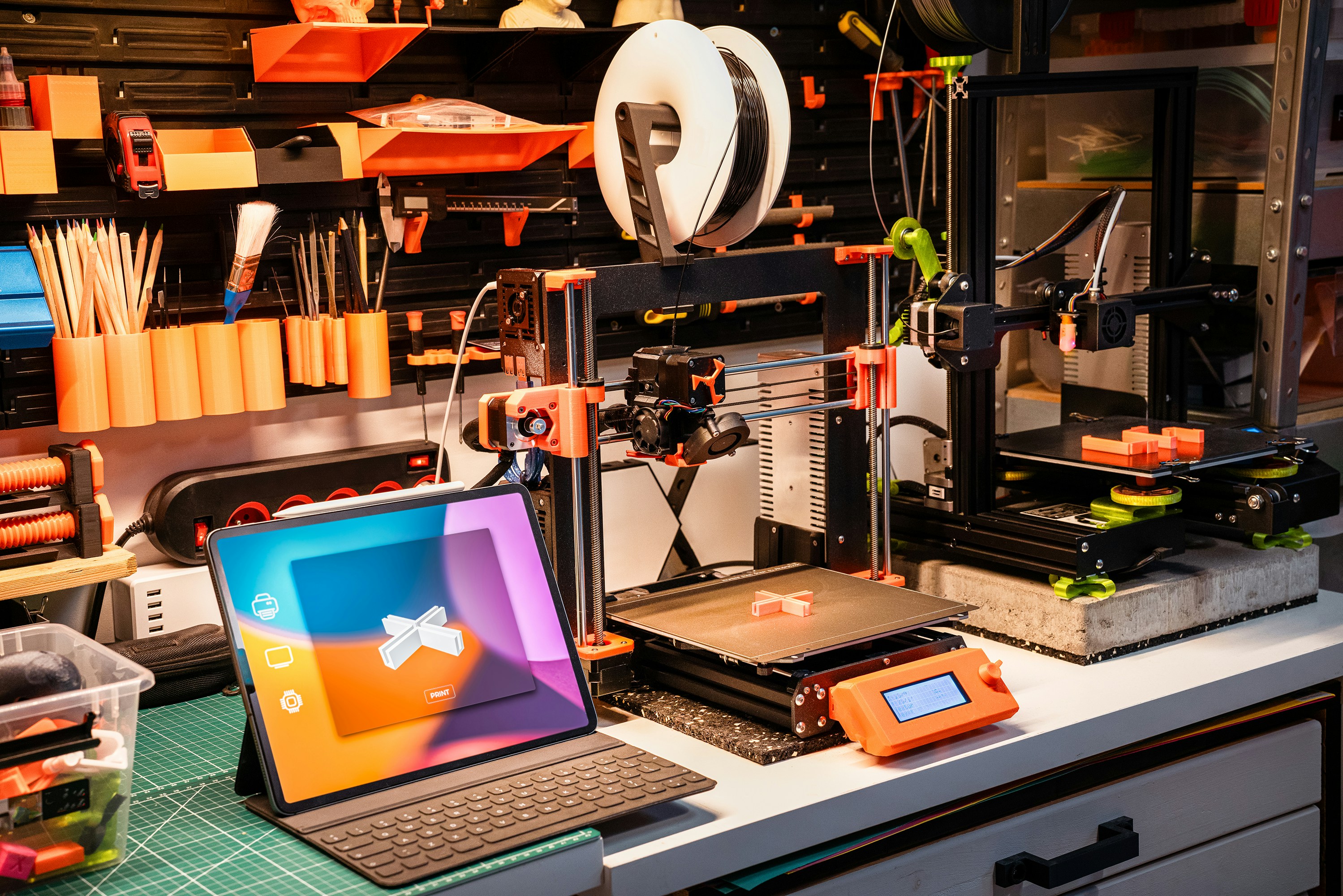
This is probably the biggest change, and not everyone talks about it.
3D printing used to be a hobby where the printer was the project.
Now the printer is just a tool.
You spend less time calibrating and more time actually making things.
That sounds great. And it is.
But it also changes how you should choose a printer.
You’re no longer buying something to “upgrade and tweak.”
You’re buying something to fit your workflow.
And that’s exactly how we’re going to look at the best printers next.
Not by specs. Not by hype.
By how they actually perform when you use them.
The Best 3D Printers of 2026
I’m not going to list every decent printer on the market. There are too many, and most of them are… fine.
This section is about the machines that keep coming up in real conversations. The ones people buy, keep, and recommend after a few months. Not just right after unboxing.
Also, quick note. “Best” depends heavily on what you’re trying to do. So instead of ranking everything in one list, I’m breaking it down by use case.
Best Overall: Bambu Lab P2 Series
If someone asked me, “I just want a great 3D printer, what should I buy?” this is where I’d point first.
The P2 series feels like the natural evolution of what Bambu started a few years ago. Fast, clean prints, minimal setup, and a system that just feels… finished.
What stands out most is consistency. You don’t spend your time dialing things in. You spend your time printing.
The AMS (Automatic Material System) is still one of the easiest ways to do multi-color printing without losing your mind. It’s not perfect, and yeah, it wastes filament, but it works reliably. That matters more.
What I like:
High-speed printing that’s actually usable
Tight software + hardware integration
Multi-color that doesn’t feel experimental
What I don’t like:
Closed ecosystem. You’re playing in Bambu’s world
Replacement parts and upgrades aren’t as flexible
If you just want a printer that works and you don’t care about modding everything, this is hard to beat right now.
Best for Beginners: Bambu Lab A1
“Beginner printer” doesn’t really mean what it used to.

The A1 is simple, but not in a limiting way. It’s simple because it removes friction.
Setup takes maybe 20 minutes. Calibration is automatic. The interface makes sense. You don’t need to watch five tutorials just to print your first part.
And the print quality? Honestly, better than what most people expect starting out.
This is the printer I recommend to friends who aren’t technical. And more importantly, they actually keep using it.
What I like:
Ridiculously easy setup
Reliable first layers (huge deal for beginners)
Affordable without feeling “cheap”
What I don’t like:
Not ideal for advanced materials
You’ll outgrow it if you get deep into the hobby
If your goal is to start printing, not troubleshooting, this is one of the safest picks.
Best Budget (Under $500): Elegoo Centauri Carbon & Anycubic Kobra X
This is where things get interesting.
A few years ago, “budget” meant compromise. Now it mostly means you’re giving up polish, not capability.
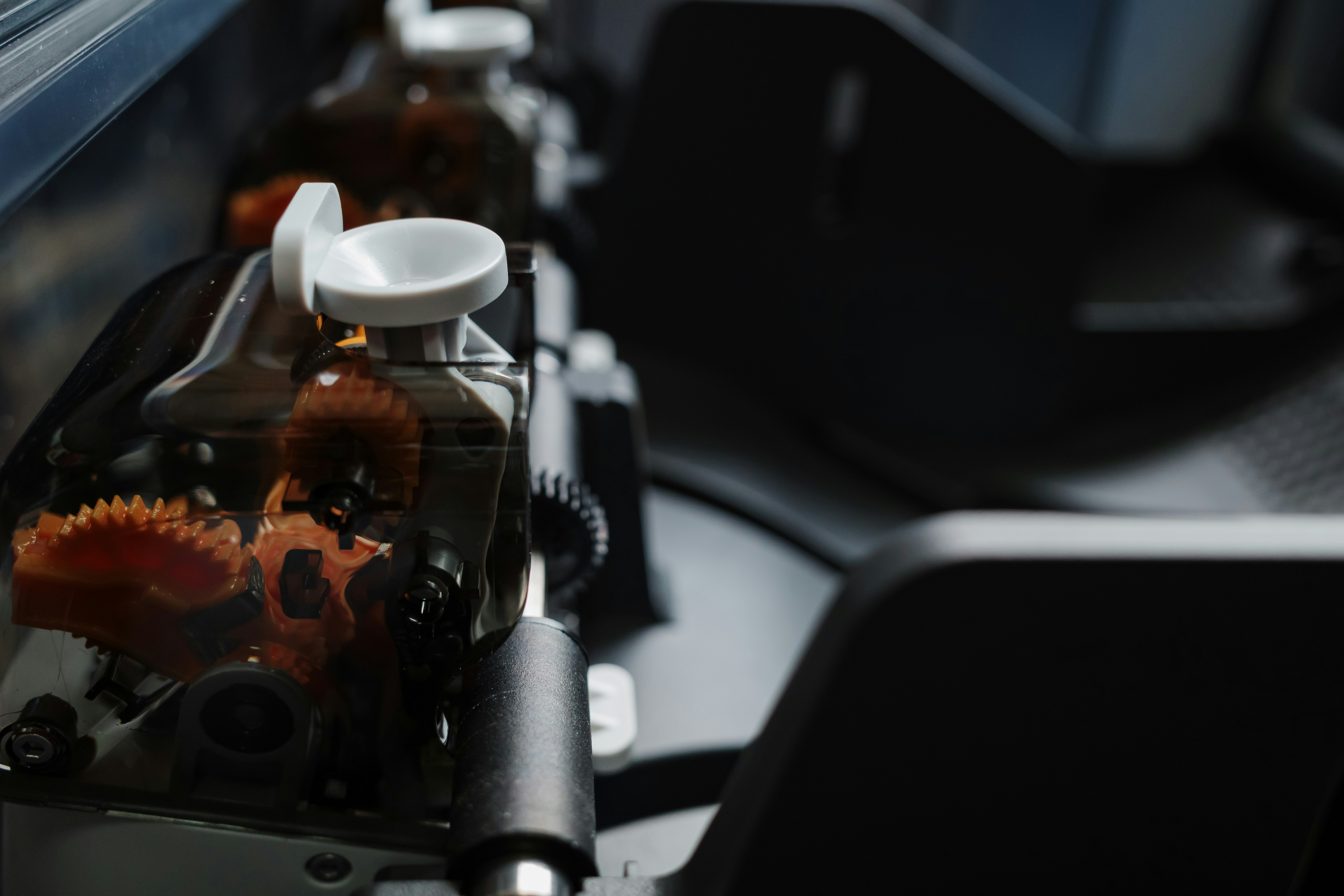
The Elegoo Centauri Carbon surprised me. It’s fast, supports multi-color, and doesn’t feel like a stripped-down machine. You still get modern features, just without the premium finish.
The Anycubic Kobra X leans more toward raw value. Big build volume, solid speed, and aggressive pricing.
But here’s the catch with budget printers. You’ll spend more time tweaking. Not always a lot, but more than with something like a Bambu.
What I like:
Insane value for the price
Features that used to be high-end
Great for learning without overspending
What I don’t like:
Software can be hit or miss
Quality control isn’t always consistent
If you don’t mind a bit of tinkering, this category gives you the most for your money.
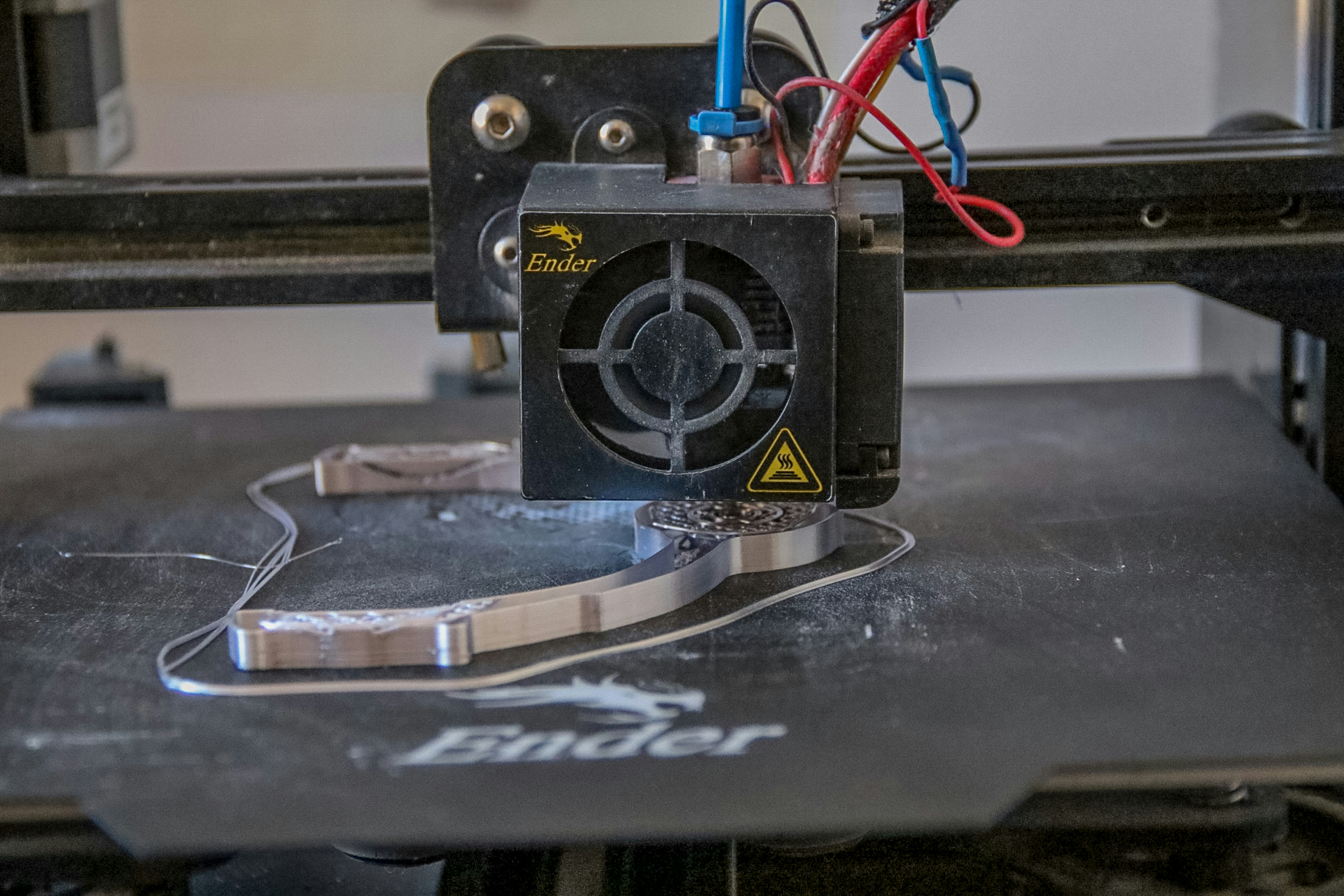
Best Professional / Business Use: Prusa Core One
Prusa is still doing what Prusa does.
They’re not chasing hype. They’re building machines that run day after day without drama.
The Core One isn’t flashy, but it’s dependable. And if you’re running a small print farm or using your printer for actual business work, that matters way more than speed benchmarks.
I’ve seen setups where these machines just run nonstop. Minimal failures. Predictable output. Easy maintenance.
That’s what you’re paying for.
What I like:
Reliability over long periods
Open ecosystem and strong community
Excellent documentation and support
What I don’t like:
Slower to adopt flashy features
Higher price compared to similar specs
If downtime costs you money, this is the kind of machine you want.
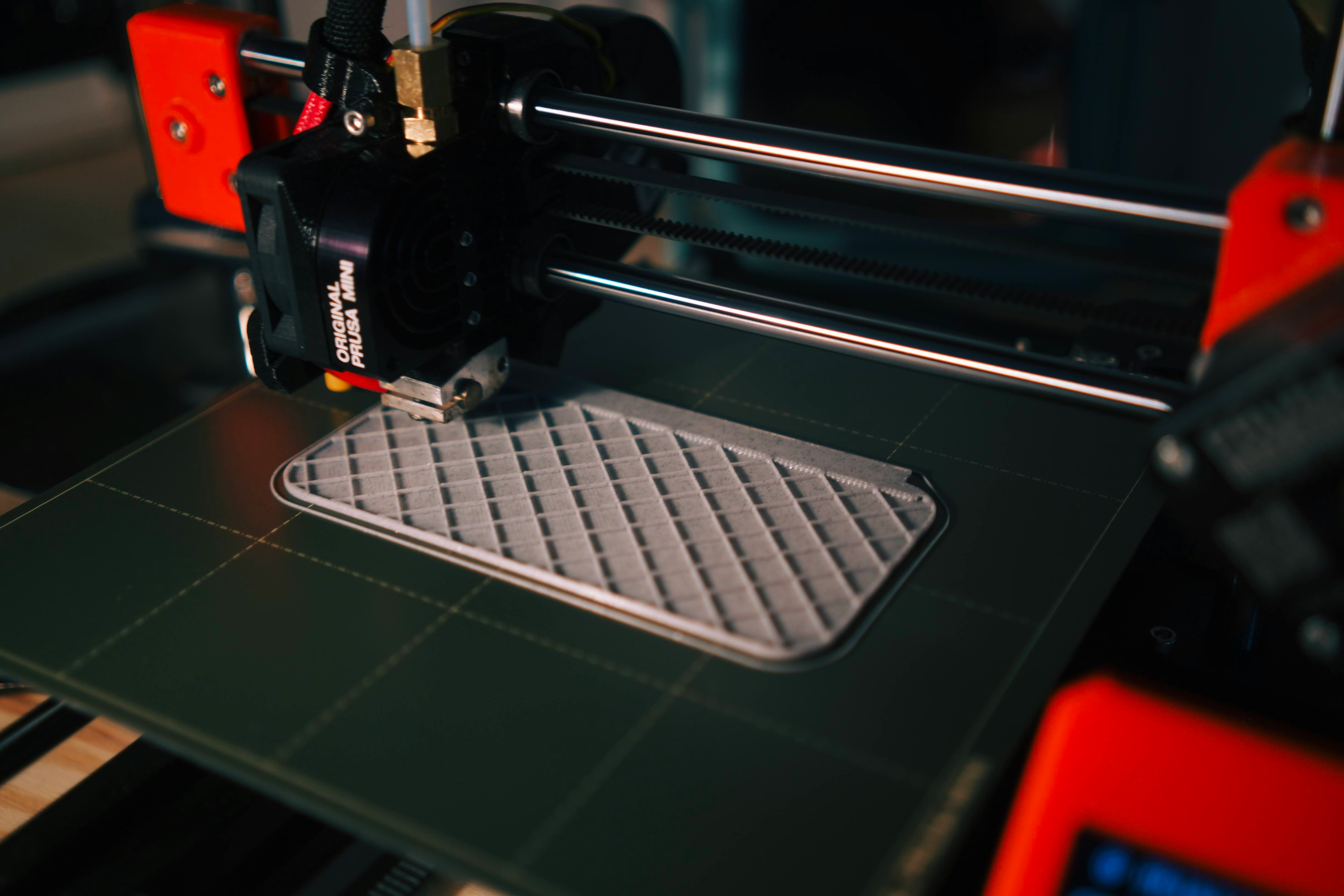
Best for Multi-Color Printing: Bambu AMS System
I’m separating this because multi-color printing is its own decision now.
Bambu’s AMS is still the most polished system out there. It’s not the most efficient, but it’s the easiest to live with.
You load your filaments, slice your model, and it handles the rest.
Other systems exist, and some are catching up, but they often feel like they require more babysitting.
What I like:
Smooth, automated workflow
Works well out of the box
Integrated into the ecosystem
What I don’t like:
Material waste during purging
Adds cost quickly
If multi-color is a core part of what you want to do, this is still the safest option.
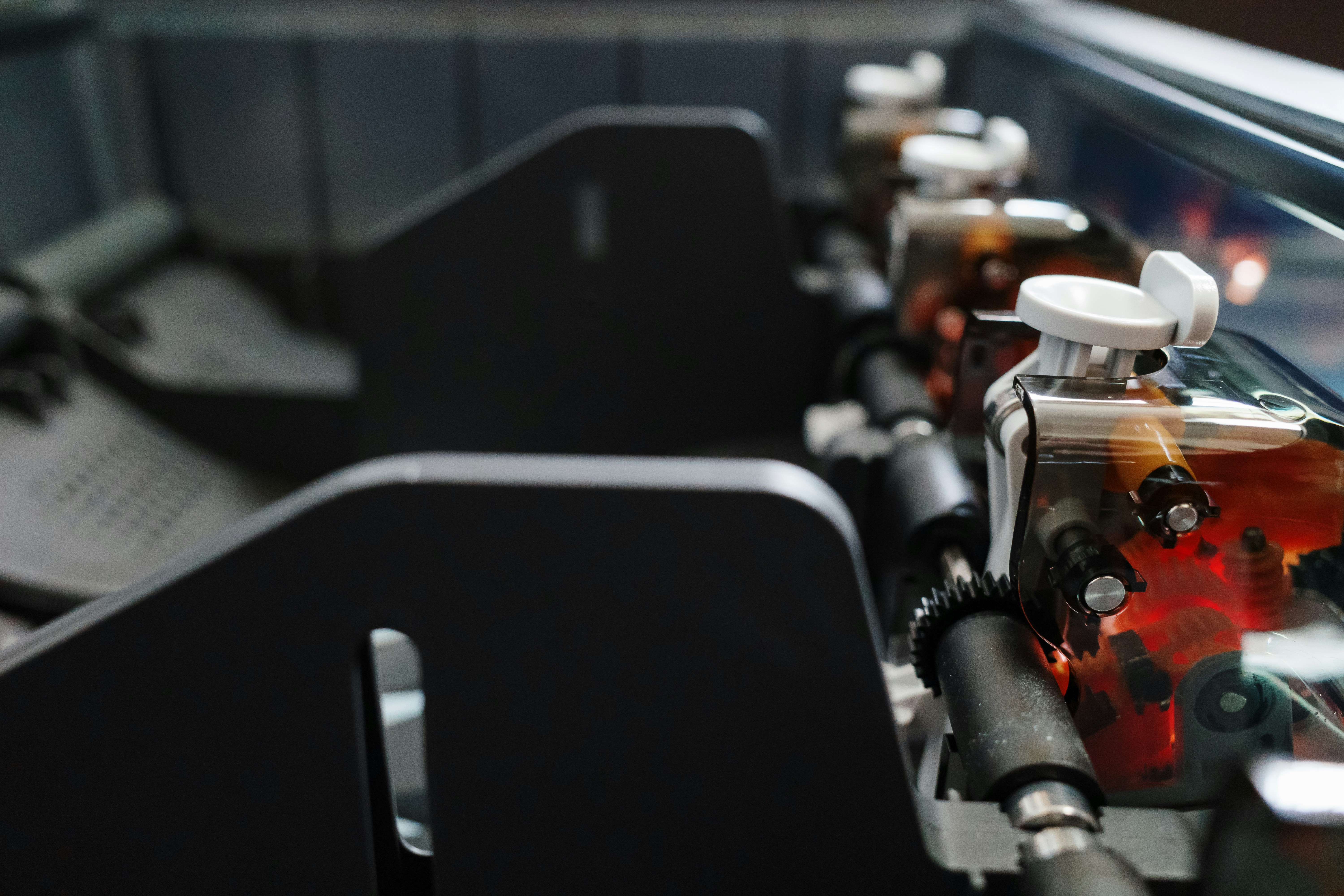
Best Resin Printer: Elegoo Saturn 4 Ultra
FDM gets most of the attention, but resin printers are still unmatched for detail.
The Saturn 4 Ultra is one of those machines that just delivers clean results without much effort. High resolution, fast curing, and a workflow that’s getting less painful every year.
That said, resin printing isn’t for everyone.
You’re dealing with chemicals, post-processing, and more cleanup. It’s not something you casually run in your bedroom.
What I like:
Incredible detail and surface quality
Faster than older resin machines
Great for miniatures, jewelry, and precision parts
What I don’t like:
Messy workflow
Requires ventilation and safety precautions
If detail matters more than convenience, resin still wins. No contest.
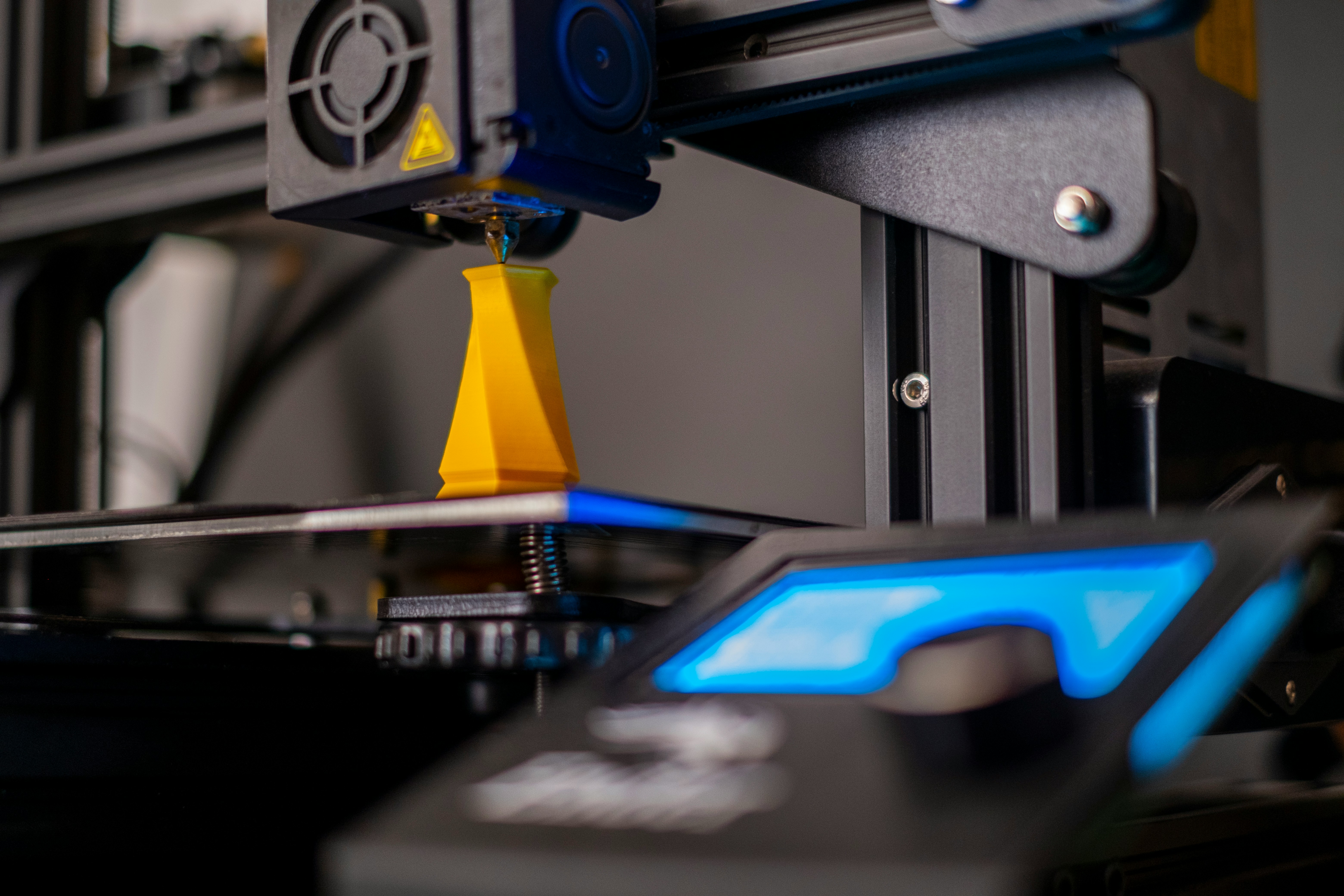
A Quick Reality Check
You probably noticed something.
There’s no “perfect” printer here.
Some are easier. Some are faster. Some are more flexible. Some are just more reliable over time.
The trick isn’t finding the best machine on paper. It’s finding the one that fits how you actually work.
Because once you start printing regularly, the differences become very obvious.
3D Printing Is Getting… Too Easy?
I didn’t expect to say this, but here we are.
3D printing in 2026 is almost boring.
You click print. The machine calibrates itself. It checks the bed, adjusts flow, maybe even watches the first layers with a camera. Then it just… finishes the job.
No drama. No failed prints at 3 AM. No digging through forums trying to figure out why your extruder is clicking.
If you started recently, this probably sounds normal.
If you’ve been around longer, it’s kind of wild.
When the Printer Was the Hobby
There was a time when owning a 3D printer meant you were signing up for a project.
You didn’t just print things. You tuned profiles, replaced parts, upgraded firmware, argued about retraction settings with strangers online.
Getting a perfect print felt like an achievement.
And honestly, it taught you a lot. You understood how materials behaved. You learned why small changes mattered. You got good at troubleshooting.
That’s mostly gone now.
Now It’s Just a Tool
Modern printers are closer to appliances than projects.
They’re designed to stay out of your way.
And for most people, that’s exactly what they want.
If you’re using a printer for prototyping, small business work, or just making functional parts, you don’t want to fight the machine. You want results.
Fast, repeatable, predictable.
This shift is why brands like Bambu took off so quickly. They didn’t just make faster printers. They removed friction.
That’s the real upgrade.

The Trade-Off Nobody Talks About
Here’s the part that feels a little strange.
As things get easier, you learn less.
You can run a modern printer for months without really understanding what’s happening under the hood. And that’s fine… until something goes wrong.
Because when it does, you might not know where to start.
I’ve seen this a lot with newer users. The first failure hits and suddenly it’s confusing, because they’ve never had to troubleshoot before.
Older printers forced you to learn. New ones let you skip that phase.
Better experience? Definitely.
Better long-term understanding? Debatable.
So… Is This a Good Thing?
Honestly, yeah. Mostly.
Lower friction means more people can use 3D printing for actual work, not just as a hobby. That’s a big deal.
It’s also why we’re seeing more designers, engineers, and even non-technical creators getting into it. The barrier is just lower now.
But it does change how you should think about buying a printer.
You’re not choosing a machine you’ll constantly tweak.
You’re choosing something that fits into your workflow without slowing you down.
And that brings us to the part most people still underestimate.
People Are Still Wasting Money on the Same Mistakes
You’d think better printers would mean smarter buying decisions.
Not really.
If anything, the options have made it easier to spend money on the wrong machine. I still see people overspending, underusing their printers, or buying something that doesn’t match what they actually want to do.
A few patterns keep showing up.
Buying Based on Specs Instead of Workflow
This is the most common one.
Someone sees:
600 mm/s speed
Multi-color support
AI features
…and assumes it’s the “best” option.
But what are you actually printing?
If you’re making functional parts, you probably care more about material strength and consistency than color swaps.
If you’re printing decorative models, speed might not matter as much as surface quality.
Specs don’t tell you how a printer fits into your day-to-day use. And that’s what matters.
Ignoring Filament Costs (Especially with Multi-Color)
Printers get cheaper. Materials don’t.
And multi-color printing quietly increases your costs.
Between purge waste and extra filament usage, you can burn through spools faster than you expect.
I’ve seen people get excited about multi-color prints, then slowly stop using the feature because it feels wasteful.
If you print often, this becomes a real factor. Not just a small detail.

Overestimating How Much You’ll Print
This one’s easy to overlook.
A lot of people buy a printer imagining they’ll use it every day. Then reality kicks in.
Maybe you print a few things in the first couple of weeks. Then it slows down. Then it sits.
It doesn’t mean the printer is bad. It just means your use case wasn’t as strong as you thought.
So before buying, ask yourself:
What am I actually going to make regularly?
Not once. Not as a test. Regularly.
Choosing Open Printers for the Wrong Reasons
Open-frame printers look appealing. They’re cheaper, more accessible, easier to modify.
But they’re not always the right choice.
If you plan to print materials like ABS, Nylon, or anything temperature-sensitive, you’ll want an enclosed setup.
Otherwise, you’ll deal with warping, layer issues, and inconsistent results.
I’ve seen people try to “upgrade” open printers to handle this. It usually ends up costing more time and money than just buying the right machine upfront.
Not Thinking About Space, Noise, and Environment
This sounds basic, but it matters.
Some printers are loud. Some produce fumes. Some take up more space than you expect once you include filament storage and accessories.
If you’re printing at home, especially in a shared space, these things add up quickly.
Resin printers are the extreme example. Great results, but they come with ventilation requirements and cleanup work that people underestimate.
Chasing the “Perfect” Printer
There isn’t one.
Every machine has trade-offs. Even the best ones.
Waiting for the perfect option usually means not starting at all. Or constantly second-guessing your choice after you buy.
You’re better off picking something that fits 80% of your needs and getting started.
You’ll learn more from using a printer for a month than from watching reviews for weeks.
The Pattern Behind All of This
Most of these mistakes come down to one thing.
People focus on the machine, not the workflow.
But once you start printing regularly, the printer becomes just one part of a bigger process.
Designing. Slicing. Managing files. Iterating.
And that’s where things start to shift in a way most buyers don’t expect.
The Real Bottleneck Now Isn’t Your Printer
It’s everything around it.
This is the part that surprised me the most over the last couple of years. Printers got faster, more reliable, easier to use. But the rest of the workflow didn’t magically simplify at the same pace.
In some ways, it got heavier.
Designing Takes More Power Than People Expect
If you’re just downloading models and printing them, you won’t notice this much.
But the moment you start designing your own parts, things change.
Open up Fusion 360 with a complex assembly. Or try working in Blender with high-detail meshes. Add a few modifiers, maybe some generative design tools. Suddenly your laptop sounds like it’s about to take off.
I’ve had files that were completely fine at the start, then became painful to work with after a few iterations. Laggy viewport, slow exports, crashes if you push too far.
And it’s not just professionals dealing with this anymore. Even hobby projects are getting more complex.
AI-Generated Models Are Changing the Game
This is a newer shift, but it’s happening fast.
People are using AI tools to generate 3D models, textures, even functional designs. It’s cool. Also messy.
You end up with:
Huge mesh files
Unoptimized geometry
Models that need cleanup before printing
So now you’re not just slicing a clean STL. You’re fixing, editing, sometimes rebuilding parts of it.
That adds more load to your system.
Slicing Isn’t “Lightweight” Anymore
Slicers used to be pretty simple.
Now they handle:
Multi-material coordination
Advanced supports
High-speed motion planning
Real-time previews
Try slicing a detailed multi-color model and watch your RAM usage.
It’s not crazy, but it’s not nothing either. Especially if you’re working on a mid-range machine or juggling multiple files.
File Management Gets Out of Control Fast
This one sneaks up on you.
Different versions of the same model. Test prints. Variations. Failed attempts you might revisit later.
Suddenly you have folders full of:
STLs
3MF files
Project files from CAD tools
And if you’re running more than one printer, or collaborating with someone else, it gets messy quickly.
When Your Computer Slows You Down
At some point, the printer stops being the limiting factor.
You’re waiting on:
Files to export
Models to load
Slices to process
It’s subtle at first. Then it becomes annoying. Then it starts breaking your flow.
I’ve noticed this especially when working on larger or more detailed projects. The printer is ready. I’m the one stuck waiting on my machine.
This Is Where Most People Hit a Wall
Not immediately.
But after a few weeks or months of consistent use, especially if you start designing your own parts or experimenting with more complex prints.
You realize:
The hardware on your desk isn’t the slowest part anymore.
And once that happens, you start looking for ways to fix it. Not by upgrading your printer.
By upgrading how you work.
When Your Laptop Starts Holding You Back
There’s a moment where your printer isn’t the problem anymore. Your computer is.
You start noticing it in small ways. A model takes longer to load. Slicing a multi-color print freezes for a few seconds. Rotating a complex design feels choppy. Nothing catastrophic, just enough friction to pull you out of the flow.
And it usually happens right when your projects start getting interesting.
Instead of upgrading hardware again or compromising on what you want to create, this is where something like Vagon Cloud Computer starts to make a lot of sense.
With Vagon, you’re not limited by the machine on your desk. You can run heavy CAD software, edit dense meshes, or slice complex multi-material prints on a high-performance cloud setup. No overheating laptop, no waiting for files to process, no second-guessing whether your system can handle it.
It changes how you approach your work.
You stop simplifying designs just to make them run smoothly. You stop avoiding larger files or more detailed models. You just open your project and keep going.
That’s the real shift.
Instead of asking, “Can my computer handle this?” you start asking, “What do I actually want to make?”
And once you get used to working like that, it’s very hard to go back.
Final Thoughts
The best 3D printer in 2026 isn’t the one with the most impressive specs. It’s the one that fits into your workflow so well that you stop thinking about the machine entirely. That’s the real shift. Printers are no longer the hard part.
What matters now is everything around them.
How fast you can go from idea to model. How smoothly you can edit, slice, and iterate. Whether your tools help you stay in the flow or constantly slow you down. That’s what separates people who print occasionally from people who actually use 3D printing as part of their work or daily projects.
And once you hit that point, you start seeing things differently. You care less about peak speed numbers or extra features, and more about how frictionless the entire process feels. That includes your software, your setup, and yes, even the machine you’re working on.
Because in the end, the goal isn’t to own the best printer.
It’s to make things consistently, without friction, and without overthinking every step.
FAQs
1. What is the best 3D printer in 2026 overall?
Right now, Bambu Lab printers are hard to ignore. If you want something that just works with minimal setup and consistently good results, they’re usually the safest choice. That said, “best” really depends on what you’re doing. If reliability over long periods matters more than speed or features, something like Prusa still makes a strong case.
2. Are expensive 3D printers actually worth it?
Sometimes. But not always. Spending more usually gets you better reliability, less setup time, and a smoother overall experience. What it doesn’t guarantee is that you’ll use the printer more. If your workflow or use case isn’t clear, even a high-end machine can end up sitting idle.
3. Is multi-color 3D printing worth it?
It depends on how often you’ll use it. Multi-color printing is great for visual models, prototypes, and certain creative projects. But it comes with trade-offs like longer print times and material waste. A lot of people love it at first, then use it less than expected once they see the extra cost and time involved.
4. Should beginners still learn manual calibration?
Honestly, yes. At least a little. Modern printers automate most of the setup, which is great. But understanding basics like bed leveling, temperature settings, and material behavior helps a lot when something goes wrong. You don’t need to master everything, just enough to troubleshoot when needed.
5. Is resin printing better than FDM?
Not better. Just different. Resin printers give you incredible detail and smooth surfaces, which makes them ideal for miniatures, jewelry, and precision parts. But they’re messier, require more post-processing, and need proper ventilation. FDM is still the more practical choice for everyday printing.
6. How much should I spend on a 3D printer?
For most people, the sweet spot is somewhere between $300 and $1000. Below that, you’ll likely deal with more compromises. Above that, you’re paying for reliability, speed, and convenience rather than completely new capabilities. The key is matching the printer to what you’ll actually use it for.
7. Why does my computer struggle with 3D printing workflows?
Because the printer isn’t doing the heavy lifting. Your computer is. Designing models, editing meshes, and slicing complex files all require processing power. As projects get more detailed, your system can become the bottleneck. That’s when things start to feel slow, even if your printer is fast.
8. Do I need a powerful computer for 3D printing?
Not at the beginning. If you’re downloading simple models and printing them, almost any modern computer will handle it. But as you move into custom design, larger files, or AI-generated models, performance starts to matter more. That’s also where cloud-based solutions like Vagon can help. Instead of upgrading your hardware, you can run heavier workflows on a more powerful remote machine when needed.
9. How do I choose the right 3D printer?
Start with what you want to make regularly. Not once. Not as a test. Regularly. Then choose a printer that makes that process easy and reliable. Ignore most of the marketing, focus on real-world use, and don’t overthink it too much. You’ll learn more by using a printer for a month than by researching for weeks.
A $300 printer in 2026 can outperform a $2000 machine from five years ago.
That still feels weird to say out loud. I remember when getting a clean print meant babysitting your machine for hours, tweaking temperatures like you were cracking a safe, and praying your first layer didn’t peel off halfway through. Back then, “reliable” usually meant “it only fails sometimes.”
Now? You unbox a printer, hit auto-calibrate, and it just… works. Most of the time, at least.
I’ve been around long enough to see the shift from hobbyist obsession to something closer to a real tool. And honestly, I have mixed feelings about it. Part of me misses the tinkering. The other part doesn’t miss wasting an entire weekend because a print failed at 92%.
Here’s the thing though. Because printers have gotten so good, choosing one has actually gotten more confusing. Spec sheets look impressive across the board. Marketing is louder than ever. And a lot of reviews don’t tell you what it actually feels like to live with these machines.
That’s what this guide is for.
I’m not going to throw 20 printers at you and call it a day. I’m going to walk through the ones that actually matter in 2026. The ones people are using, not just talking about. I’ll tell you what I like, what annoys me, and where each one makes sense.
Some of the picks might be obvious. A few might not be.
And in a couple cases, I’ll probably disagree with what you’ve heard elsewhere. That’s intentional.
Let’s get into it.
Ignore Half the Spec Sheet. These Are the Things That Actually Matter Now
If you’ve been comparing printers lately, you’ve probably noticed something strange. Everything looks good on paper.
600 mm/s speed. Auto bed leveling. AI detection. Multi-color support. It’s all there. Even on machines that cost less than a decent graphics card.
So how are you supposed to choose?
Here’s the honest answer. Most spec sheets don’t reflect real-world use anymore. The differences show up in the stuff companies don’t highlight.
Let’s break that down.
Real Speed vs “Marketing Speed”
Every brand loves to throw around big speed numbers. 500 mm/s, 600 mm/s, sometimes even higher.
In reality? You’re rarely printing at those speeds.
Push a machine too hard and you’ll see ringing, weak layer adhesion, or just ugly surfaces. So you dial it back. Everyone does.
What actually matters is how fast a printer can run consistently without babysitting.
I’ve noticed this especially with Bambu machines. You can hit high speeds and still get usable parts. On cheaper printers, you’ll spend time tweaking profiles just to get close.
So yeah, speed matters. But reliable speed matters way more.
Software Ecosystem (This One’s Underrated)
This is where things quietly got serious.
A few years ago, slicers were just tools. Now they’re ecosystems.
Bambu Studio integrates everything from slicing to printer control
PrusaSlicer is still the gold standard for flexibility
Creality Print is improving, but still catching up
And here’s the part people ignore. Good software saves you hours. Bad software makes even a great printer feel frustrating.
If you’ve ever fought with profiles, supports, or weird slicing bugs, you know exactly what I mean.
I’d take a slightly worse printer with great software over the opposite. Every time.
Multi-Color Printing Isn’t Free (Not Even Close)
Multi-material systems look amazing in demos.
Clean color swaps. Complex models. No painting needed.
What you don’t see is the waste.
Some systems purge a shocking amount of filament during color changes. I’ve seen prints where the purge tower uses almost as much material as the actual model.
It adds up fast. Especially if you print often.
So if you’re buying a printer just for multi-color, ask yourself:
Do I actually need this?
Or does it just look cool on YouTube?
Because yeah, it’s fun. But it’s not always practical.
Reliability Beats Everything Else
This is the big one.
I don’t care how fast or advanced a printer is. If it fails one out of every three prints, you’ll stop using it.
Simple as that.
The best printers in 2026 aren’t just powerful. They’re predictable.
You hit print. You walk away. You come back later and the part is done.
That used to be rare. Now it’s the baseline for a good machine.
AI Features: Useful or Just Marketing?
You’ll see “AI” everywhere now.
Spaghetti detection
Failure alerts
Auto calibration
Print monitoring with cameras
Some of it is genuinely useful. Failure detection can save hours and wasted material.
But let’s be honest. Not all of it is necessary.
A lot of these features fall into the “nice to have, not essential” category.
If your printer needs AI to compensate for bad hardware or poor tuning, that’s a red flag.
Good printers don’t rely on AI to work. They use it to reduce edge cases.
The Quiet Shift: Less Tinkering, More Printing
This is probably the biggest change, and not everyone talks about it.
3D printing used to be a hobby where the printer was the project.
Now the printer is just a tool.
You spend less time calibrating and more time actually making things.
That sounds great. And it is.
But it also changes how you should choose a printer.
You’re no longer buying something to “upgrade and tweak.”
You’re buying something to fit your workflow.
And that’s exactly how we’re going to look at the best printers next.
Not by specs. Not by hype.
By how they actually perform when you use them.
The Best 3D Printers of 2026
I’m not going to list every decent printer on the market. There are too many, and most of them are… fine.
This section is about the machines that keep coming up in real conversations. The ones people buy, keep, and recommend after a few months. Not just right after unboxing.
Also, quick note. “Best” depends heavily on what you’re trying to do. So instead of ranking everything in one list, I’m breaking it down by use case.
Best Overall: Bambu Lab P2 Series
If someone asked me, “I just want a great 3D printer, what should I buy?” this is where I’d point first.
The P2 series feels like the natural evolution of what Bambu started a few years ago. Fast, clean prints, minimal setup, and a system that just feels… finished.
What stands out most is consistency. You don’t spend your time dialing things in. You spend your time printing.
The AMS (Automatic Material System) is still one of the easiest ways to do multi-color printing without losing your mind. It’s not perfect, and yeah, it wastes filament, but it works reliably. That matters more.
What I like:
High-speed printing that’s actually usable
Tight software + hardware integration
Multi-color that doesn’t feel experimental
What I don’t like:
Closed ecosystem. You’re playing in Bambu’s world
Replacement parts and upgrades aren’t as flexible
If you just want a printer that works and you don’t care about modding everything, this is hard to beat right now.
Best for Beginners: Bambu Lab A1
“Beginner printer” doesn’t really mean what it used to.
The A1 is simple, but not in a limiting way. It’s simple because it removes friction.
Setup takes maybe 20 minutes. Calibration is automatic. The interface makes sense. You don’t need to watch five tutorials just to print your first part.
And the print quality? Honestly, better than what most people expect starting out.
This is the printer I recommend to friends who aren’t technical. And more importantly, they actually keep using it.
What I like:
Ridiculously easy setup
Reliable first layers (huge deal for beginners)
Affordable without feeling “cheap”
What I don’t like:
Not ideal for advanced materials
You’ll outgrow it if you get deep into the hobby
If your goal is to start printing, not troubleshooting, this is one of the safest picks.
Best Budget (Under $500): Elegoo Centauri Carbon & Anycubic Kobra X
This is where things get interesting.
A few years ago, “budget” meant compromise. Now it mostly means you’re giving up polish, not capability.
The Elegoo Centauri Carbon surprised me. It’s fast, supports multi-color, and doesn’t feel like a stripped-down machine. You still get modern features, just without the premium finish.
The Anycubic Kobra X leans more toward raw value. Big build volume, solid speed, and aggressive pricing.
But here’s the catch with budget printers. You’ll spend more time tweaking. Not always a lot, but more than with something like a Bambu.
What I like:
Insane value for the price
Features that used to be high-end
Great for learning without overspending
What I don’t like:
Software can be hit or miss
Quality control isn’t always consistent
If you don’t mind a bit of tinkering, this category gives you the most for your money.
Best Professional / Business Use: Prusa Core One
Prusa is still doing what Prusa does.
They’re not chasing hype. They’re building machines that run day after day without drama.
The Core One isn’t flashy, but it’s dependable. And if you’re running a small print farm or using your printer for actual business work, that matters way more than speed benchmarks.
I’ve seen setups where these machines just run nonstop. Minimal failures. Predictable output. Easy maintenance.
That’s what you’re paying for.
What I like:
Reliability over long periods
Open ecosystem and strong community
Excellent documentation and support
What I don’t like:
Slower to adopt flashy features
Higher price compared to similar specs
If downtime costs you money, this is the kind of machine you want.
Best for Multi-Color Printing: Bambu AMS System
I’m separating this because multi-color printing is its own decision now.
Bambu’s AMS is still the most polished system out there. It’s not the most efficient, but it’s the easiest to live with.
You load your filaments, slice your model, and it handles the rest.
Other systems exist, and some are catching up, but they often feel like they require more babysitting.
What I like:
Smooth, automated workflow
Works well out of the box
Integrated into the ecosystem
What I don’t like:
Material waste during purging
Adds cost quickly
If multi-color is a core part of what you want to do, this is still the safest option.
Best Resin Printer: Elegoo Saturn 4 Ultra
FDM gets most of the attention, but resin printers are still unmatched for detail.
The Saturn 4 Ultra is one of those machines that just delivers clean results without much effort. High resolution, fast curing, and a workflow that’s getting less painful every year.
That said, resin printing isn’t for everyone.
You’re dealing with chemicals, post-processing, and more cleanup. It’s not something you casually run in your bedroom.
What I like:
Incredible detail and surface quality
Faster than older resin machines
Great for miniatures, jewelry, and precision parts
What I don’t like:
Messy workflow
Requires ventilation and safety precautions
If detail matters more than convenience, resin still wins. No contest.
A Quick Reality Check
You probably noticed something.
There’s no “perfect” printer here.
Some are easier. Some are faster. Some are more flexible. Some are just more reliable over time.
The trick isn’t finding the best machine on paper. It’s finding the one that fits how you actually work.
Because once you start printing regularly, the differences become very obvious.
3D Printing Is Getting… Too Easy?
I didn’t expect to say this, but here we are.
3D printing in 2026 is almost boring.
You click print. The machine calibrates itself. It checks the bed, adjusts flow, maybe even watches the first layers with a camera. Then it just… finishes the job.
No drama. No failed prints at 3 AM. No digging through forums trying to figure out why your extruder is clicking.
If you started recently, this probably sounds normal.
If you’ve been around longer, it’s kind of wild.
When the Printer Was the Hobby
There was a time when owning a 3D printer meant you were signing up for a project.
You didn’t just print things. You tuned profiles, replaced parts, upgraded firmware, argued about retraction settings with strangers online.
Getting a perfect print felt like an achievement.
And honestly, it taught you a lot. You understood how materials behaved. You learned why small changes mattered. You got good at troubleshooting.
That’s mostly gone now.
Now It’s Just a Tool
Modern printers are closer to appliances than projects.
They’re designed to stay out of your way.
And for most people, that’s exactly what they want.
If you’re using a printer for prototyping, small business work, or just making functional parts, you don’t want to fight the machine. You want results.
Fast, repeatable, predictable.
This shift is why brands like Bambu took off so quickly. They didn’t just make faster printers. They removed friction.
That’s the real upgrade.
The Trade-Off Nobody Talks About
Here’s the part that feels a little strange.
As things get easier, you learn less.
You can run a modern printer for months without really understanding what’s happening under the hood. And that’s fine… until something goes wrong.
Because when it does, you might not know where to start.
I’ve seen this a lot with newer users. The first failure hits and suddenly it’s confusing, because they’ve never had to troubleshoot before.
Older printers forced you to learn. New ones let you skip that phase.
Better experience? Definitely.
Better long-term understanding? Debatable.
So… Is This a Good Thing?
Honestly, yeah. Mostly.
Lower friction means more people can use 3D printing for actual work, not just as a hobby. That’s a big deal.
It’s also why we’re seeing more designers, engineers, and even non-technical creators getting into it. The barrier is just lower now.
But it does change how you should think about buying a printer.
You’re not choosing a machine you’ll constantly tweak.
You’re choosing something that fits into your workflow without slowing you down.
And that brings us to the part most people still underestimate.
People Are Still Wasting Money on the Same Mistakes
You’d think better printers would mean smarter buying decisions.
Not really.
If anything, the options have made it easier to spend money on the wrong machine. I still see people overspending, underusing their printers, or buying something that doesn’t match what they actually want to do.
A few patterns keep showing up.
Buying Based on Specs Instead of Workflow
This is the most common one.
Someone sees:
600 mm/s speed
Multi-color support
AI features
…and assumes it’s the “best” option.
But what are you actually printing?
If you’re making functional parts, you probably care more about material strength and consistency than color swaps.
If you’re printing decorative models, speed might not matter as much as surface quality.
Specs don’t tell you how a printer fits into your day-to-day use. And that’s what matters.
Ignoring Filament Costs (Especially with Multi-Color)
Printers get cheaper. Materials don’t.
And multi-color printing quietly increases your costs.
Between purge waste and extra filament usage, you can burn through spools faster than you expect.
I’ve seen people get excited about multi-color prints, then slowly stop using the feature because it feels wasteful.
If you print often, this becomes a real factor. Not just a small detail.
Overestimating How Much You’ll Print
This one’s easy to overlook.
A lot of people buy a printer imagining they’ll use it every day. Then reality kicks in.
Maybe you print a few things in the first couple of weeks. Then it slows down. Then it sits.
It doesn’t mean the printer is bad. It just means your use case wasn’t as strong as you thought.
So before buying, ask yourself:
What am I actually going to make regularly?
Not once. Not as a test. Regularly.
Choosing Open Printers for the Wrong Reasons
Open-frame printers look appealing. They’re cheaper, more accessible, easier to modify.
But they’re not always the right choice.
If you plan to print materials like ABS, Nylon, or anything temperature-sensitive, you’ll want an enclosed setup.
Otherwise, you’ll deal with warping, layer issues, and inconsistent results.
I’ve seen people try to “upgrade” open printers to handle this. It usually ends up costing more time and money than just buying the right machine upfront.
Not Thinking About Space, Noise, and Environment
This sounds basic, but it matters.
Some printers are loud. Some produce fumes. Some take up more space than you expect once you include filament storage and accessories.
If you’re printing at home, especially in a shared space, these things add up quickly.
Resin printers are the extreme example. Great results, but they come with ventilation requirements and cleanup work that people underestimate.
Chasing the “Perfect” Printer
There isn’t one.
Every machine has trade-offs. Even the best ones.
Waiting for the perfect option usually means not starting at all. Or constantly second-guessing your choice after you buy.
You’re better off picking something that fits 80% of your needs and getting started.
You’ll learn more from using a printer for a month than from watching reviews for weeks.
The Pattern Behind All of This
Most of these mistakes come down to one thing.
People focus on the machine, not the workflow.
But once you start printing regularly, the printer becomes just one part of a bigger process.
Designing. Slicing. Managing files. Iterating.
And that’s where things start to shift in a way most buyers don’t expect.
The Real Bottleneck Now Isn’t Your Printer
It’s everything around it.
This is the part that surprised me the most over the last couple of years. Printers got faster, more reliable, easier to use. But the rest of the workflow didn’t magically simplify at the same pace.
In some ways, it got heavier.
Designing Takes More Power Than People Expect
If you’re just downloading models and printing them, you won’t notice this much.
But the moment you start designing your own parts, things change.
Open up Fusion 360 with a complex assembly. Or try working in Blender with high-detail meshes. Add a few modifiers, maybe some generative design tools. Suddenly your laptop sounds like it’s about to take off.
I’ve had files that were completely fine at the start, then became painful to work with after a few iterations. Laggy viewport, slow exports, crashes if you push too far.
And it’s not just professionals dealing with this anymore. Even hobby projects are getting more complex.
AI-Generated Models Are Changing the Game
This is a newer shift, but it’s happening fast.
People are using AI tools to generate 3D models, textures, even functional designs. It’s cool. Also messy.
You end up with:
Huge mesh files
Unoptimized geometry
Models that need cleanup before printing
So now you’re not just slicing a clean STL. You’re fixing, editing, sometimes rebuilding parts of it.
That adds more load to your system.
Slicing Isn’t “Lightweight” Anymore
Slicers used to be pretty simple.
Now they handle:
Multi-material coordination
Advanced supports
High-speed motion planning
Real-time previews
Try slicing a detailed multi-color model and watch your RAM usage.
It’s not crazy, but it’s not nothing either. Especially if you’re working on a mid-range machine or juggling multiple files.
File Management Gets Out of Control Fast
This one sneaks up on you.
Different versions of the same model. Test prints. Variations. Failed attempts you might revisit later.
Suddenly you have folders full of:
STLs
3MF files
Project files from CAD tools
And if you’re running more than one printer, or collaborating with someone else, it gets messy quickly.
When Your Computer Slows You Down
At some point, the printer stops being the limiting factor.
You’re waiting on:
Files to export
Models to load
Slices to process
It’s subtle at first. Then it becomes annoying. Then it starts breaking your flow.
I’ve noticed this especially when working on larger or more detailed projects. The printer is ready. I’m the one stuck waiting on my machine.
This Is Where Most People Hit a Wall
Not immediately.
But after a few weeks or months of consistent use, especially if you start designing your own parts or experimenting with more complex prints.
You realize:
The hardware on your desk isn’t the slowest part anymore.
And once that happens, you start looking for ways to fix it. Not by upgrading your printer.
By upgrading how you work.
When Your Laptop Starts Holding You Back
There’s a moment where your printer isn’t the problem anymore. Your computer is.
You start noticing it in small ways. A model takes longer to load. Slicing a multi-color print freezes for a few seconds. Rotating a complex design feels choppy. Nothing catastrophic, just enough friction to pull you out of the flow.
And it usually happens right when your projects start getting interesting.
Instead of upgrading hardware again or compromising on what you want to create, this is where something like Vagon Cloud Computer starts to make a lot of sense.
With Vagon, you’re not limited by the machine on your desk. You can run heavy CAD software, edit dense meshes, or slice complex multi-material prints on a high-performance cloud setup. No overheating laptop, no waiting for files to process, no second-guessing whether your system can handle it.
It changes how you approach your work.
You stop simplifying designs just to make them run smoothly. You stop avoiding larger files or more detailed models. You just open your project and keep going.
That’s the real shift.
Instead of asking, “Can my computer handle this?” you start asking, “What do I actually want to make?”
And once you get used to working like that, it’s very hard to go back.
Final Thoughts
The best 3D printer in 2026 isn’t the one with the most impressive specs. It’s the one that fits into your workflow so well that you stop thinking about the machine entirely. That’s the real shift. Printers are no longer the hard part.
What matters now is everything around them.
How fast you can go from idea to model. How smoothly you can edit, slice, and iterate. Whether your tools help you stay in the flow or constantly slow you down. That’s what separates people who print occasionally from people who actually use 3D printing as part of their work or daily projects.
And once you hit that point, you start seeing things differently. You care less about peak speed numbers or extra features, and more about how frictionless the entire process feels. That includes your software, your setup, and yes, even the machine you’re working on.
Because in the end, the goal isn’t to own the best printer.
It’s to make things consistently, without friction, and without overthinking every step.
FAQs
1. What is the best 3D printer in 2026 overall?
Right now, Bambu Lab printers are hard to ignore. If you want something that just works with minimal setup and consistently good results, they’re usually the safest choice. That said, “best” really depends on what you’re doing. If reliability over long periods matters more than speed or features, something like Prusa still makes a strong case.
2. Are expensive 3D printers actually worth it?
Sometimes. But not always. Spending more usually gets you better reliability, less setup time, and a smoother overall experience. What it doesn’t guarantee is that you’ll use the printer more. If your workflow or use case isn’t clear, even a high-end machine can end up sitting idle.
3. Is multi-color 3D printing worth it?
It depends on how often you’ll use it. Multi-color printing is great for visual models, prototypes, and certain creative projects. But it comes with trade-offs like longer print times and material waste. A lot of people love it at first, then use it less than expected once they see the extra cost and time involved.
4. Should beginners still learn manual calibration?
Honestly, yes. At least a little. Modern printers automate most of the setup, which is great. But understanding basics like bed leveling, temperature settings, and material behavior helps a lot when something goes wrong. You don’t need to master everything, just enough to troubleshoot when needed.
5. Is resin printing better than FDM?
Not better. Just different. Resin printers give you incredible detail and smooth surfaces, which makes them ideal for miniatures, jewelry, and precision parts. But they’re messier, require more post-processing, and need proper ventilation. FDM is still the more practical choice for everyday printing.
6. How much should I spend on a 3D printer?
For most people, the sweet spot is somewhere between $300 and $1000. Below that, you’ll likely deal with more compromises. Above that, you’re paying for reliability, speed, and convenience rather than completely new capabilities. The key is matching the printer to what you’ll actually use it for.
7. Why does my computer struggle with 3D printing workflows?
Because the printer isn’t doing the heavy lifting. Your computer is. Designing models, editing meshes, and slicing complex files all require processing power. As projects get more detailed, your system can become the bottleneck. That’s when things start to feel slow, even if your printer is fast.
8. Do I need a powerful computer for 3D printing?
Not at the beginning. If you’re downloading simple models and printing them, almost any modern computer will handle it. But as you move into custom design, larger files, or AI-generated models, performance starts to matter more. That’s also where cloud-based solutions like Vagon can help. Instead of upgrading your hardware, you can run heavier workflows on a more powerful remote machine when needed.
9. How do I choose the right 3D printer?
Start with what you want to make regularly. Not once. Not as a test. Regularly. Then choose a printer that makes that process easy and reliable. Ignore most of the marketing, focus on real-world use, and don’t overthink it too much. You’ll learn more by using a printer for a month than by researching for weeks.
Get Beyond Your Computer Performance
Run applications on your cloud computer with the latest generation hardware. No more crashes or lags.
Trial includes 1 hour usage + 7 days of storage.
Summarize with AI

Ready to focus on your creativity?
Vagon gives you the ability to create & render projects, collaborate, and stream applications with the power of the best hardware.

Vagon Blog
Run heavy applications on any device with
your personal computer on the cloud.
San Francisco, California
Solutions
Vagon Teams
Vagon Streams
Use Cases
Resources
Vagon Blog
Lumion Crashes & Fixes: Why It Keeps Crashing and How to Fix It
Lumion Shortcuts: The Practical Guide to Faster Scene Building
V-Ray Shortcuts That Actually Save Time
Best V-Ray Alternatives Worth Switching to in 2026
Best Lumion Alternatives Worth Switching to in 2026
Best Revit AI Tools and Plugins in 2026: Top Picks for Architects and BIM Teams
Best AI Tools for SolidWorks in 2026: What Actually Helps Engineers
Best AI Assistant for Unreal Engine in 2026
Top AI Plugins for Unity in 2026: Best Tools for NPCs, ML, and Runtime AI
Vagon Blog
Run heavy applications on any device with
your personal computer on the cloud.
San Francisco, California
Solutions
Vagon Teams
Vagon Streams
Use Cases
Resources
Vagon Blog
Lumion Crashes & Fixes: Why It Keeps Crashing and How to Fix It
Lumion Shortcuts: The Practical Guide to Faster Scene Building
V-Ray Shortcuts That Actually Save Time
Best V-Ray Alternatives Worth Switching to in 2026
Best Lumion Alternatives Worth Switching to in 2026
Best Revit AI Tools and Plugins in 2026: Top Picks for Architects and BIM Teams
Best AI Tools for SolidWorks in 2026: What Actually Helps Engineers
Best AI Assistant for Unreal Engine in 2026
Top AI Plugins for Unity in 2026: Best Tools for NPCs, ML, and Runtime AI
Vagon Blog
Run heavy applications on any device with
your personal computer on the cloud.
San Francisco, California
Solutions
Vagon Teams
Vagon Streams
Use Cases
Resources
Vagon Blog