Instant Connection for Pixel Streaming
— New Feature Automated Setup

What’s New in Godot 4.7? Key Features, Upgrades, and Workflow Improvements
What’s New in Godot 4.7? Key Features, Upgrades, and Workflow Improvements
GameDevelopment
What’s New in Godot 4.7? Key Features, Upgrades, and Workflow Improvements
Table of Contents
SteamDB currently lists 855 Godot games released on Steam in 2026, and we’re only in late June. The number can shift as SteamDB updates its engine detection, but the trend is obvious: Godot is no longer just the fun open-source engine people try for weekend prototypes.
It’s becoming a real production tool.
Indie developers are shipping with it. Students are learning on it. Small teams are building commercial games. Tool makers and mobile creators are starting to take it more seriously too. So Godot 4.7 arrives at a different moment than earlier 4.x releases.
That’s why this update matters. It’s not built around one loud headline feature. Instead, it focuses on daily production friction: better lighting, HDR output, shader previews, cleaner UI animation, stronger Android workflows, editor quality-of-life fixes, and a more mature Asset Store.
Not flashy everywhere. Useful everywhere.
And for an engine that more developers are trying to ship with, useful is exactly the point.
Godot 4.7 at a Glance
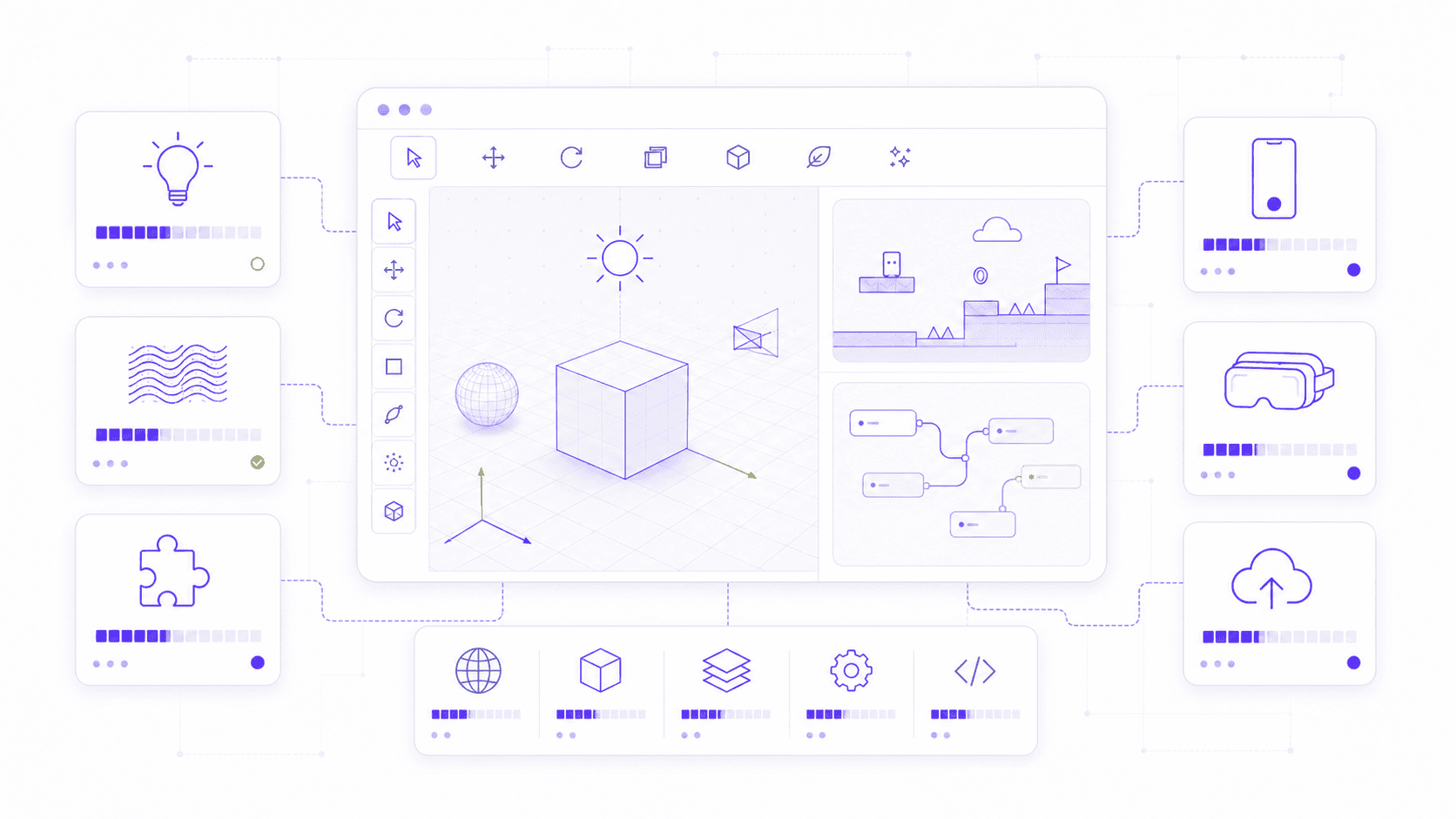
Godot 4.7 is a polish-heavy release, but it’s not a small one. It touches rendering, UI, shaders, exporting, mobile, Android, XR, the editor, and the asset ecosystem. The update feels less like “one huge new thing” and more like Godot cleaning up a lot of places developers touch every day.
Here’s the short version:
AreaLight3Dadds rectangular real-time lights for scenes with windows, screens, panels, signs, and other wide light sources.HDR output lets supported displays show brighter highlights, deeper contrast, and richer color range.
Inline shader previews make shader work easier to inspect without guessing what every line is doing.
The new Asset Store replaces the old Asset Library with better previews, ratings, reviews, tags, changelogs, and versioned downloads.
Controloffset transforms make it easier to animate UI elements without breaking container-based layouts.DrawableTexture2Dlets games draw directly onto textures at runtime.Editor workflow upgrades improve snapping, measuring, searching, Inspector copy-paste, object placement, and scene painting.
2D developers get practical fixes like configurable one-way collision direction and better inline image sizing in text.
Export templates are more flexible, so you can download only the platforms you actually need.
Mobile input improves with a built-in
VirtualJoystick, gyroscope support, and better controller behavior.Android development gets stronger with stable GABE support, APK/AAB generation from Android devices, Picture-in-Picture, movable test windows, landscape script editing, and Perfetto profiling.
XR support expands with Android XR, Steam Frame, and cleaner OpenXR workflows.
The important part is not just the length of that list. It’s the type of work Godot 4.7 is doing.
A lot of these features remove small but repeated annoyances. Shader previews save debugging time. UI offset transforms make menu animation less fragile. Better snapping and search make the editor feel less fussy. The Asset Store makes community tools easier to judge before you install them.
For some developers, HDR will be the star. For others, it’ll be Android exporting, the new Asset Store, or the editor fixes. That’s what makes Godot 4.7 interesting: it improves many different parts of the workflow without forcing one specific kind of game or one specific visual style.
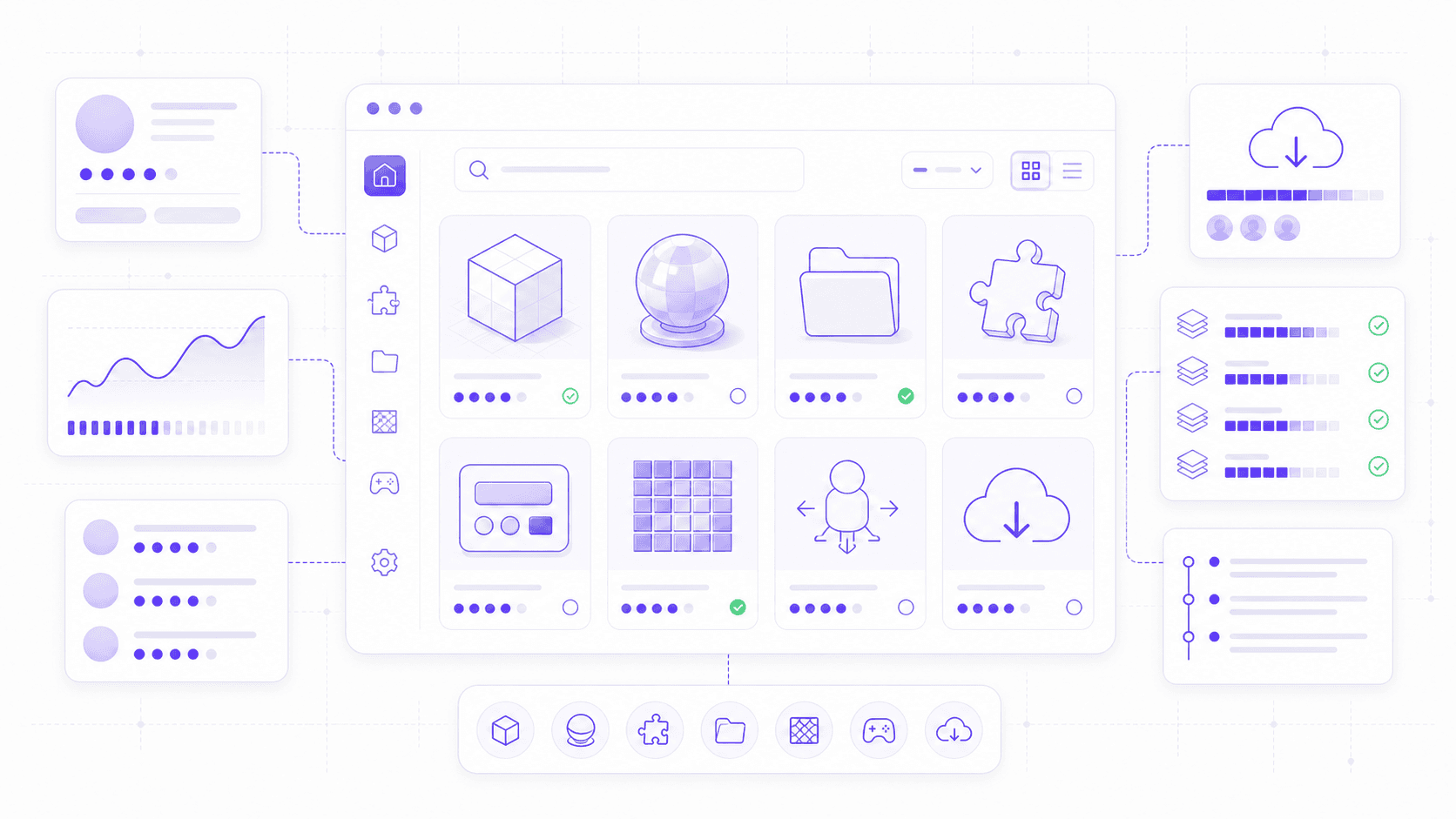
The Editor and Asset Store Feel More Production-Ready
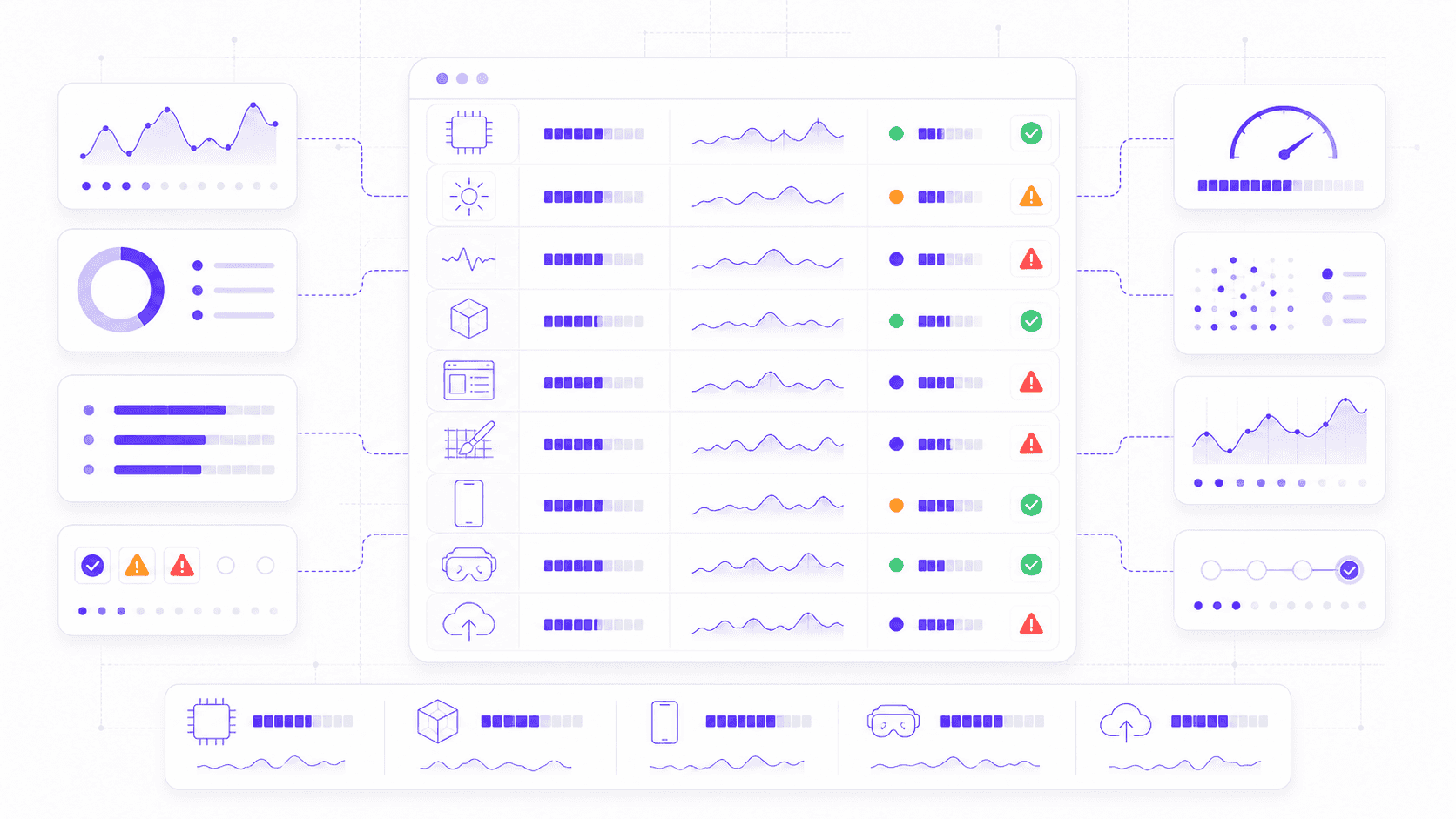
The new Asset Store might look like a community feature at first. The editor improvements might look like a list of small conveniences. But together, they point in the same direction: Godot is getting better at supporting real production work.
That doesn’t mean big studios are suddenly going to rebuild their pipelines around Godot overnight. Let’s not get carried away. But the engine is clearly paying more attention to the boring parts of development that decide whether a project stays pleasant after the prototype stage.
Discovery. Trust. Repetition. Placement. Search. Setup. Tiny editor actions you do hundreds of times.
That’s where Godot 4.7 makes progress.
The New Asset Store Is More Than a Redesign
Godot 4.7 replaces the old Asset Library with a new Asset Store, and I think this is one of the most important long-term changes in the release.
The old Asset Library was useful, but rough. You could find plugins, tools, templates, scripts, and sample projects, but judging quality was not always easy. Is this addon maintained? Does it work with my Godot version? Are other developers using it? Has it been updated recently? Is the license safe for a commercial project?
Those questions matter once you move beyond quick experiments.
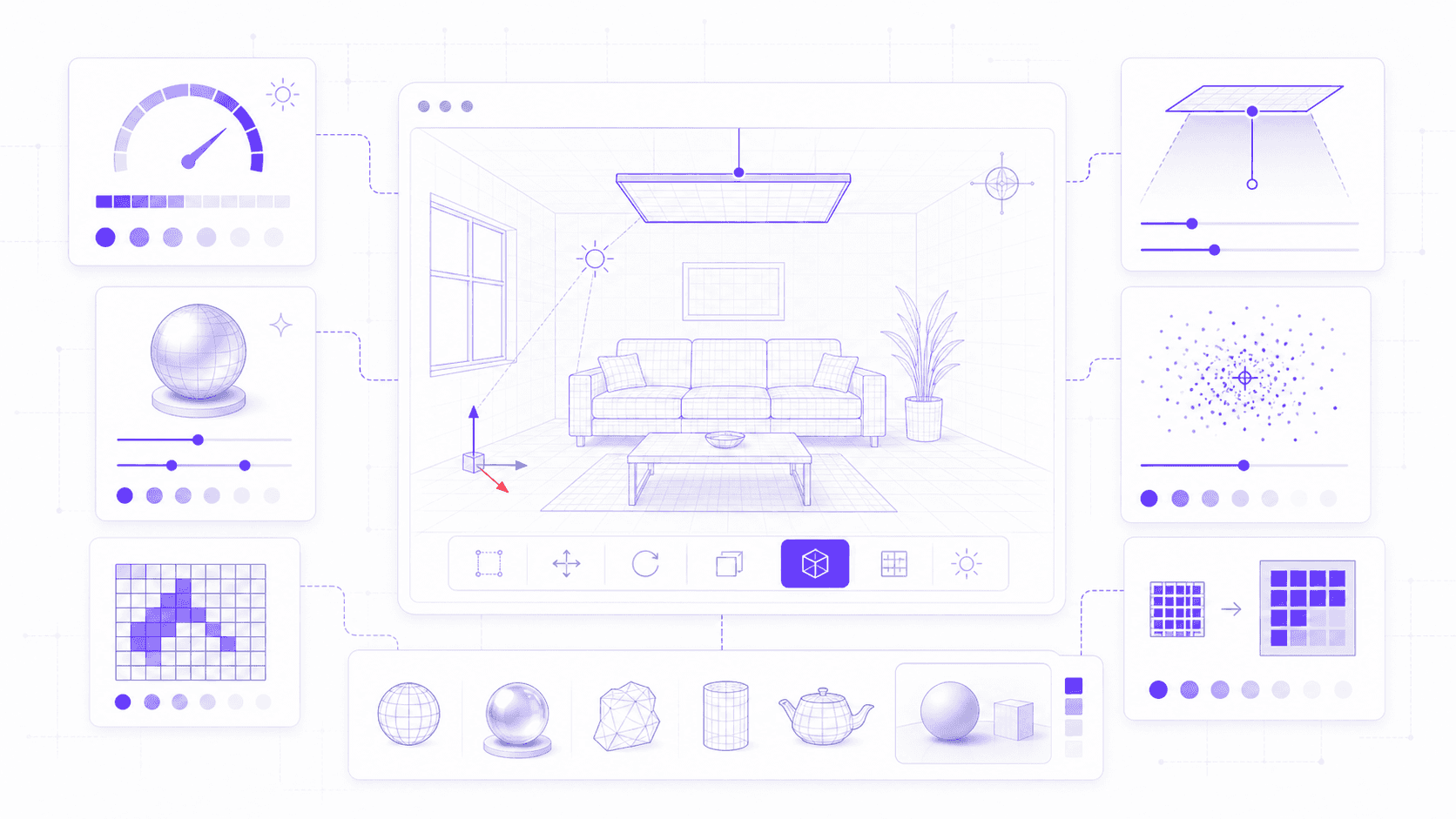
The new Asset Store gives developers better previews, ratings, reviews, tags, changelogs, versioned downloads, and publisher analytics. Some of that sounds basic, because in most software ecosystems it is basic. But Godot needed it.
A healthy engine ecosystem depends on trust. Unity had the Asset Store. Unreal has Fab. Godot has always had a strong open-source community, but the path from “someone made a useful tool” to “I can rely on this in my project” has been less smooth than it should be.
The new store helps close that gap.
Ratings and reviews make it easier to judge an asset before installing it. Versioned downloads help when your project is pinned to a specific engine version. Changelogs show whether a tool is alive or slowly drifting away. Tags make browsing less painful. Publisher analytics should help asset creators understand what people actually use.
Paid assets are also planned for the future, which could change Godot’s ecosystem in a big way. That brings opportunity, but also pressure. Paid assets can encourage higher-quality tools, but they also raise expectations around support, licensing, updates, and refunds. Godot will need to handle that carefully.
For now, my advice is simple: use the Asset Store, but still think like a developer.
Before adding an asset to a serious project, check whether it supports your Godot version, when it was last updated, what the license allows, and whether the reviews say anything specific. If it’s a plugin, check the source repository too. Issues, pull requests, documentation, and commit history tell you a lot.
For prototypes, install freely and experiment. That’s part of the fun. For production, treat assets like dependencies. Because they are.
The new Asset Store does not magically make every addon reliable. But it gives Godot’s community a better place to grow into something more dependable. That matters.
If you’re still getting comfortable with the engine, our guide to the top Godot tutorials is a good next step after reading through the 4.7 changes.
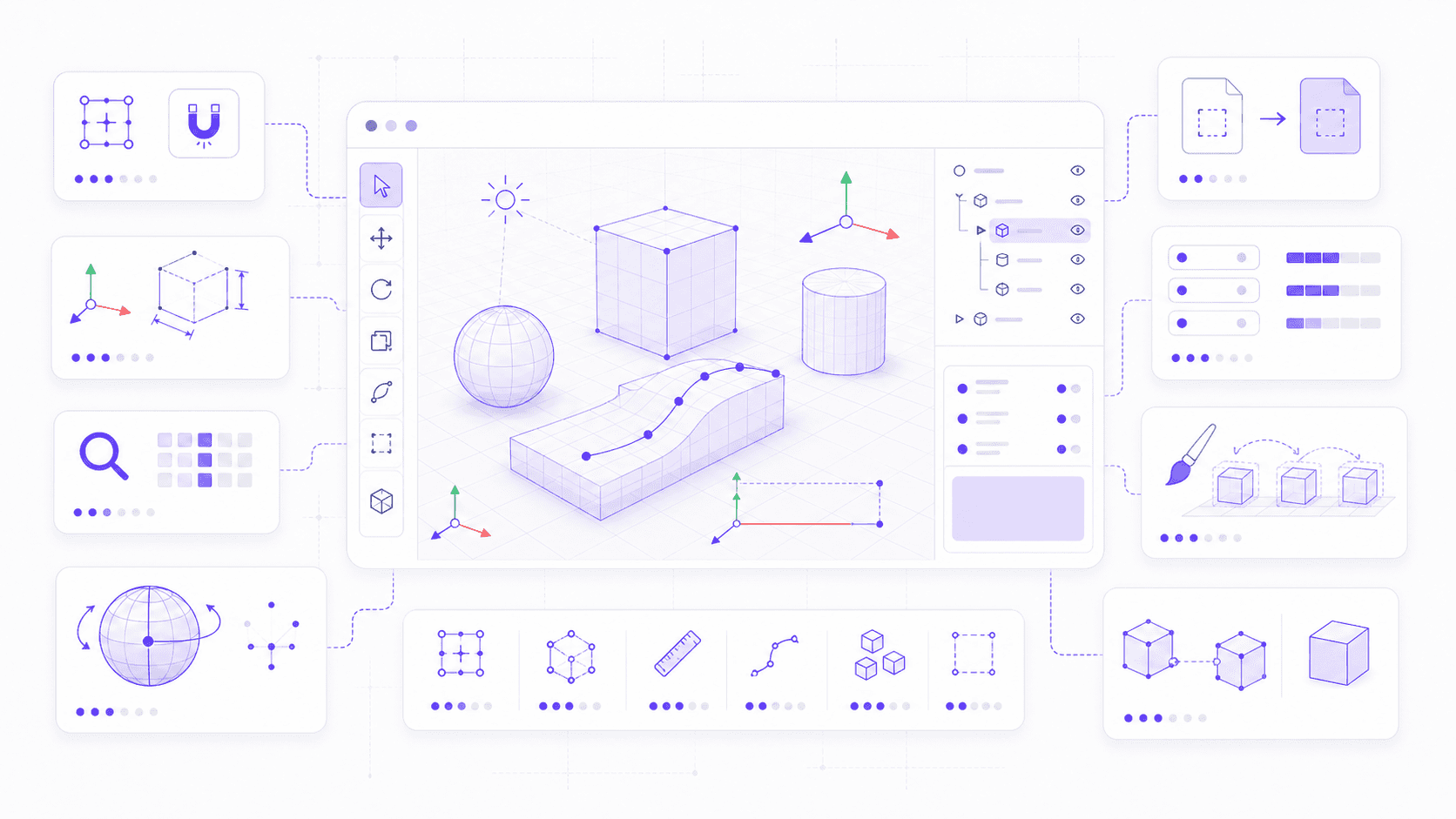
Editor Changes That Save Time
The editor side of Godot 4.7 is packed with small improvements. Individually, some of them sound almost too minor to mention. Together, they make the editor feel less fussy.
And that’s a bigger deal than it sounds.
When an engine saves you three seconds on something you do once, nobody cares. When it saves you three seconds on something you do 300 times during level building, UI setup, or scene tuning, suddenly it matters.
Some of the most useful editor changes include:
Path3Dpoints can snap to colliders, which helps place paths directly on surfaces instead of floating slightly above or below them.Vertex snapping lets you align object corners more easily, which is great for modular level kits and precise placement.
The 3D ruler can show X, Y, and Z measurements separately, making dimensions easier to check at a glance.
CSG shapes get autosmooth support, so rounded shapes like cylinders look cleaner with less manual work.
Basic 3D shapes now have viewport handles for resizing, which is faster than adjusting values in the Inspector every time.
Inspector sections can be copied and pasted between nodes, which is a quiet gift for anyone repeating settings across similar objects.
Popup menus now include search, which makes long option lists much less annoying.
The Project Manager can warn you when a project needs updating before you open it.
Trackball rotation gives another way to rotate 3D objects using a sphere-style control.
Dragging nodes in the scene tree gives clearer placement feedback, so you can see where the node will land.
The editor camera can follow a selected moving object, which helps when previewing motion or animation.
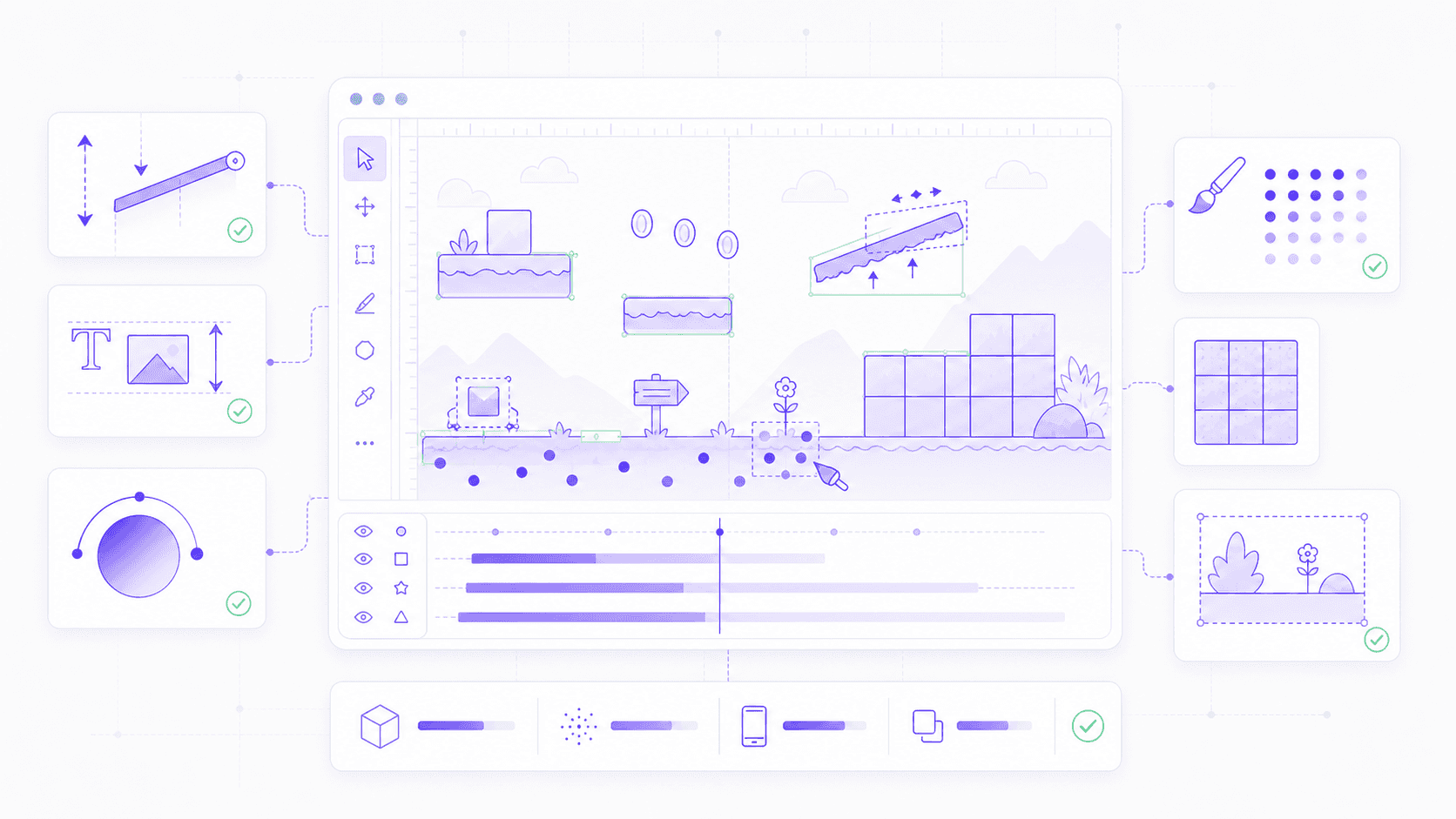
Scene Paint Mode lets you place many 2D scene instances quickly, useful for props, pickups, enemies, decorations, and hand-built environments.
I’m especially happy about Inspector copy-paste and menu search. Not because they’re flashy. Because they respect the reality of daily work.
Godot projects often end up with families of similar nodes: lights with matching settings, physics bodies with shared parameters, imported meshes with repeated tweaks, UI controls with similar theme overrides. Copying Inspector sections saves the kind of repetition that slowly drains your patience.
Menu search is the same story. Once an editor grows past a certain size, browsing every menu manually stops being charming. Search becomes necessary. Not exciting, just necessary.
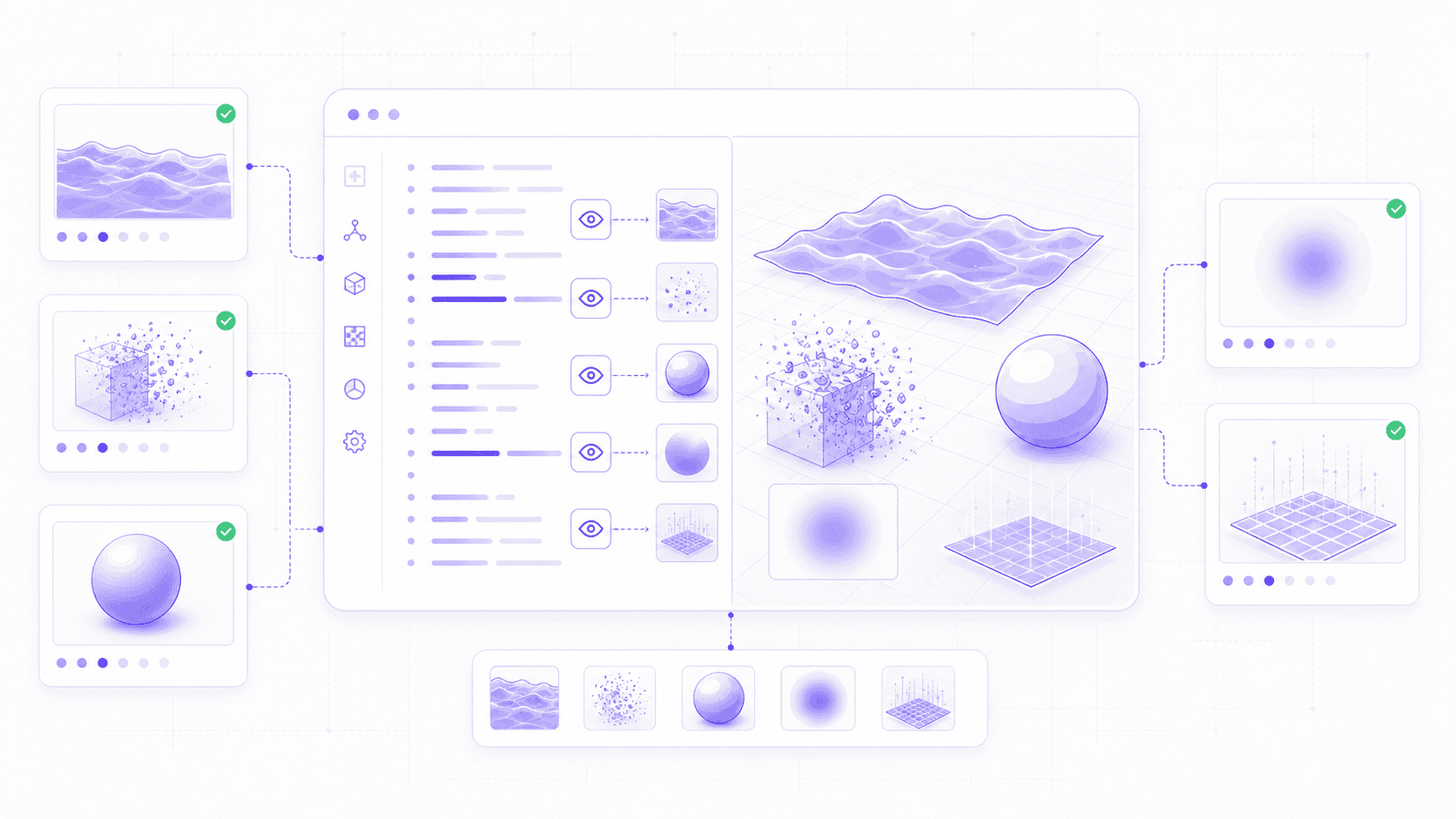
Path3D snapping and vertex snapping should help level designers and 3D artists too. Placement work is full of tiny corrections: rotate the camera, nudge the point, check the angle, realize it’s floating, nudge again. Better snapping reduces that whole dance.
Scene Paint Mode is particularly useful for 2D projects that don’t want everything locked into a TileMap. Sometimes you want to scatter coins, rocks, bushes, enemies, signs, or small props by hand. Painting actual scene instances gives you that speed while still letting each object remain editable afterward.
The best part is that these editor changes don’t make Godot feel heavier. The editor still feels direct and node-first. Godot 4.7 just removes some of the little moments where the tool used to get in your way.
That’s what production readiness often looks like. Not one dramatic feature. A hundred small interactions that become less annoying.
And if you’re still choosing between Godot, Unity, Unreal, and other tools, our broader guide to exploring game engines can help frame that decision.
UI, 2D, Android, and XR Get Real Workflow Upgrades
Godot 4.7 is not only a rendering and editor update. Some of its most practical changes are in the places where players actually touch your game: menus, mobile controls, platforming collisions, Android exports, and XR input.
These are not always the features that look impressive in screenshots. But if you’ve shipped anything, you know they matter.
A bad menu animation makes a game feel cheaper than it is. A custom mobile joystick can eat a whole afternoon. A one-way platform that only behaves in one direction can turn into an ugly workaround. A mobile export path that depends on the wrong machine can slow down the whole team.
Godot 4.7 cleans up a lot of that.
UI Animation Stops Fighting Layout
Godot’s UI system is powerful, but animating controls inside containers has always had a certain “please don’t break” energy.
You build a clean layout. Then you animate a button, panel, card, or menu item. It slides, scales, or rotates nicely for a moment. Then the container updates and your beautiful little motion gets pulled back into place like nothing happened.
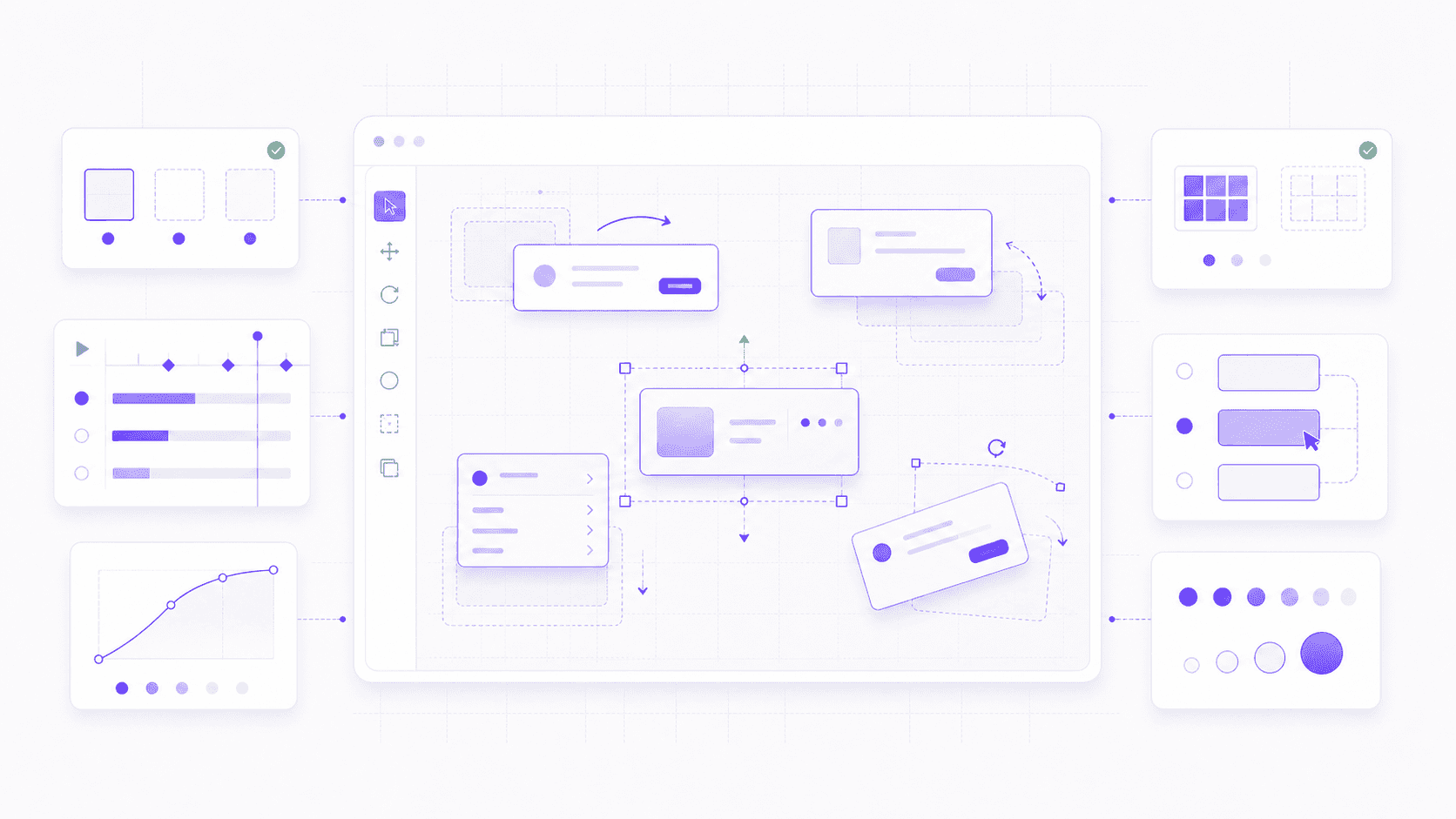
Godot 4.7 adds offset transform properties for Control nodes, which helps separate layout from visual animation. In simpler terms, the container can still decide where a UI element belongs, while the element can visually move, rotate, or scale from that position.
That’s a huge quality-of-life improvement for menus.
A pause screen can slide in. A selected card can grow on hover. A dialogue choice can pop into view. A settings panel can animate between tabs. A button can give feedback without needing extra wrapper nodes or fragile layout tricks.
The nice detail is that these transforms can be visual only by default. So a button can move or scale visually without its input region doing something surprising. If you want the input area to follow the transform, you can choose that behavior too.
This doesn’t automatically make your UI good. You still need restraint. Too much motion makes menus feel slow and noisy. But Godot 4.7 removes one of the technical reasons developers avoided cleaner UI animation in the first place.
Once the new Asset Store becomes part of your workflow, it’s also worth checking our list of the best plugins for Godot to see which addons can actually save development time.
2D Developers Get Practical Fixes
Godot’s 2D reputation is already strong, so 4.7 doesn’t need to prove much there. Instead, it fixes a few very specific problems that 2D developers will recognize immediately.
The biggest one is configurable one-way collision direction.
Before 4.7, one-way collision was tied to a local upward direction. That works for standard platformer floors where the player jumps through from below and lands on top. But what about slopes? Rotated platforms? Gravity changes? Weird puzzle mechanics? Suddenly, the “simple” collision setup needs workarounds.
Now you can set one-way collision direction directly with one_way_collision_direction. It’s not glamorous, but it’s exactly the kind of feature that saves time in real platformer work.
RichTextLabel also gets better inline image sizing through em units. If you place icons inside text, like coins, hearts, button prompts, item symbols, or controller inputs, those images can scale relative to the font size. Small feature. Very useful.
GradientTexture2D gets conic gradient support, which can help with circular meters, selection indicators, radial effects, stylized lighting, and fake 3D shading in 2D materials. TextureRect can now tile AtlasTexture regions, which helps with repeated UI patterns and texture regions.
And Scene Paint Mode, mentioned earlier, is useful here too. For 2D scenes that aren’t strictly tile-based, painting actual scene instances can feel much faster than placing every collectible, prop, enemy, or decoration one by one.
None of these changes reinvent Godot’s 2D workflow. They just make it less fiddly. For an engine that many people choose because of its 2D workflow, that’s the right kind of care.
Android and Mobile Are Much Stronger Now
Android might be the most interesting platform story in Godot 4.7.
The big piece is GABE, the Godot Android Build Environment, reaching stable. GABE is a companion app for the Godot Android editor that provides Gradle export support in the background. In normal terms: developers can now generate APK and AAB files directly from Android and XR devices.
That’s a real shift.
I don’t think most professional teams will suddenly build their entire Android game on a phone. A desktop setup still makes more sense for long sessions, version control, asset management, and serious production work. But for students, mobile-first creators, educators, and XR developers working inside headsets, this removes a hard dependency on a desktop machine.
Godot 4.7 also improves the Android editor experience. The embedded game window can be moved and resized, which helps test different aspect ratios. The script editor can rotate with the device, so landscape coding is more comfortable. Android splash screens can be customized through export options. Picture-in-Picture support opens the door for games or apps that can keep running in a small window.
Perfetto is now the default tracing tool for Android editor and template builds, which is important for performance work. Mobile performance problems are rarely solved by guessing. You need to know where time and memory are going, and Perfetto gives developers a better way to inspect that.
On the input side, Godot 4.7 adds a built-in VirtualJoystick node. Finally. Touchscreen joystick controls are common in mobile games, and before this, developers usually had to build their own or rely on an addon. The new node supports fixed, dynamic, and following modes, plus theming.
There’s also gyroscope support for controllers, which is useful for gyro aiming, and iOS controller support improves through SDL3. Godot can also ignore joypad input when the application is unfocused, which prevents accidental inputs when the player switches away.
These are practical changes. They make mobile work feel less like a collection of custom fixes and more like a supported path.
Unity’s ecosystem shows how much plugins can shape a game engine’s daily workflow, and our roundup of the top Unity plugins gives a useful comparison point for where Godot’s Asset Store could grow.
XR Support Keeps Expanding
XR in Godot 4.7 also gets meaningful attention.
The release adds production-ready support for Android XR and Steam Frame. That matters because XR development is still fragmented across devices, controllers, runtimes, input profiles, performance budgets, and comfort requirements. Any engine that wants to support XR seriously has to keep up with that mess.
Godot 4.7 also improves foveated rendering performance through Vulkan subsampled images in the Mobile renderer. In headset rendering, saved milliseconds matter. Performance is not just about frame rate. It affects comfort.
OpenXR composition layers get more flexibility too, which helps with HUDs, overlays, and scene-integrated interface elements. And default OpenXR action maps are cleaner for new projects, starting with a smaller, easier-to-read set of profiles instead of overwhelming developers immediately.
Godot 4.7 does not make XR easy. Nothing really does. But it does make Godot feel more prepared for XR work than before.
And that’s the bigger pattern across this whole section. UI, 2D, Android, mobile input, XR. Godot 4.7 is paying attention to workflows that can easily become annoying after the prototype stage.
That’s where production engines earn trust. Not by making every problem disappear, but by removing the ones developers should not have to solve from scratch every time.
Should You Upgrade to Godot 4.7?
For most Godot 4.6 users, yes, Godot 4.7 is worth serious consideration.
Godot’s own migration guide says most games and apps made with 4.6 should be relatively safe to move to 4.7. That fits the tone of this release. It is not a huge architectural reset. It is a practical update with a lot of improvements that most active projects will eventually want.
Still, “relatively safe” does not mean “upgrade your main project five minutes before a deadline.”
Please do not do that. Your future self will have words.
Upgrade Now If...
Godot 4.7 is an easy recommendation if you are starting a new project. There is not much reason to begin on 4.6 unless a specific plugin, platform requirement, or team constraint forces you to stay there.
It also makes sense if you are still in prototyping or early production. That is when engine upgrades are easiest to absorb, and 4.7’s workflow improvements can save time across the rest of development.
You should especially consider upgrading if:
You are building a visual-heavy 3D project and want
AreaLight3D, HDR output, better clearcoat rendering, or sharper low-res 3D scaling.You work with shaders often and want inline previews.
You are making a UI-heavy game and have been fighting container-based animation.
You are building for Android or mobile and want GABE,
VirtualJoystick, gyroscope support, better controller behavior, or Perfetto tracing.You use community addons and want the improved Asset Store experience.
You are experimenting with XR and want Android XR, Steam Frame, or OpenXR workflow improvements.
You spend a lot of time in the editor and want better snapping, searching, measuring, scene painting, and Inspector copy-paste.
For prototypes, the argument is even stronger. Shader previews, UI transform offsets, scene painting, and editor search can all speed up experimentation. If the project is young, take the upgrade early and benefit from it longer.
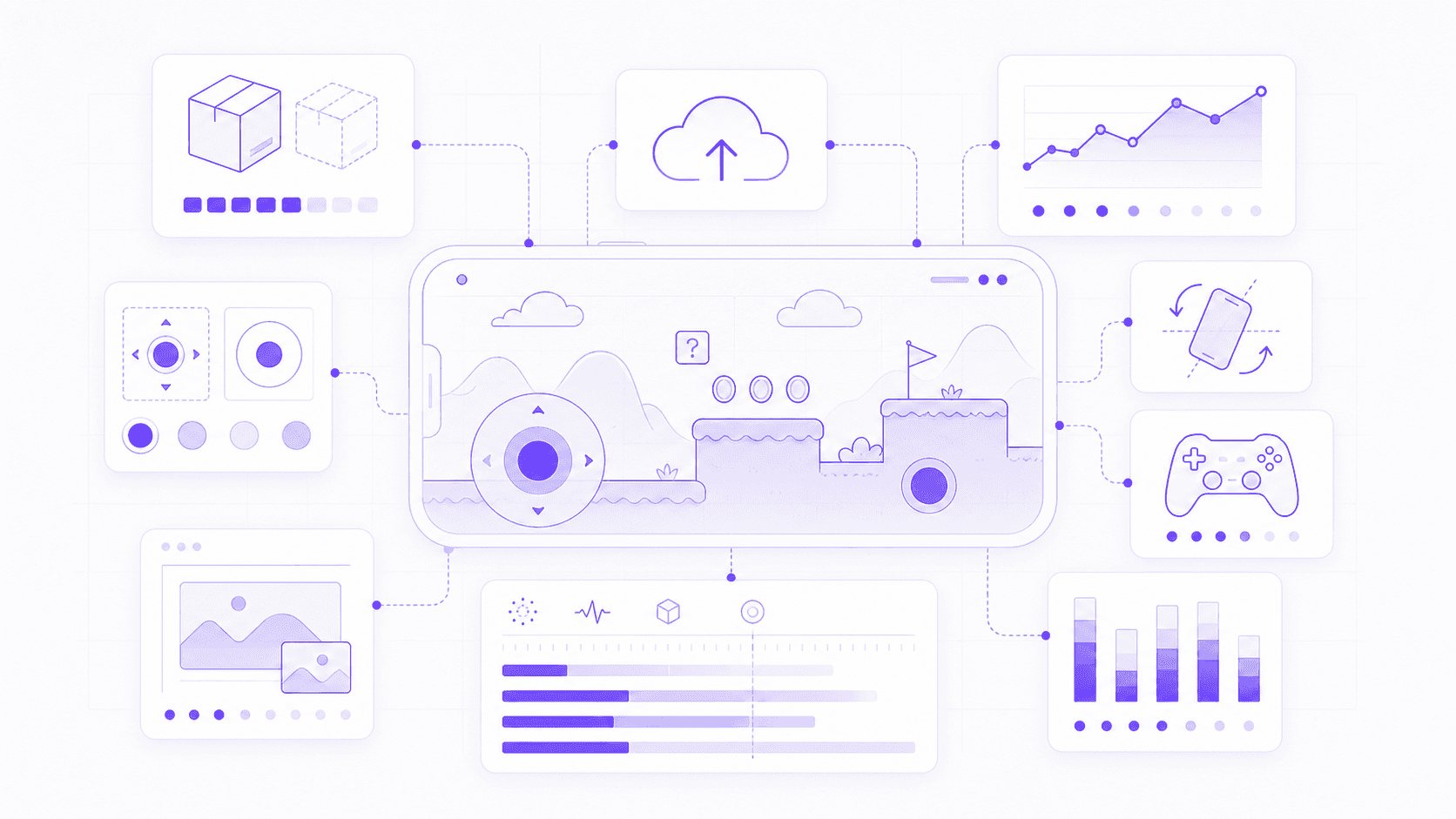
Test Carefully If...
There are still cases where you should slow down.
If your game is close to release, stay cautious. A stable production build is worth more than a shiny new feature. Unless 4.7 fixes a specific problem that is blocking you, it may be smarter to ship on your current Godot version and upgrade afterward.
You should test carefully if:
You rely on older addons or editor plugins.
Your project uses C# heavily.
You depend on custom GDExtensions.
You have finely tuned physics, rendering, XR, or audio behavior.
You use Jolt Physics with soft bodies or boundary shapes.
Your project has a complex export pipeline.
You target platforms affected by HDR or renderer limitations.
Your UI depends on older layout behavior.
The migration guide includes some real compatibility notes. For example, Animation.length metadata changes from float to double, which affects C# binary and source compatibility. AudioEffectSpectrumAnalyzer removes tap_back_pos. Some OpenXR extension methods changed. Some editor import constants moved to an enum. These will not matter to every project, but they can matter a lot if your code touches those areas.
A sensible upgrade process is simple: make a branch, open a copy of the project, let Godot convert what it needs to convert, then test the actual game. Not just the title screen. Test gameplay, UI, input, plugins, exports, save files, shaders, physics, and platform-specific builds.
I’d also keep the first upgrade commit clean. Engine conversion changes, migration fixes, import updates. That’s it. Don’t mix the upgrade with a lighting pass, UI redesign, plugin swap, and Android export overhaul. If something breaks later, clean history helps.
So, should you upgrade? For new and early projects, probably yes. For projects near release, only after proper testing.
Godot 4.7 is worth moving to. Just don’t treat migration like a vibes-based activity.
If sharing the project becomes harder than building it, Vagon Streams for Godot can help make interactive Godot experiences accessible from the browser without asking every tester or client to install the full setup.
Where Vagon Fits
Godot 4.7 makes it easier to build better Godot projects. But there is still a separate problem after the project starts looking good:
Getting other people to try it.
That sounds simple until you actually do it. You send a build. Someone has the wrong machine. Someone else cannot install it. A client opens an outdated version. A playtester runs it on weak hardware and thinks the performance problem is the game, not the laptop. A teacher wants every student on the same setup. A teammate says, “Works on my machine,” which remains one of the least calming sentences in software.
This is where Vagon makes sense.
Vagon Cloud Computer gives developers access to a cloud machine through the browser. For Godot users, that can help when local hardware is limiting, when a project has heavier 3D scenes, or when a team wants a more consistent development environment. Instead of depending on every device to handle the same project well, you can run the workspace on cloud hardware and access it remotely.
Vagon Streams is especially relevant when the goal is sharing. It can make interactive Godot experiences accessible from the browser, which is useful for clients, testers, students, teammates, or stakeholders who should experience the project without installing Godot, matching versions, or setting up a local environment.
This matters even more as developers experiment with AI-assisted workflows. A lot of teams are generating concept art, placeholder textures, dialogue drafts, UI ideas, level concepts, and rapid prototypes with AI. Godot 4.7 gives you better tools to turn those experiments into something playable. Vagon can help you share that playable result with less setup friction.
It will not fit every project. If you are sending a tiny 2D export to three friends, a normal build may be enough. Cloud streaming also depends on internet quality, so it is not magic.
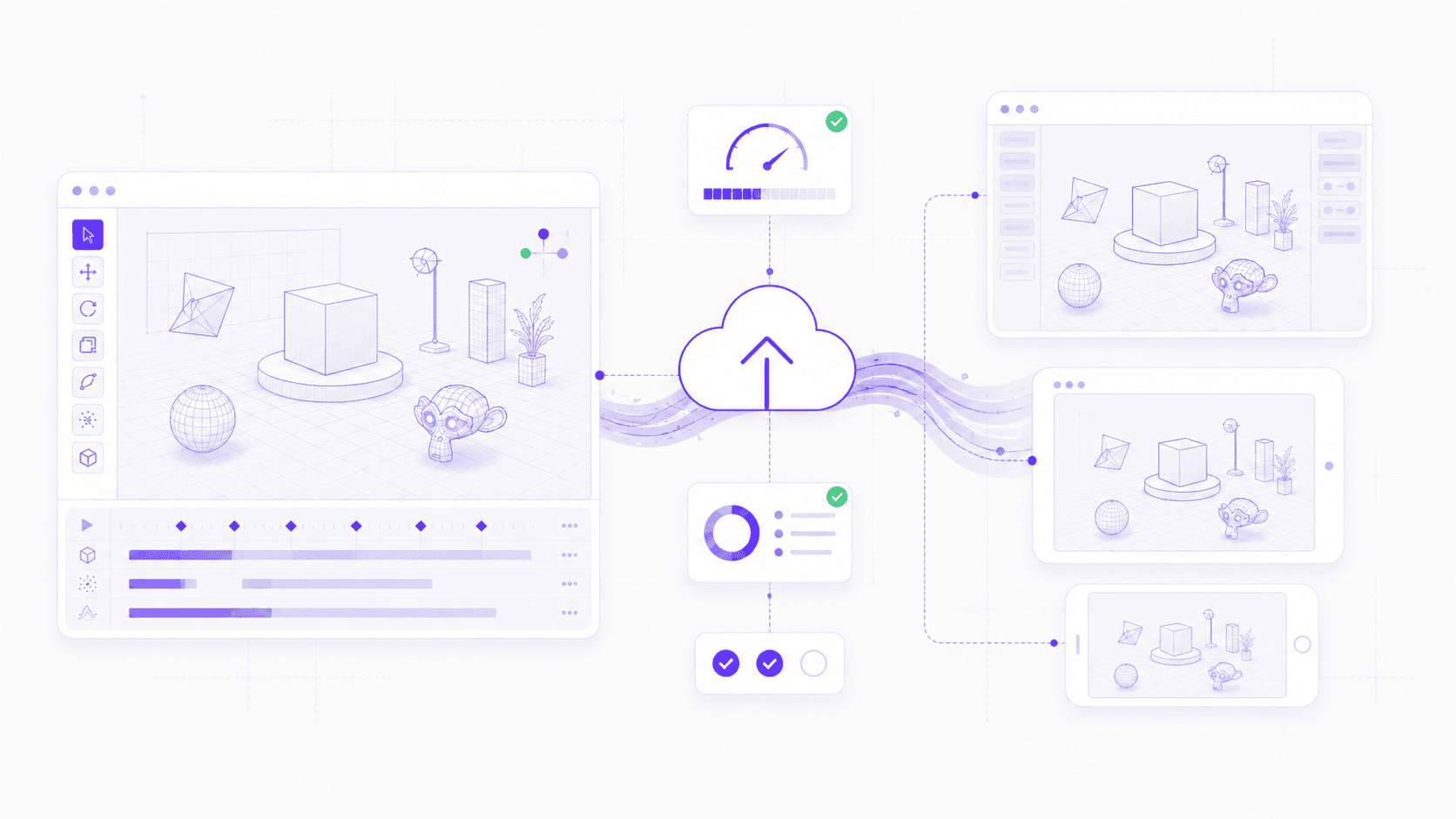
But if you are demoing a heavier Godot project, collecting feedback from remote testers, presenting to a client, teaching a group, or sharing an interactive prototype across devices, Vagon can remove a lot of boring setup work.
Godot 4.7 helps you build the experience. Vagon helps more people actually access it.
AI-assisted workflows are changing game development across engines, not just Godot, and our look at the best AI assistants for Unreal Engine shows how similar production questions are showing up in larger pipelines too.
FAQs
1. When did Godot 4.7 release?
Godot 4.7 stable was released on June 18, 2026. It is part of the Godot 4.x line, so it builds on the existing Godot 4 workflow instead of replacing it.
2. What are the biggest Godot 4.7 features?
The biggest Godot 4.7 features include AreaLight3D, HDR output, inline shader previews, the new Asset Store, Control offset transforms for UI animation, DrawableTexture2D, Android export improvements, a built-in VirtualJoystick, XR support updates, and many editor quality-of-life improvements.
3. Is Godot 4.7 good for 2D games?
Yes. Godot 4.7 includes practical 2D improvements like configurable one-way collision direction, Scene Paint Mode, better inline image sizing in RichTextLabel, conic gradients for GradientTexture2D, and TextureRect tiling for AtlasTexture regions. It is not a 2D reinvention, but it makes common 2D workflows smoother.
4. Does Godot 4.7 improve 3D?
Yes. Godot 4.7 adds AreaLight3D, HDR output, improved clearcoat rendering, more flexible 3D particles, better snapping tools, CSG autosmooth, vertex snapping, 3D ruler improvements, and nearest-neighbor scaling for 3D viewports. The result is more control over lighting, materials, effects, and scene building.
5. Does HDR work on every platform in Godot 4.7?
No. HDR output in Godot 4.7 supports Windows, macOS, iOS, visionOS, and Linux Wayland with the Forward+ and Mobile renderers. It does not support Web, Android HDR, or the Compatibility renderer yet. Treat HDR as an optional visual enhancement, not a requirement for your whole art direction.
6. Can I export Android games from an Android device now?
Yes. With GABE, the Godot Android Build Environment, Godot 4.7 can generate APK and AAB files directly from Android and XR devices. This is especially useful for mobile-first creators, students, educators, and XR developers, though many production teams will still prefer desktop workflows for larger projects.
7. Should I upgrade from Godot 4.6 to Godot 4.7?
For new projects and early-stage projects, probably yes. Godot 4.7 brings enough workflow improvements to make it the better baseline. If your project is close to release, uses older plugins, depends on C#, GDExtension, tuned physics, XR, or custom exports, test carefully before switching.
8. How can Vagon help Godot developers?
Vagon can help Godot developers run, test, and share projects through cloud-based environments. Vagon Cloud Computer is useful when local hardware is limiting or when teams need a consistent setup. Vagon Streams can help share interactive Godot experiences in the browser, making it easier for clients, testers, students, or teammates to try a project without local setup.
SteamDB currently lists 855 Godot games released on Steam in 2026, and we’re only in late June. The number can shift as SteamDB updates its engine detection, but the trend is obvious: Godot is no longer just the fun open-source engine people try for weekend prototypes.
It’s becoming a real production tool.
Indie developers are shipping with it. Students are learning on it. Small teams are building commercial games. Tool makers and mobile creators are starting to take it more seriously too. So Godot 4.7 arrives at a different moment than earlier 4.x releases.
That’s why this update matters. It’s not built around one loud headline feature. Instead, it focuses on daily production friction: better lighting, HDR output, shader previews, cleaner UI animation, stronger Android workflows, editor quality-of-life fixes, and a more mature Asset Store.
Not flashy everywhere. Useful everywhere.
And for an engine that more developers are trying to ship with, useful is exactly the point.
Godot 4.7 at a Glance
Godot 4.7 is a polish-heavy release, but it’s not a small one. It touches rendering, UI, shaders, exporting, mobile, Android, XR, the editor, and the asset ecosystem. The update feels less like “one huge new thing” and more like Godot cleaning up a lot of places developers touch every day.
Here’s the short version:
AreaLight3Dadds rectangular real-time lights for scenes with windows, screens, panels, signs, and other wide light sources.HDR output lets supported displays show brighter highlights, deeper contrast, and richer color range.
Inline shader previews make shader work easier to inspect without guessing what every line is doing.
The new Asset Store replaces the old Asset Library with better previews, ratings, reviews, tags, changelogs, and versioned downloads.
Controloffset transforms make it easier to animate UI elements without breaking container-based layouts.DrawableTexture2Dlets games draw directly onto textures at runtime.Editor workflow upgrades improve snapping, measuring, searching, Inspector copy-paste, object placement, and scene painting.
2D developers get practical fixes like configurable one-way collision direction and better inline image sizing in text.
Export templates are more flexible, so you can download only the platforms you actually need.
Mobile input improves with a built-in
VirtualJoystick, gyroscope support, and better controller behavior.Android development gets stronger with stable GABE support, APK/AAB generation from Android devices, Picture-in-Picture, movable test windows, landscape script editing, and Perfetto profiling.
XR support expands with Android XR, Steam Frame, and cleaner OpenXR workflows.
The important part is not just the length of that list. It’s the type of work Godot 4.7 is doing.
A lot of these features remove small but repeated annoyances. Shader previews save debugging time. UI offset transforms make menu animation less fragile. Better snapping and search make the editor feel less fussy. The Asset Store makes community tools easier to judge before you install them.
For some developers, HDR will be the star. For others, it’ll be Android exporting, the new Asset Store, or the editor fixes. That’s what makes Godot 4.7 interesting: it improves many different parts of the workflow without forcing one specific kind of game or one specific visual style.
The Editor and Asset Store Feel More Production-Ready
The new Asset Store might look like a community feature at first. The editor improvements might look like a list of small conveniences. But together, they point in the same direction: Godot is getting better at supporting real production work.
That doesn’t mean big studios are suddenly going to rebuild their pipelines around Godot overnight. Let’s not get carried away. But the engine is clearly paying more attention to the boring parts of development that decide whether a project stays pleasant after the prototype stage.
Discovery. Trust. Repetition. Placement. Search. Setup. Tiny editor actions you do hundreds of times.
That’s where Godot 4.7 makes progress.
The New Asset Store Is More Than a Redesign
Godot 4.7 replaces the old Asset Library with a new Asset Store, and I think this is one of the most important long-term changes in the release.
The old Asset Library was useful, but rough. You could find plugins, tools, templates, scripts, and sample projects, but judging quality was not always easy. Is this addon maintained? Does it work with my Godot version? Are other developers using it? Has it been updated recently? Is the license safe for a commercial project?
Those questions matter once you move beyond quick experiments.
The new Asset Store gives developers better previews, ratings, reviews, tags, changelogs, versioned downloads, and publisher analytics. Some of that sounds basic, because in most software ecosystems it is basic. But Godot needed it.
A healthy engine ecosystem depends on trust. Unity had the Asset Store. Unreal has Fab. Godot has always had a strong open-source community, but the path from “someone made a useful tool” to “I can rely on this in my project” has been less smooth than it should be.
The new store helps close that gap.
Ratings and reviews make it easier to judge an asset before installing it. Versioned downloads help when your project is pinned to a specific engine version. Changelogs show whether a tool is alive or slowly drifting away. Tags make browsing less painful. Publisher analytics should help asset creators understand what people actually use.
Paid assets are also planned for the future, which could change Godot’s ecosystem in a big way. That brings opportunity, but also pressure. Paid assets can encourage higher-quality tools, but they also raise expectations around support, licensing, updates, and refunds. Godot will need to handle that carefully.
For now, my advice is simple: use the Asset Store, but still think like a developer.
Before adding an asset to a serious project, check whether it supports your Godot version, when it was last updated, what the license allows, and whether the reviews say anything specific. If it’s a plugin, check the source repository too. Issues, pull requests, documentation, and commit history tell you a lot.
For prototypes, install freely and experiment. That’s part of the fun. For production, treat assets like dependencies. Because they are.
The new Asset Store does not magically make every addon reliable. But it gives Godot’s community a better place to grow into something more dependable. That matters.
If you’re still getting comfortable with the engine, our guide to the top Godot tutorials is a good next step after reading through the 4.7 changes.
Editor Changes That Save Time
The editor side of Godot 4.7 is packed with small improvements. Individually, some of them sound almost too minor to mention. Together, they make the editor feel less fussy.
And that’s a bigger deal than it sounds.
When an engine saves you three seconds on something you do once, nobody cares. When it saves you three seconds on something you do 300 times during level building, UI setup, or scene tuning, suddenly it matters.
Some of the most useful editor changes include:
Path3Dpoints can snap to colliders, which helps place paths directly on surfaces instead of floating slightly above or below them.Vertex snapping lets you align object corners more easily, which is great for modular level kits and precise placement.
The 3D ruler can show X, Y, and Z measurements separately, making dimensions easier to check at a glance.
CSG shapes get autosmooth support, so rounded shapes like cylinders look cleaner with less manual work.
Basic 3D shapes now have viewport handles for resizing, which is faster than adjusting values in the Inspector every time.
Inspector sections can be copied and pasted between nodes, which is a quiet gift for anyone repeating settings across similar objects.
Popup menus now include search, which makes long option lists much less annoying.
The Project Manager can warn you when a project needs updating before you open it.
Trackball rotation gives another way to rotate 3D objects using a sphere-style control.
Dragging nodes in the scene tree gives clearer placement feedback, so you can see where the node will land.
The editor camera can follow a selected moving object, which helps when previewing motion or animation.
Scene Paint Mode lets you place many 2D scene instances quickly, useful for props, pickups, enemies, decorations, and hand-built environments.
I’m especially happy about Inspector copy-paste and menu search. Not because they’re flashy. Because they respect the reality of daily work.
Godot projects often end up with families of similar nodes: lights with matching settings, physics bodies with shared parameters, imported meshes with repeated tweaks, UI controls with similar theme overrides. Copying Inspector sections saves the kind of repetition that slowly drains your patience.
Menu search is the same story. Once an editor grows past a certain size, browsing every menu manually stops being charming. Search becomes necessary. Not exciting, just necessary.
Path3D snapping and vertex snapping should help level designers and 3D artists too. Placement work is full of tiny corrections: rotate the camera, nudge the point, check the angle, realize it’s floating, nudge again. Better snapping reduces that whole dance.
Scene Paint Mode is particularly useful for 2D projects that don’t want everything locked into a TileMap. Sometimes you want to scatter coins, rocks, bushes, enemies, signs, or small props by hand. Painting actual scene instances gives you that speed while still letting each object remain editable afterward.
The best part is that these editor changes don’t make Godot feel heavier. The editor still feels direct and node-first. Godot 4.7 just removes some of the little moments where the tool used to get in your way.
That’s what production readiness often looks like. Not one dramatic feature. A hundred small interactions that become less annoying.
And if you’re still choosing between Godot, Unity, Unreal, and other tools, our broader guide to exploring game engines can help frame that decision.
UI, 2D, Android, and XR Get Real Workflow Upgrades
Godot 4.7 is not only a rendering and editor update. Some of its most practical changes are in the places where players actually touch your game: menus, mobile controls, platforming collisions, Android exports, and XR input.
These are not always the features that look impressive in screenshots. But if you’ve shipped anything, you know they matter.
A bad menu animation makes a game feel cheaper than it is. A custom mobile joystick can eat a whole afternoon. A one-way platform that only behaves in one direction can turn into an ugly workaround. A mobile export path that depends on the wrong machine can slow down the whole team.
Godot 4.7 cleans up a lot of that.
UI Animation Stops Fighting Layout
Godot’s UI system is powerful, but animating controls inside containers has always had a certain “please don’t break” energy.
You build a clean layout. Then you animate a button, panel, card, or menu item. It slides, scales, or rotates nicely for a moment. Then the container updates and your beautiful little motion gets pulled back into place like nothing happened.
Godot 4.7 adds offset transform properties for Control nodes, which helps separate layout from visual animation. In simpler terms, the container can still decide where a UI element belongs, while the element can visually move, rotate, or scale from that position.
That’s a huge quality-of-life improvement for menus.
A pause screen can slide in. A selected card can grow on hover. A dialogue choice can pop into view. A settings panel can animate between tabs. A button can give feedback without needing extra wrapper nodes or fragile layout tricks.
The nice detail is that these transforms can be visual only by default. So a button can move or scale visually without its input region doing something surprising. If you want the input area to follow the transform, you can choose that behavior too.
This doesn’t automatically make your UI good. You still need restraint. Too much motion makes menus feel slow and noisy. But Godot 4.7 removes one of the technical reasons developers avoided cleaner UI animation in the first place.
Once the new Asset Store becomes part of your workflow, it’s also worth checking our list of the best plugins for Godot to see which addons can actually save development time.
2D Developers Get Practical Fixes
Godot’s 2D reputation is already strong, so 4.7 doesn’t need to prove much there. Instead, it fixes a few very specific problems that 2D developers will recognize immediately.
The biggest one is configurable one-way collision direction.
Before 4.7, one-way collision was tied to a local upward direction. That works for standard platformer floors where the player jumps through from below and lands on top. But what about slopes? Rotated platforms? Gravity changes? Weird puzzle mechanics? Suddenly, the “simple” collision setup needs workarounds.
Now you can set one-way collision direction directly with one_way_collision_direction. It’s not glamorous, but it’s exactly the kind of feature that saves time in real platformer work.
RichTextLabel also gets better inline image sizing through em units. If you place icons inside text, like coins, hearts, button prompts, item symbols, or controller inputs, those images can scale relative to the font size. Small feature. Very useful.
GradientTexture2D gets conic gradient support, which can help with circular meters, selection indicators, radial effects, stylized lighting, and fake 3D shading in 2D materials. TextureRect can now tile AtlasTexture regions, which helps with repeated UI patterns and texture regions.
And Scene Paint Mode, mentioned earlier, is useful here too. For 2D scenes that aren’t strictly tile-based, painting actual scene instances can feel much faster than placing every collectible, prop, enemy, or decoration one by one.
None of these changes reinvent Godot’s 2D workflow. They just make it less fiddly. For an engine that many people choose because of its 2D workflow, that’s the right kind of care.
Android and Mobile Are Much Stronger Now
Android might be the most interesting platform story in Godot 4.7.
The big piece is GABE, the Godot Android Build Environment, reaching stable. GABE is a companion app for the Godot Android editor that provides Gradle export support in the background. In normal terms: developers can now generate APK and AAB files directly from Android and XR devices.
That’s a real shift.
I don’t think most professional teams will suddenly build their entire Android game on a phone. A desktop setup still makes more sense for long sessions, version control, asset management, and serious production work. But for students, mobile-first creators, educators, and XR developers working inside headsets, this removes a hard dependency on a desktop machine.
Godot 4.7 also improves the Android editor experience. The embedded game window can be moved and resized, which helps test different aspect ratios. The script editor can rotate with the device, so landscape coding is more comfortable. Android splash screens can be customized through export options. Picture-in-Picture support opens the door for games or apps that can keep running in a small window.
Perfetto is now the default tracing tool for Android editor and template builds, which is important for performance work. Mobile performance problems are rarely solved by guessing. You need to know where time and memory are going, and Perfetto gives developers a better way to inspect that.
On the input side, Godot 4.7 adds a built-in VirtualJoystick node. Finally. Touchscreen joystick controls are common in mobile games, and before this, developers usually had to build their own or rely on an addon. The new node supports fixed, dynamic, and following modes, plus theming.
There’s also gyroscope support for controllers, which is useful for gyro aiming, and iOS controller support improves through SDL3. Godot can also ignore joypad input when the application is unfocused, which prevents accidental inputs when the player switches away.
These are practical changes. They make mobile work feel less like a collection of custom fixes and more like a supported path.
Unity’s ecosystem shows how much plugins can shape a game engine’s daily workflow, and our roundup of the top Unity plugins gives a useful comparison point for where Godot’s Asset Store could grow.
XR Support Keeps Expanding
XR in Godot 4.7 also gets meaningful attention.
The release adds production-ready support for Android XR and Steam Frame. That matters because XR development is still fragmented across devices, controllers, runtimes, input profiles, performance budgets, and comfort requirements. Any engine that wants to support XR seriously has to keep up with that mess.
Godot 4.7 also improves foveated rendering performance through Vulkan subsampled images in the Mobile renderer. In headset rendering, saved milliseconds matter. Performance is not just about frame rate. It affects comfort.
OpenXR composition layers get more flexibility too, which helps with HUDs, overlays, and scene-integrated interface elements. And default OpenXR action maps are cleaner for new projects, starting with a smaller, easier-to-read set of profiles instead of overwhelming developers immediately.
Godot 4.7 does not make XR easy. Nothing really does. But it does make Godot feel more prepared for XR work than before.
And that’s the bigger pattern across this whole section. UI, 2D, Android, mobile input, XR. Godot 4.7 is paying attention to workflows that can easily become annoying after the prototype stage.
That’s where production engines earn trust. Not by making every problem disappear, but by removing the ones developers should not have to solve from scratch every time.
Should You Upgrade to Godot 4.7?
For most Godot 4.6 users, yes, Godot 4.7 is worth serious consideration.
Godot’s own migration guide says most games and apps made with 4.6 should be relatively safe to move to 4.7. That fits the tone of this release. It is not a huge architectural reset. It is a practical update with a lot of improvements that most active projects will eventually want.
Still, “relatively safe” does not mean “upgrade your main project five minutes before a deadline.”
Please do not do that. Your future self will have words.
Upgrade Now If...
Godot 4.7 is an easy recommendation if you are starting a new project. There is not much reason to begin on 4.6 unless a specific plugin, platform requirement, or team constraint forces you to stay there.
It also makes sense if you are still in prototyping or early production. That is when engine upgrades are easiest to absorb, and 4.7’s workflow improvements can save time across the rest of development.
You should especially consider upgrading if:
You are building a visual-heavy 3D project and want
AreaLight3D, HDR output, better clearcoat rendering, or sharper low-res 3D scaling.You work with shaders often and want inline previews.
You are making a UI-heavy game and have been fighting container-based animation.
You are building for Android or mobile and want GABE,
VirtualJoystick, gyroscope support, better controller behavior, or Perfetto tracing.You use community addons and want the improved Asset Store experience.
You are experimenting with XR and want Android XR, Steam Frame, or OpenXR workflow improvements.
You spend a lot of time in the editor and want better snapping, searching, measuring, scene painting, and Inspector copy-paste.
For prototypes, the argument is even stronger. Shader previews, UI transform offsets, scene painting, and editor search can all speed up experimentation. If the project is young, take the upgrade early and benefit from it longer.
Test Carefully If...
There are still cases where you should slow down.
If your game is close to release, stay cautious. A stable production build is worth more than a shiny new feature. Unless 4.7 fixes a specific problem that is blocking you, it may be smarter to ship on your current Godot version and upgrade afterward.
You should test carefully if:
You rely on older addons or editor plugins.
Your project uses C# heavily.
You depend on custom GDExtensions.
You have finely tuned physics, rendering, XR, or audio behavior.
You use Jolt Physics with soft bodies or boundary shapes.
Your project has a complex export pipeline.
You target platforms affected by HDR or renderer limitations.
Your UI depends on older layout behavior.
The migration guide includes some real compatibility notes. For example, Animation.length metadata changes from float to double, which affects C# binary and source compatibility. AudioEffectSpectrumAnalyzer removes tap_back_pos. Some OpenXR extension methods changed. Some editor import constants moved to an enum. These will not matter to every project, but they can matter a lot if your code touches those areas.
A sensible upgrade process is simple: make a branch, open a copy of the project, let Godot convert what it needs to convert, then test the actual game. Not just the title screen. Test gameplay, UI, input, plugins, exports, save files, shaders, physics, and platform-specific builds.
I’d also keep the first upgrade commit clean. Engine conversion changes, migration fixes, import updates. That’s it. Don’t mix the upgrade with a lighting pass, UI redesign, plugin swap, and Android export overhaul. If something breaks later, clean history helps.
So, should you upgrade? For new and early projects, probably yes. For projects near release, only after proper testing.
Godot 4.7 is worth moving to. Just don’t treat migration like a vibes-based activity.
If sharing the project becomes harder than building it, Vagon Streams for Godot can help make interactive Godot experiences accessible from the browser without asking every tester or client to install the full setup.
Where Vagon Fits
Godot 4.7 makes it easier to build better Godot projects. But there is still a separate problem after the project starts looking good:
Getting other people to try it.
That sounds simple until you actually do it. You send a build. Someone has the wrong machine. Someone else cannot install it. A client opens an outdated version. A playtester runs it on weak hardware and thinks the performance problem is the game, not the laptop. A teacher wants every student on the same setup. A teammate says, “Works on my machine,” which remains one of the least calming sentences in software.
This is where Vagon makes sense.
Vagon Cloud Computer gives developers access to a cloud machine through the browser. For Godot users, that can help when local hardware is limiting, when a project has heavier 3D scenes, or when a team wants a more consistent development environment. Instead of depending on every device to handle the same project well, you can run the workspace on cloud hardware and access it remotely.
Vagon Streams is especially relevant when the goal is sharing. It can make interactive Godot experiences accessible from the browser, which is useful for clients, testers, students, teammates, or stakeholders who should experience the project without installing Godot, matching versions, or setting up a local environment.
This matters even more as developers experiment with AI-assisted workflows. A lot of teams are generating concept art, placeholder textures, dialogue drafts, UI ideas, level concepts, and rapid prototypes with AI. Godot 4.7 gives you better tools to turn those experiments into something playable. Vagon can help you share that playable result with less setup friction.
It will not fit every project. If you are sending a tiny 2D export to three friends, a normal build may be enough. Cloud streaming also depends on internet quality, so it is not magic.
But if you are demoing a heavier Godot project, collecting feedback from remote testers, presenting to a client, teaching a group, or sharing an interactive prototype across devices, Vagon can remove a lot of boring setup work.
Godot 4.7 helps you build the experience. Vagon helps more people actually access it.
AI-assisted workflows are changing game development across engines, not just Godot, and our look at the best AI assistants for Unreal Engine shows how similar production questions are showing up in larger pipelines too.
FAQs
1. When did Godot 4.7 release?
Godot 4.7 stable was released on June 18, 2026. It is part of the Godot 4.x line, so it builds on the existing Godot 4 workflow instead of replacing it.
2. What are the biggest Godot 4.7 features?
The biggest Godot 4.7 features include AreaLight3D, HDR output, inline shader previews, the new Asset Store, Control offset transforms for UI animation, DrawableTexture2D, Android export improvements, a built-in VirtualJoystick, XR support updates, and many editor quality-of-life improvements.
3. Is Godot 4.7 good for 2D games?
Yes. Godot 4.7 includes practical 2D improvements like configurable one-way collision direction, Scene Paint Mode, better inline image sizing in RichTextLabel, conic gradients for GradientTexture2D, and TextureRect tiling for AtlasTexture regions. It is not a 2D reinvention, but it makes common 2D workflows smoother.
4. Does Godot 4.7 improve 3D?
Yes. Godot 4.7 adds AreaLight3D, HDR output, improved clearcoat rendering, more flexible 3D particles, better snapping tools, CSG autosmooth, vertex snapping, 3D ruler improvements, and nearest-neighbor scaling for 3D viewports. The result is more control over lighting, materials, effects, and scene building.
5. Does HDR work on every platform in Godot 4.7?
No. HDR output in Godot 4.7 supports Windows, macOS, iOS, visionOS, and Linux Wayland with the Forward+ and Mobile renderers. It does not support Web, Android HDR, or the Compatibility renderer yet. Treat HDR as an optional visual enhancement, not a requirement for your whole art direction.
6. Can I export Android games from an Android device now?
Yes. With GABE, the Godot Android Build Environment, Godot 4.7 can generate APK and AAB files directly from Android and XR devices. This is especially useful for mobile-first creators, students, educators, and XR developers, though many production teams will still prefer desktop workflows for larger projects.
7. Should I upgrade from Godot 4.6 to Godot 4.7?
For new projects and early-stage projects, probably yes. Godot 4.7 brings enough workflow improvements to make it the better baseline. If your project is close to release, uses older plugins, depends on C#, GDExtension, tuned physics, XR, or custom exports, test carefully before switching.
8. How can Vagon help Godot developers?
Vagon can help Godot developers run, test, and share projects through cloud-based environments. Vagon Cloud Computer is useful when local hardware is limiting or when teams need a consistent setup. Vagon Streams can help share interactive Godot experiences in the browser, making it easier for clients, testers, students, or teammates to try a project without local setup.
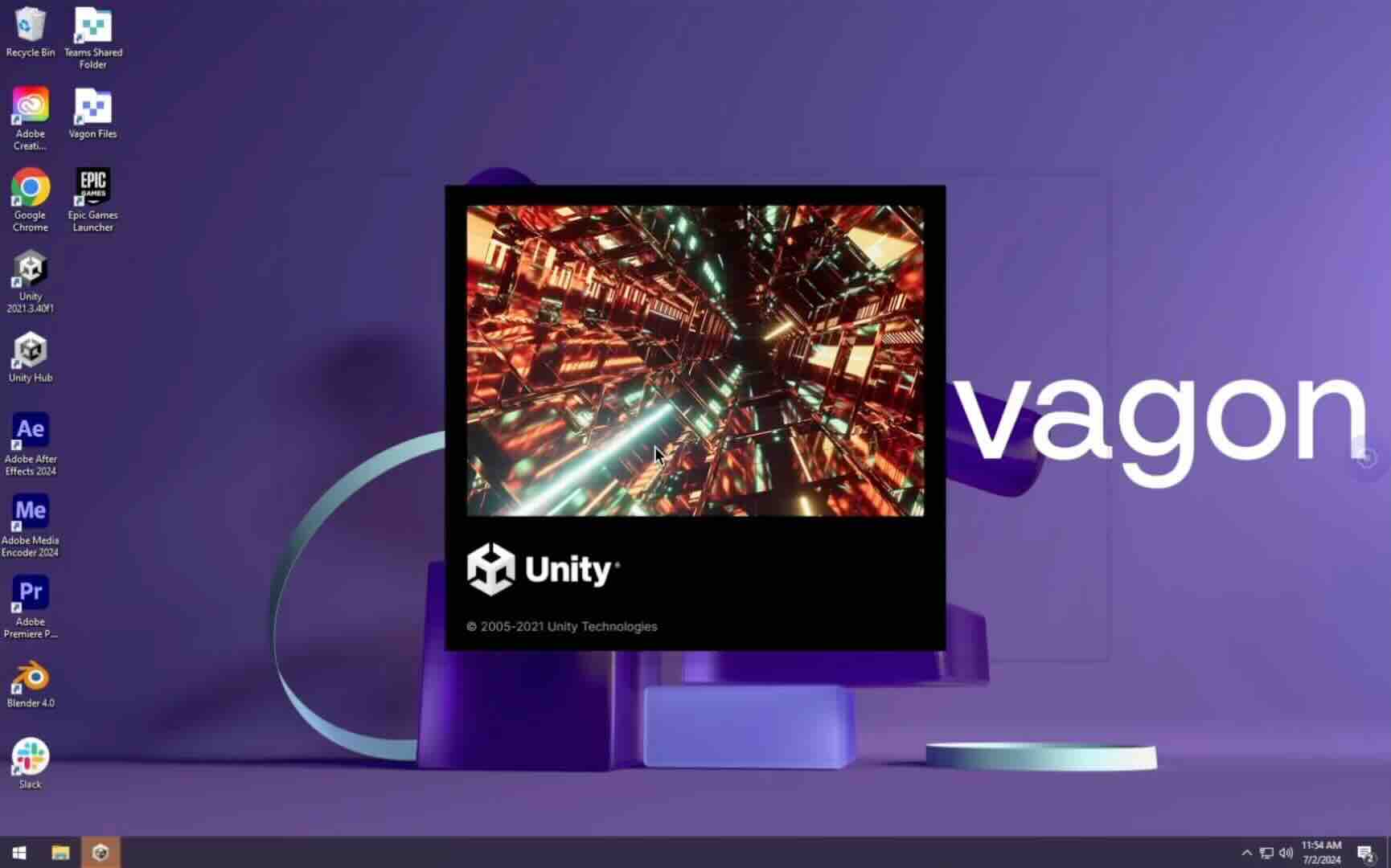
Get Beyond Your Computer Performance
Run applications on your cloud computer with the latest generation hardware. No more crashes or lags.
Trial includes 1 hour usage + 7 days of storage.
Summarize with AI

Ready to focus on your creativity?
Vagon gives you the ability to create & render projects, collaborate, and stream applications with the power of the best hardware.

Vagon Blog
Run heavy applications on any device with
your personal computer on the cloud.
San Francisco, California
Solutions
Vagon Teams
Vagon Streams
Use Cases
Resources
Vagon Blog
The First 30 Minutes in Blender 3D: A Practical Workflow Guide
What’s New in Godot 4.7? Key Features, Upgrades, and Workflow Improvements
What Slows Down Blender 3D Projects?
What Slows Down Adobe Photoshop Projects?
The First 30 Minutes in Adobe Photoshop: A Practical Workflow Guide
Before You Start in Adobe Photoshop: A Practical Setup Checklist
What’s New in Unreal Engine 5.8? Key Features and Upgrade Advice
How to Run Windows on an iPad: 4 Best Ways (2026)
How to Run Windows on Mac: Every Method Tested (2026)
Vagon Blog
Run heavy applications on any device with
your personal computer on the cloud.
San Francisco, California
Solutions
Vagon Teams
Vagon Streams
Use Cases
Resources
Vagon Blog
The First 30 Minutes in Blender 3D: A Practical Workflow Guide
What’s New in Godot 4.7? Key Features, Upgrades, and Workflow Improvements
What Slows Down Blender 3D Projects?
What Slows Down Adobe Photoshop Projects?
The First 30 Minutes in Adobe Photoshop: A Practical Workflow Guide
Before You Start in Adobe Photoshop: A Practical Setup Checklist
What’s New in Unreal Engine 5.8? Key Features and Upgrade Advice
How to Run Windows on an iPad: 4 Best Ways (2026)
How to Run Windows on Mac: Every Method Tested (2026)
Vagon Blog
Run heavy applications on any device with
your personal computer on the cloud.
San Francisco, California
Solutions
Vagon Teams
Vagon Streams
Use Cases
Resources
Vagon Blog